
Participant
June 9, 2023
Question

Local Rush Projects Will Not Open

  • June 9, 2023
  • 1 reply
  • 166 views

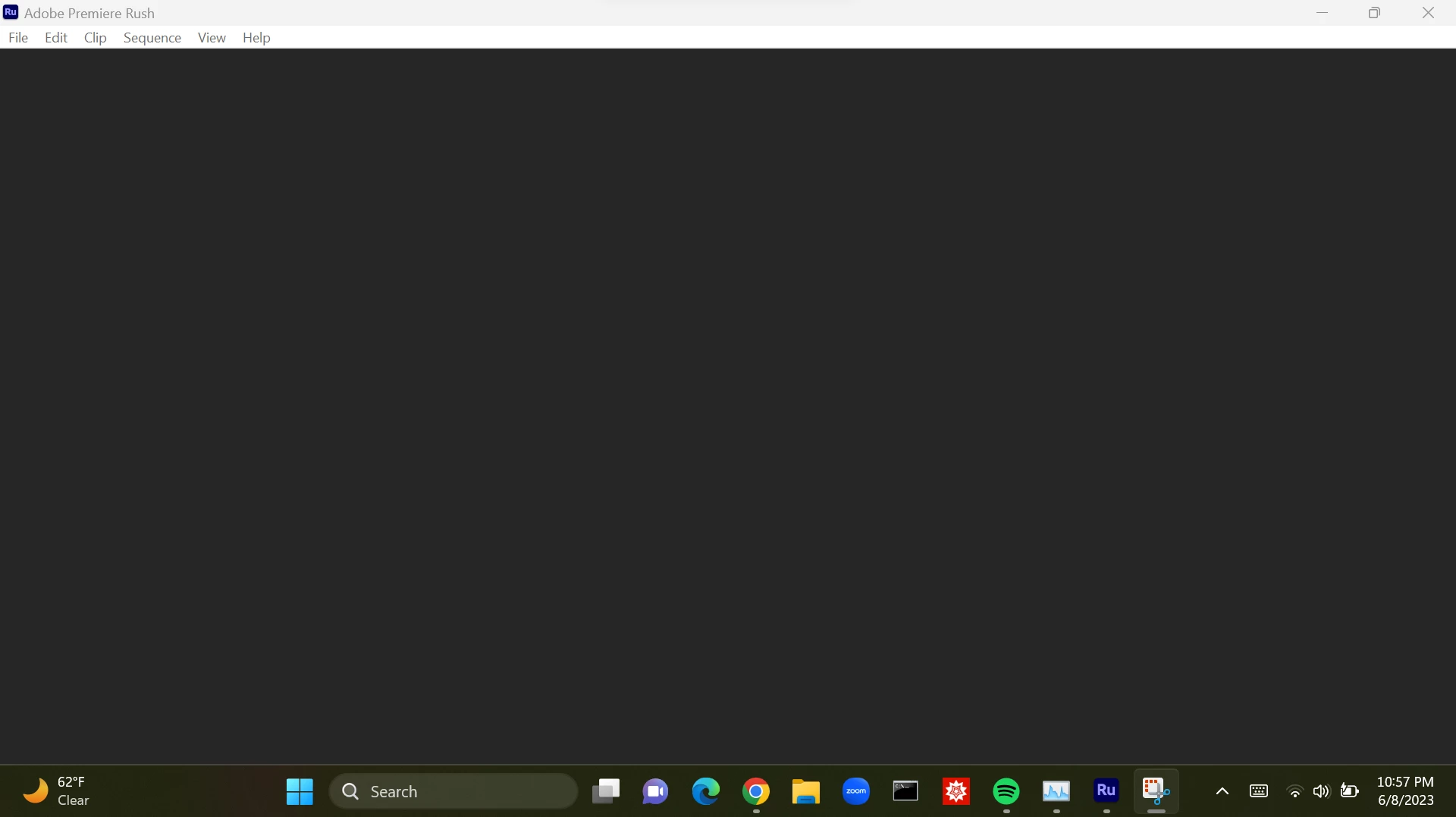
While I was watching a video in editing mode, I got a message related to system memory. I clicked okay on the message, after that, Adobe Rush became unresponsive to my mouse and I could not pause the video. Eventually program turned off. I've restarted my computer, and when I did, I could not open my project anymore. I've signed in and out of my adobe account, updated the app, and restarted my computer multiple times. When I open adobe rush, I see a normal screen with my projects, but when I try to open my local projects, an empty grey screen is returned, as pictured below. I'm not sure what else to try doing.
This topic has been closed for replies.

1 reply

Kevin J. Monahan Jr.
Community Manager
Community Manager
June 10, 2023

Hey @Jonathan303892836lzy,

I read your message and it sounds like a very unfortunate experience. Were your hard drives very full when this occurred? I can understand why your project may have gotten corrupted. If it is on your desktop computer, have you checked your mobile device, or vice versa? Perhaps it got synced and can be rescued from there. Let me know any further details with more info. I hope I can help you.


Thanks,
Kevin

Kevin Monahan - Sr. Community and Engagement Strategist – Adobe Pro Video and Audio