
Lost Rush Project
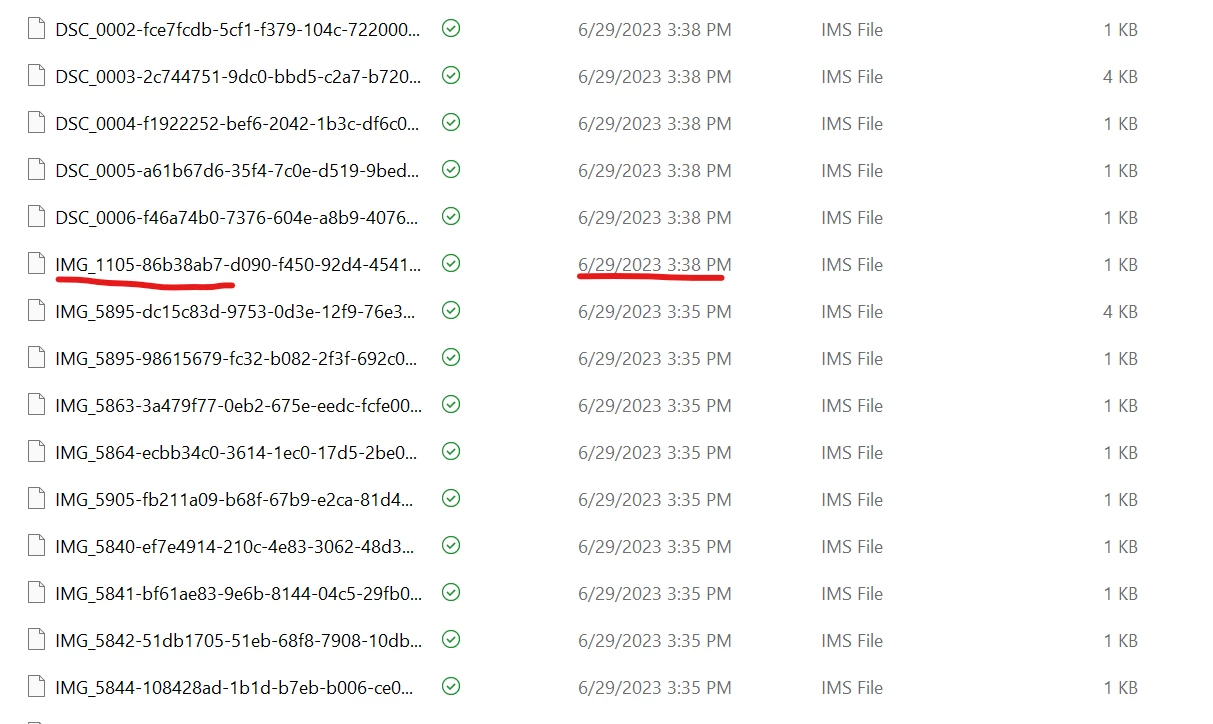
I was working on a project in Premiere Rush and my laptop crashed two separate times. The first time this happened, the project reappeared right upon restart. The second time, the project was missing from the Premiere Rush home screen. After doing some reserach on the forums, I found the "Common" file in AppData and it seems like the project files are still there, based on the "Date Modified" metadata that I can see in the files (they say those files were updated as I was working on the project, just before the laptop crashed). I also still have the original media files on an external hard drive.
How can I recover my project?
Figure 1 - These files say they were updated just before my laptop crashed
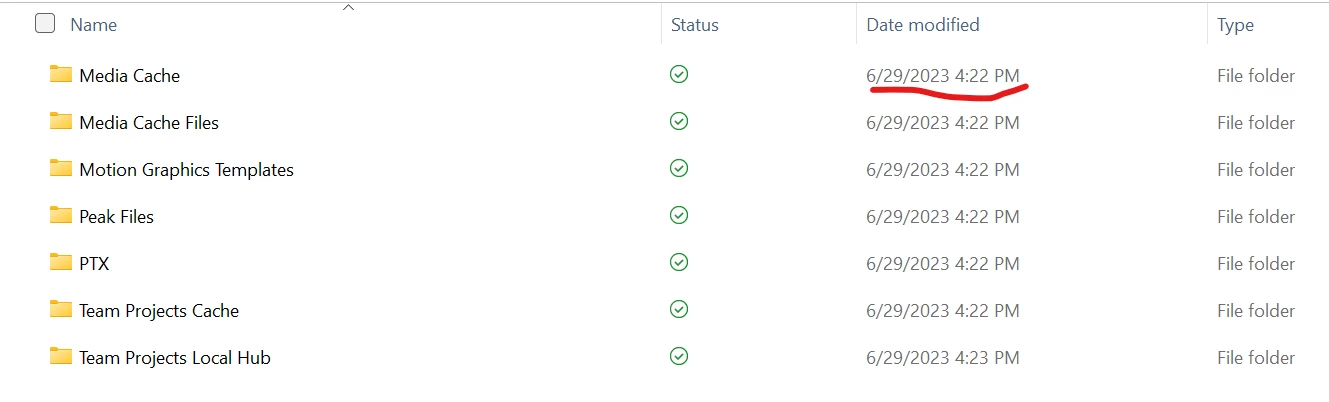
Figure 2 - These files seem to have the same titles as the media that I was working with, and they were modified just before the laptop crashed, too.


 AdChoices