


Menus don't display properly in Rush
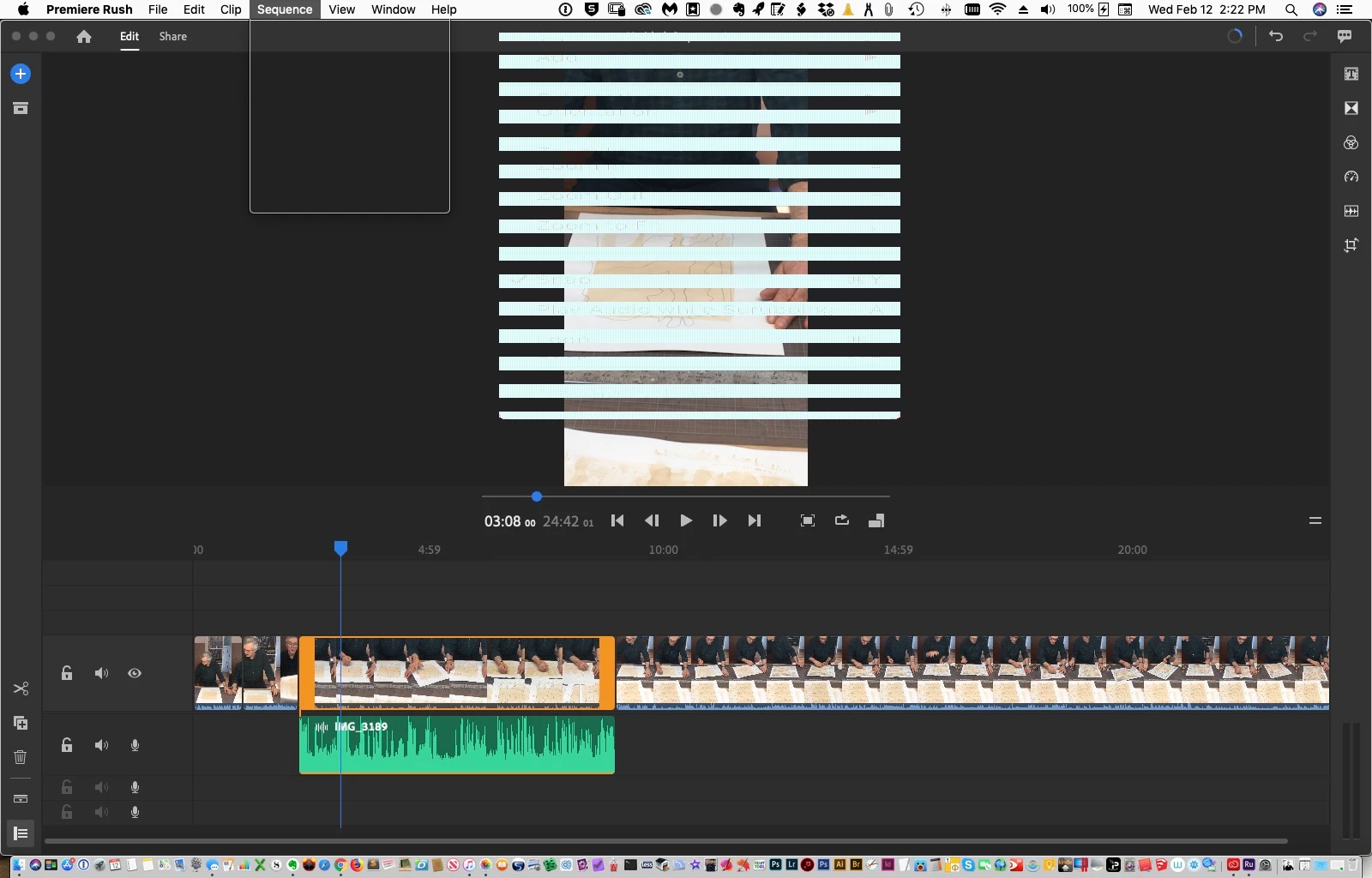
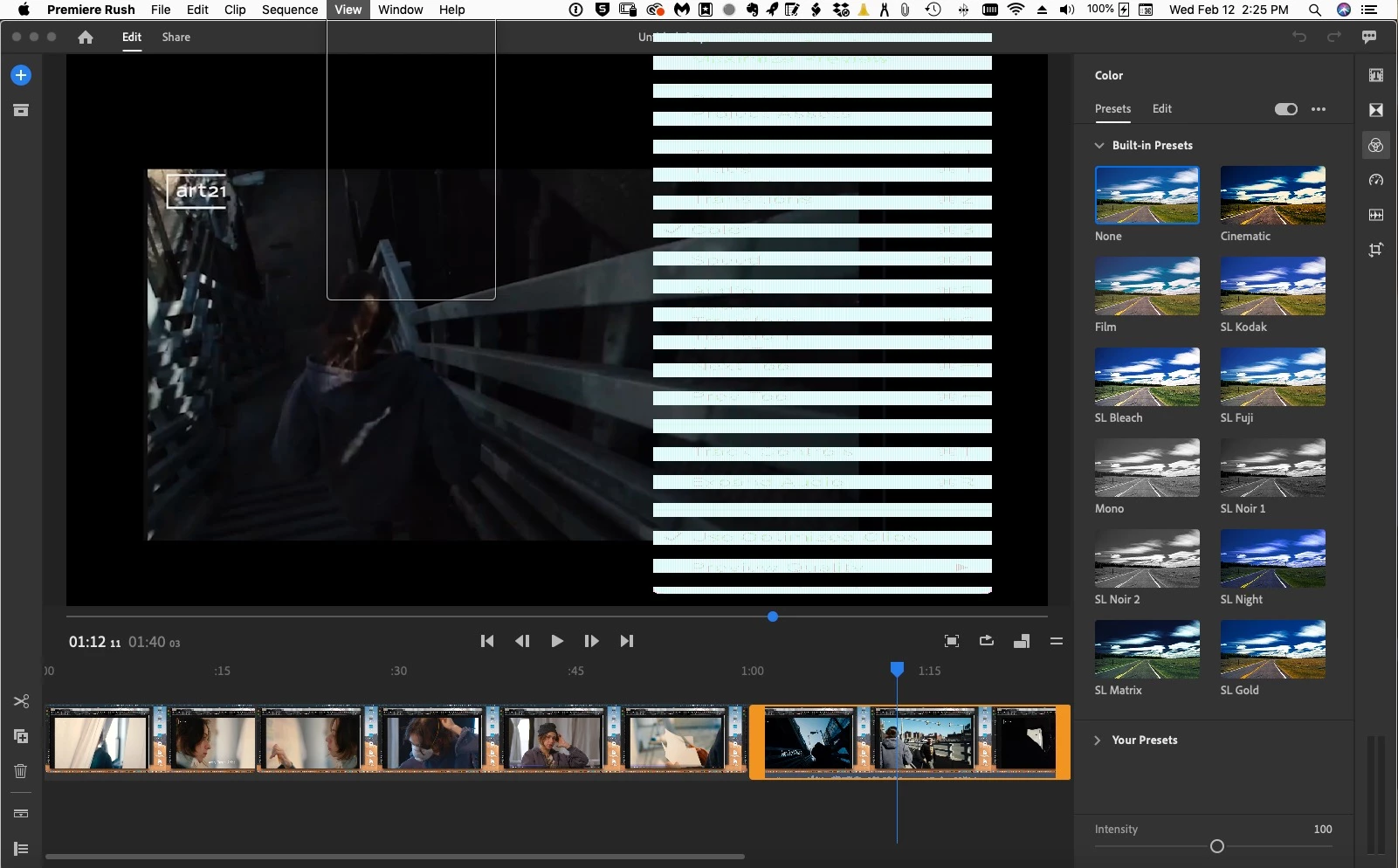
I recently updated Adobe Rush to ver. 1.5 and suddenly the application dropdown menus disintegrated into a garbled mess. An outline of the dropdown would appear, but, the contents of it appeared offset to the right with a purple background and white text stretched horizontally. I attach a screenshot but it failed to adequately capture the way I saw it, but, still shows a distinct problem.
I suspected my video card was failing, however, when I deleted the Rush app and re-installed vers. 1.2.2, the menus displayed properly again.
OK, my video card is long in the tooth. It's an Nvidia GeForce GTX 780 using the generic Apple driver that comes with Mojave. The original Nvidia driver for my card is no longer compatible with OS 10.14 and Nvidia is no longer updating it.
My question is, Why does the new version 1.5 not work with my somewhat older video card? Is there a workaround?
 AdChoices