


Question
Newbie pushed wrong button
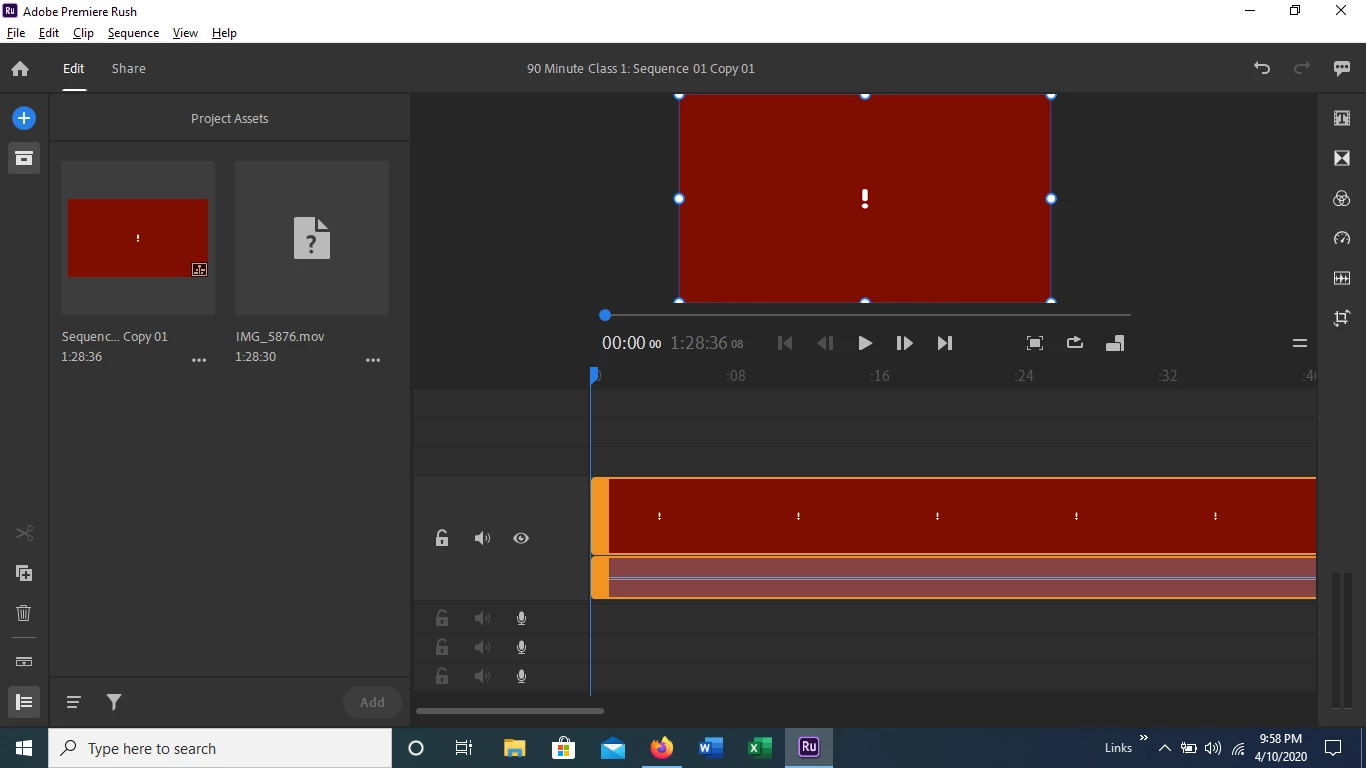
I've never edited any video and have no experience with this app. My movie file is uploaded but this screen is all I see. I've tried deleting it in Project Assets and cannot. I have watched numerous tutorials and haven't found a solution. Is there some filter, color, menu item I "turned on"? I've patiently tried to work throught this for too long and could use an experienced set of eyes. Here's a screenshot:
 AdChoices