
Community Expert
September 19, 2021
Question

Phone to computer does not work....

  • September 19, 2021
  • 2 replies
  • 254 views

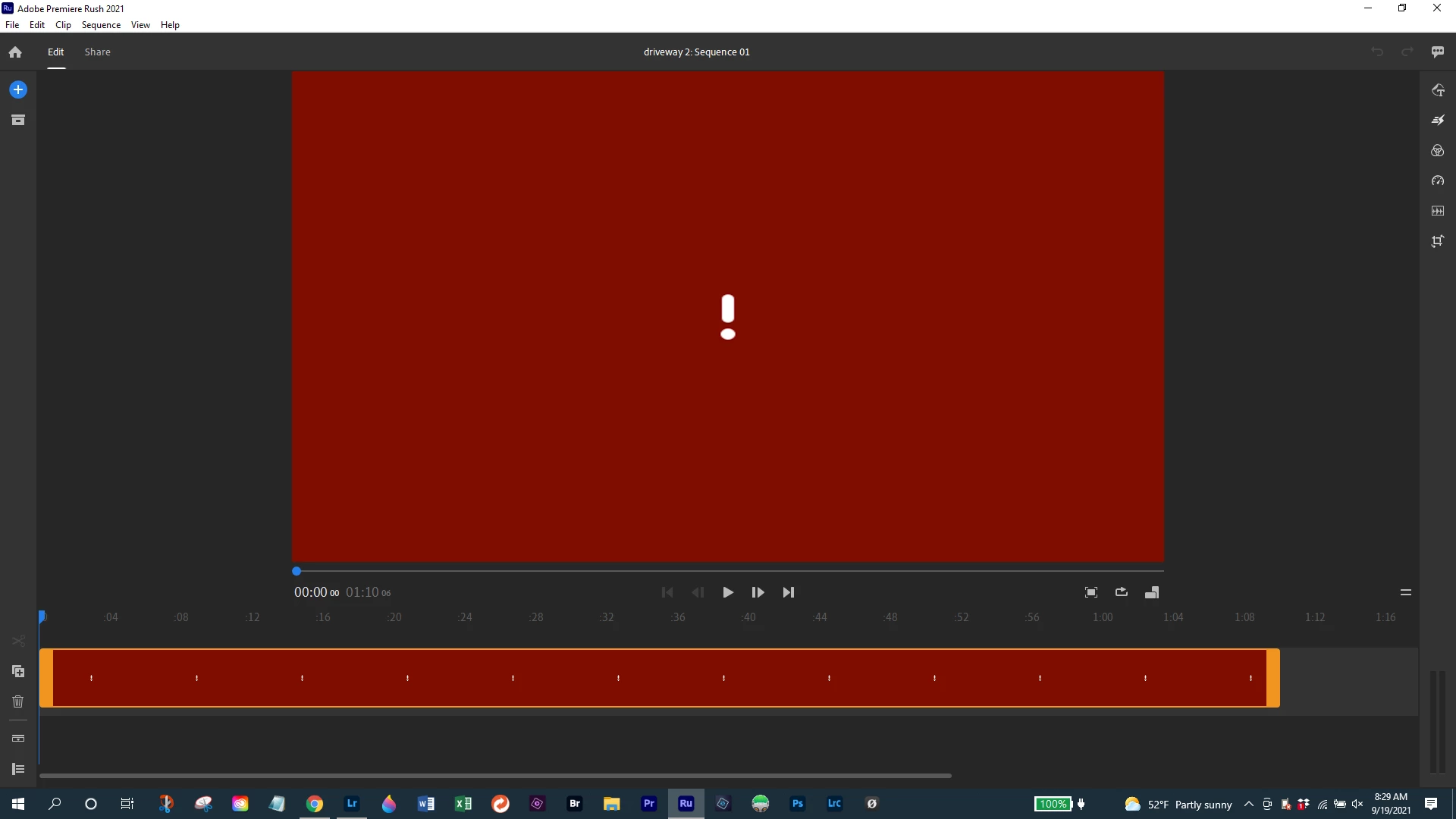
Updated Rush is on both my Android phone and Windows laptop.  I can start a project on my phone with H.264/MP4 footage from a DJI drone but it stalls on transfer to my computer.   I think I'm missing a step somewhere.  The computer screen looks like this when I open the project:
  

This topic has been closed for replies.

2 replies

Participant
September 21, 2021

Having the same issue with a project I edited in Rush on my ipad, then attempting to refine on my Mac. It's not syncing to my Mac. It shows all the clip segements but no content. Would LOVE a soluton to this!! Hello Adobe...

Community Expert
September 20, 2021

If tried several combinations.   Gradually over hours, the red screen and exclamation point disappear for some clips, but not all.  Could it be that the sync links only work for lower resolution clips?

Community Expert
September 21, 2021

I'm not getting a lot of response!   I did a "test" using only my Samsung phone and shot the clips inside of rush.  The transfer or "sync" to my computer was done faster than I could turn on the computer!   


It looks like I need to figure out what file specifications are needed for Rush to work if the camera is other than the phone.