Participant
December 4, 2021
Question

Pixelation on transitions in Premiere Rush

  • December 4, 2021
  • 1 reply
  • 208 views


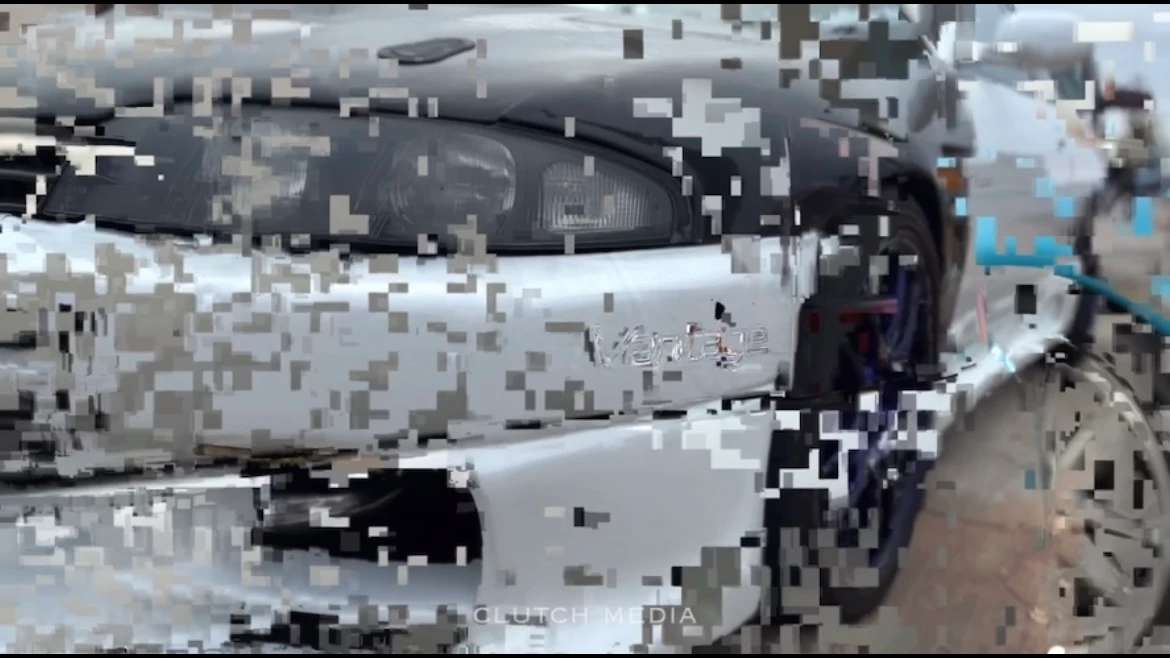
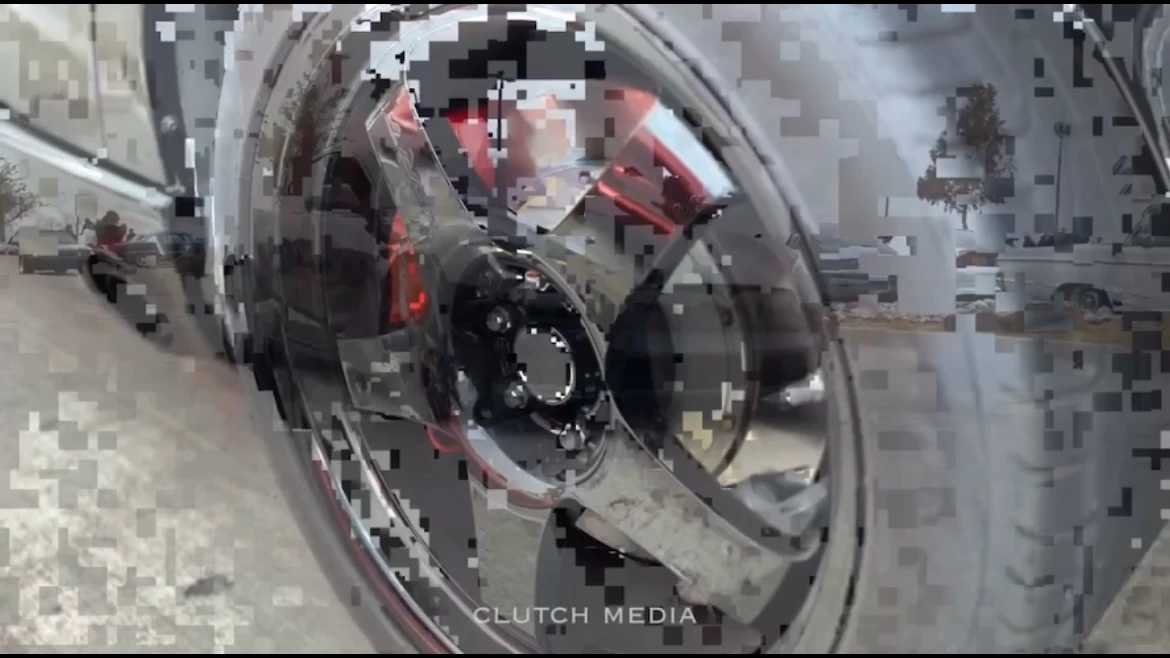
I've worked really hard on a video, but there's a lot of parts where it starts to randomly pixelate and show part of a completely random clip in my video. I've tried redoing that part of the video, reinstalling rush, there's no updates either. I really don't want to redo a 4 minute video again.


Heres what it looks like.
 

This topic has been closed for replies.

1 reply

Kartika Rawat
Community Manager
Community Manager
December 8, 2021

Hi Dr22090158xu18!

Sorry to see that. Could you share the following information?

  • Can you share your system details (OS, CPU, RAM, GPU)?
  • What's the source of the media files?


Thanks,

Kartika

Participant
December 19, 2021

I have a similar issue Kartika that has become evident after I started using a Surface Pro 8 on Windows 11, i5 2.4Ghz, 8GB RAM - I couldn't see a dedicated GPU on the system details. I've done everything from synching the source files in the cloud, the local device, turning off cloud synch and even trying recreating the project from scratch. The source files don't show these artefacts. In my case they are generally green.