
Participant
August 1, 2024
Question

Premier Rush Cloud Files Not Showing

  • August 1, 2024
  • 1 reply
  • 161 views

Hi,


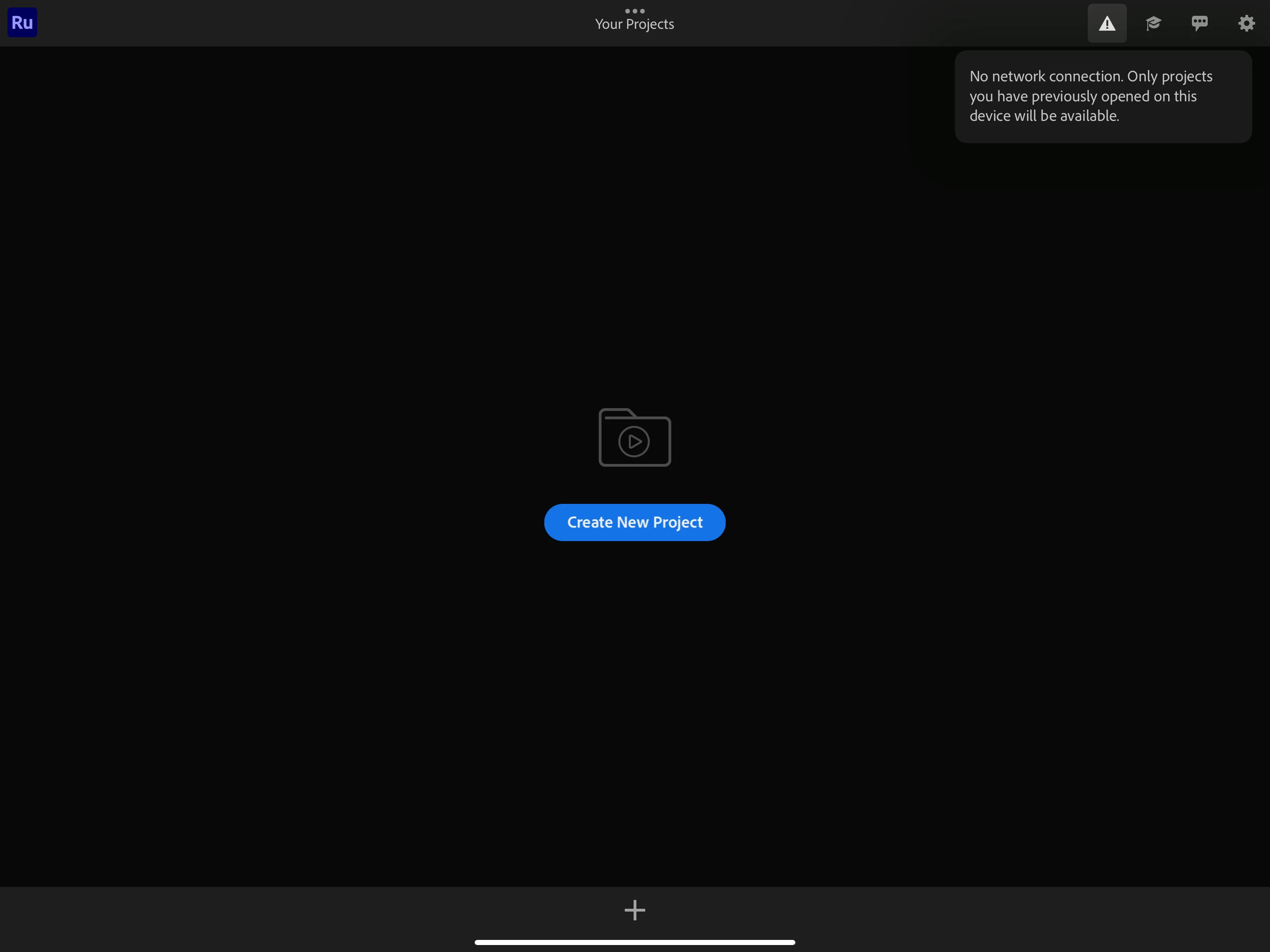
I am having issues with premier rush on my iPad Pro. I am connected on WiFi that works on laptop and phone and I am able to pull up the cloud files i am working on, but premier rush keeps saying there is connection issue, I can go on YouTube and other apps just fine. I even uninstalled the app and reinstalled it but cannot figure out why it's not working. I am even signed into my account too. 


Does anyone know another workaround?
This topic has been closed for replies.

1 reply

Kevin J. Monahan Jr.
Community Manager
Community Manager
August 2, 2024

Hello @Elisa34316985xwa0,

Thanks for the report. I'm Kevin from support, one of the moderators here.


quote

I am having issues with premier rush on my iPad Pro. I am connected on WiFi that works on laptop and phone and I am able to pull up the cloud files i am working on, but premier rush keeps saying there is connection issue


You can ignore the warning on the upper right side of the screen. It was triggered by the removal of the Creative Cloud Sync service on February 1, 2024. See https://helpx.adobe.com/premiere-rush/kb/creative-cloud-files-end-of-life-for-premiere-rush.html.


quote

(I) cannot figure out why it's not working. I am even signed into my account too. 

Does anyone know another workaround?


Try importing some videos from your Camera Roll on the iPad, then choose them and click the "Create" button. I would avoid any videos sitting on Cloud storage. Make sure the files are living on your device.


I hope the advice helps! Sorry for the weird behavior. Please return with any questions.


Cheers,
Kevin


Kevin Monahan - Sr. Community and Engagement Strategist – Adobe Pro Video and Audio