
Premier Rush "Forgets" Audio from project
Hello everyone.
I use Premier Rush for small projects on a macbook pro. I make sure to clean Cache once in a while to avoid crushing.
Version of Premier Rush doesn't need update.
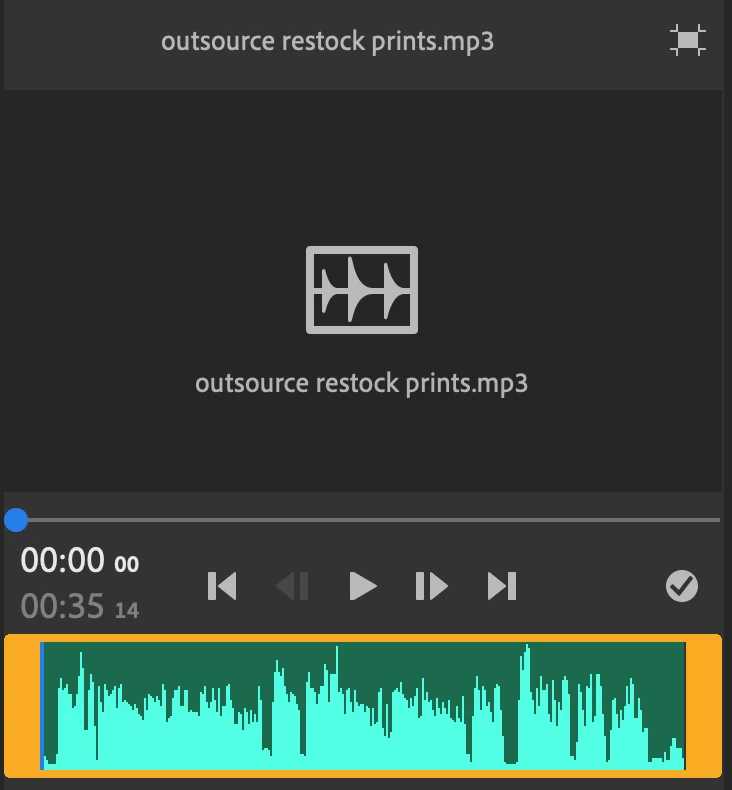
There is an issue where the app "forgets" audio. The audio is green (connected) but the sound is missing. I used to just erase the file from the app, go to finder, create a duplicate, and re import the audio into the timeine. This is an annoying method since I will need to re-edit the voiceover every day.
I went to the project storage inside the app, found a voice file to show example:
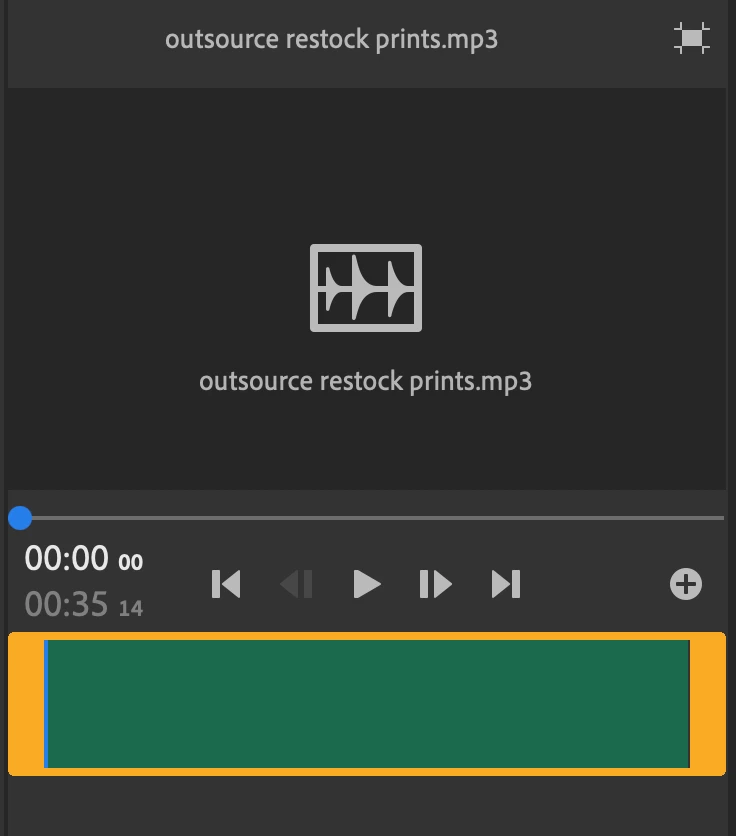

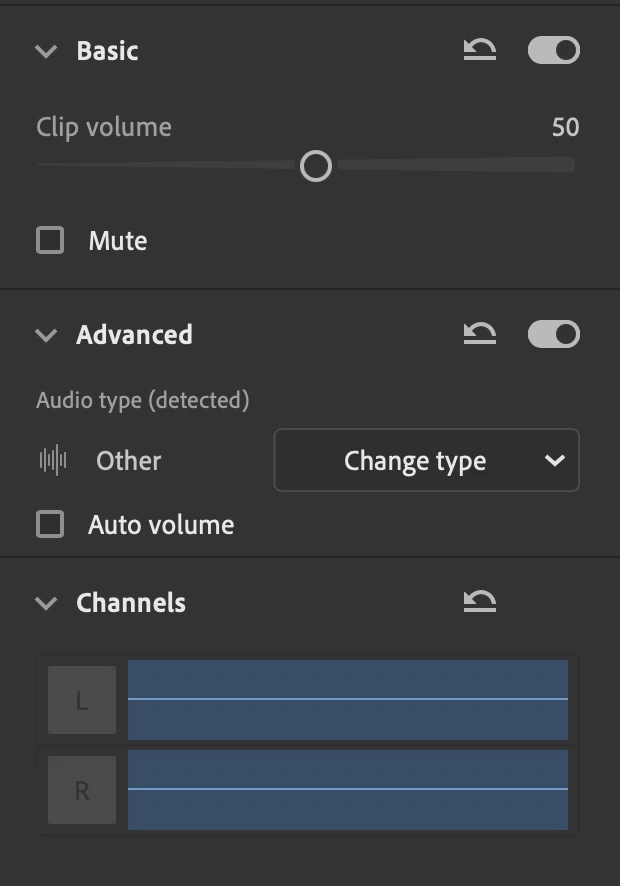
what you see in this image is an sudio file that is 100% okay in finder, okay in quicktime player, okay in apple music, and was okay inisde the app when I edited it this morning.
I suspect cleaning cache deletes files from the projet storage, but the cleaning is unavoidable if I want to prevent crushing. Also, this also happens when I simply quit and re-enter the app. Which is also unavoidable.


 AdChoices