


Premiere Rush can't run any video file (mp4/mov etc.)
Premiere Rush can't run any video file (mp4/mov etc)
I was working on some video project from my office as always,
and everything were just fine.
One day I try to change some information from the video and I found that all my video file were Red in colour.
I Know sometime it would happan when you've moved the original file or changed the file name,
But in this case, the file was still there and not just one Video project can't run the material,
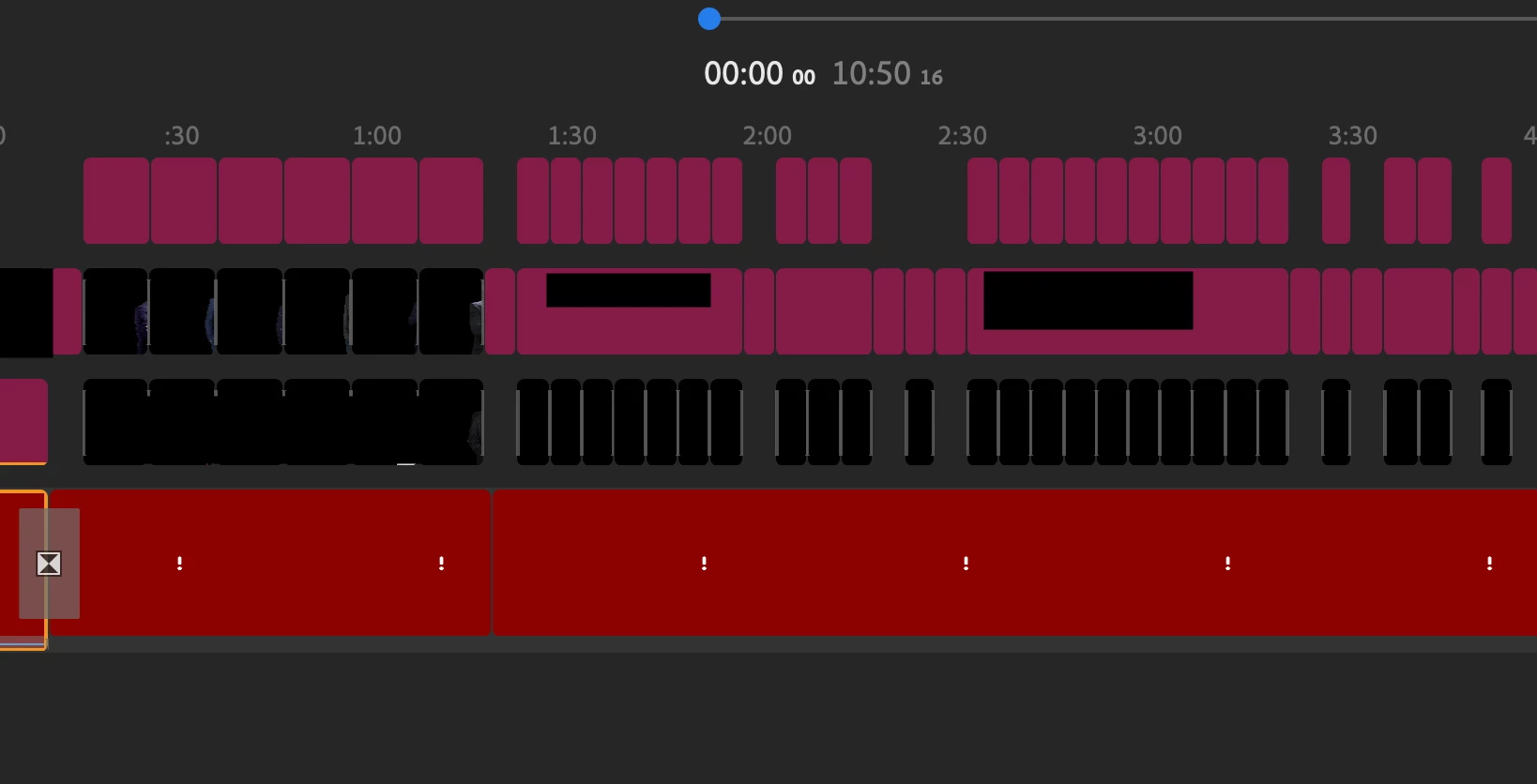
ALL of my prevous video project video material wer gone.
Asked the online staff from Adobe and they told my to reinstall it,
use Cleaner Tool and restart the computer etc.
still nothing happen and still can't run any video file since Jun 3, 2021.
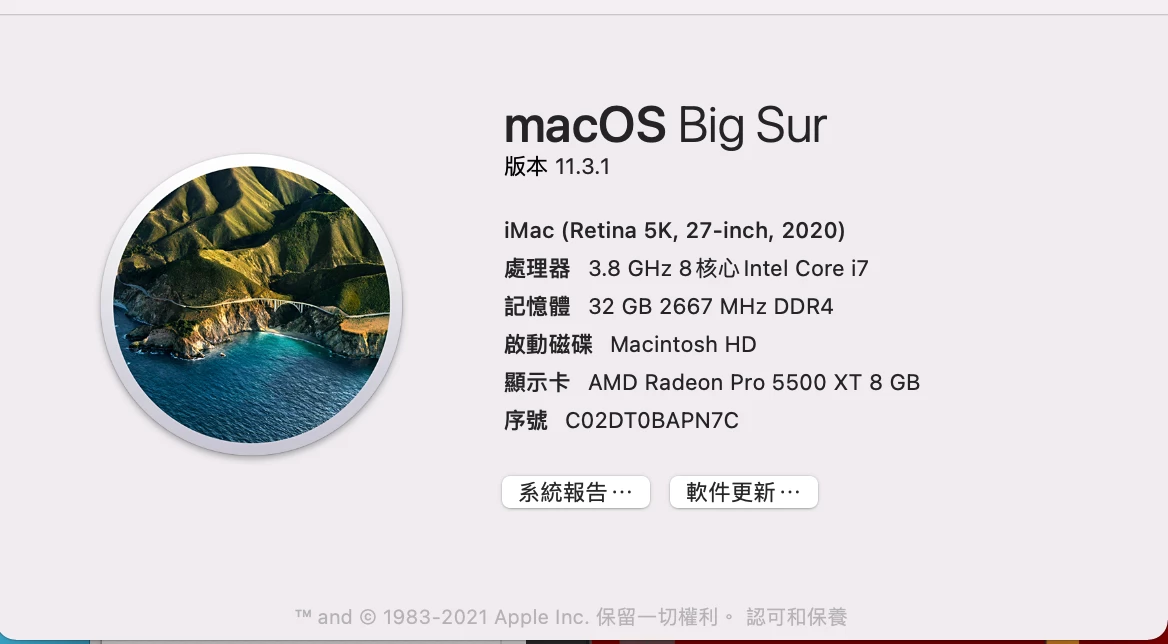
The computer was quite new and I'm not sure what just happen.
NEED HELP ;__;)
 AdChoices