

Participant
April 24, 2020
Question

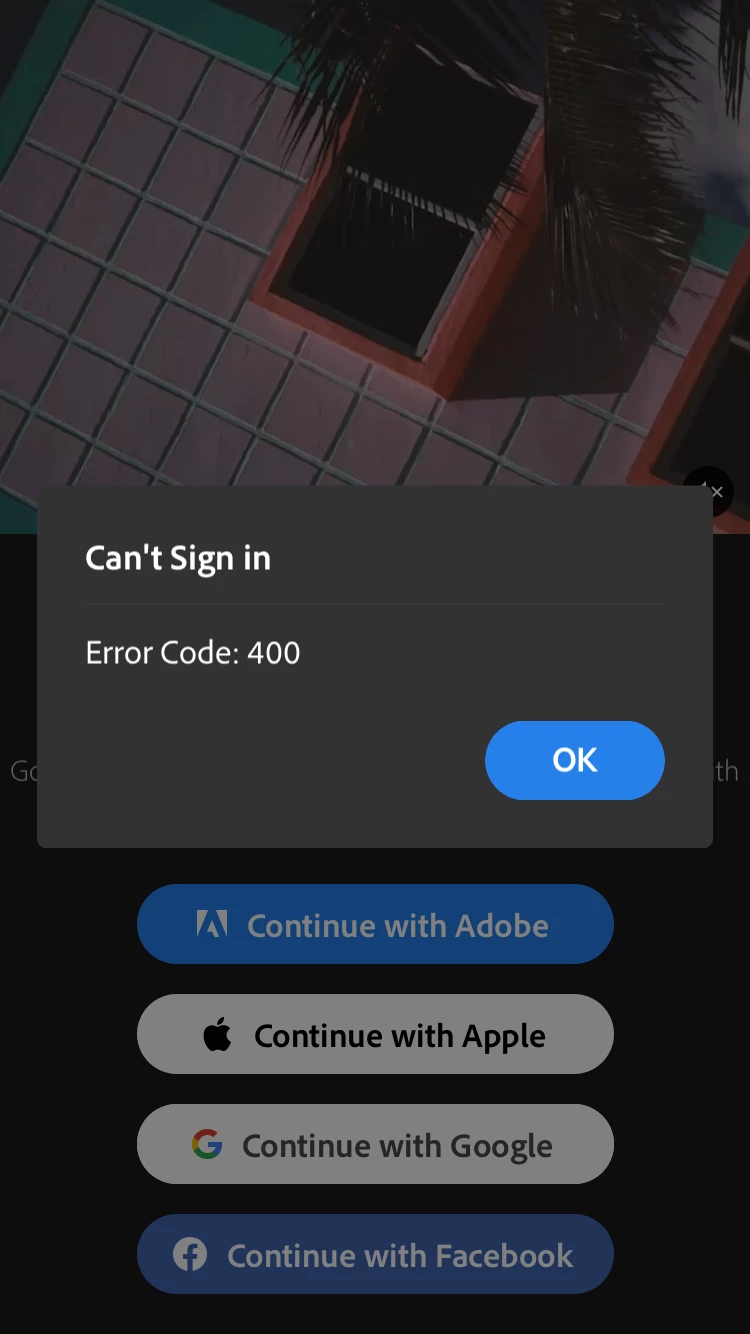
Premiere Rush Error 400

  • April 24, 2020
  • 1 reply
  • 1491 views

Our Federated ID Users are getting a connection error on iPhones with Error 400. (Also Error 21 on an iPhone 7)

This topic has been closed for replies.

1 reply

caroline_edits
Community Manager
Community Manager
April 27, 2020

Hey Simon! Sorry to see this, let's see how we can help. Lots of questions to help us get to the bottom of this!

  • Have you logged in using these IDs before now or is this the first time?
  • Are you selecting "Continue with Adobe" on this login screen? Is that when the error appears?
  • Do the logins work on the desktop version of Rush? Is this mobile-only?
  • Has your IT lead opened a support case with our enterprise team? Enterprise, school and company accounts function a little differently than individual logins. Our enterprise team knows all the details. Your IT lead can open a support case through the admin console!

Happy to help. 

Caroline

Participant
August 31, 2020

Hi, I also has this issue. Recently, downloaded it on my iOS and first time trying to logon using Adobe login ID

Have not had the chance to even put in ID and password, when I tap on Adobe login ID, it just shows that error.

Participant
September 29, 2020

Hi, I have had this problem while trying to get into my school account to access the full Adobe Rush system. It was giving me an error 400 for both google and Adobe accounts and I found a way to go around it. First, what you have to do is Sign In with Apple and create your own sepreate account using a differnt email not related to your school one (I think it's like a free trial or something)  after you create a new account for free you have to sign out of that account and it will take u back into the start screen. From there you should be able to log in using an Adobe account (idk about google accounts I haven't tried it) with out the error 400. I hope this was helpful 🙂