


Participant
August 11, 2020
Question

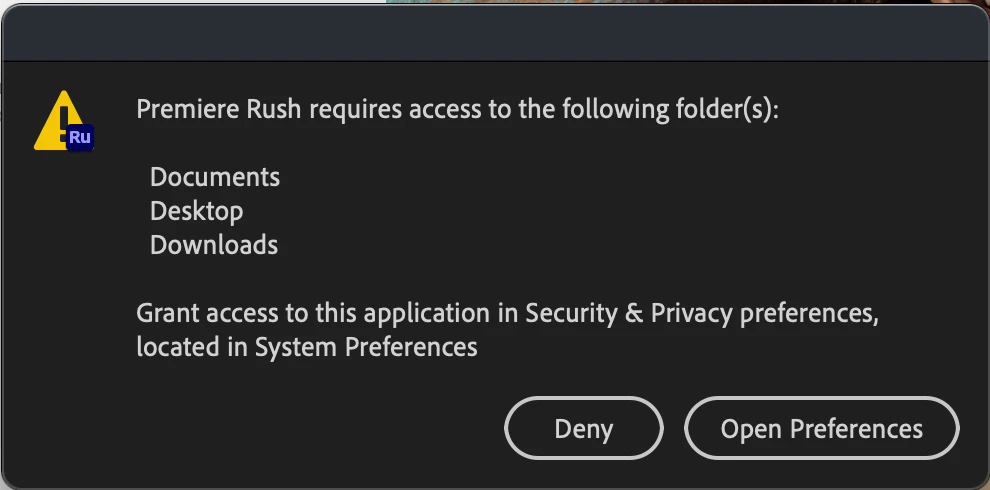
Premiere Rush not appearing in Security & Privacy Preferences Mac
  • August 11, 2020
  • 1 reply
  • 425 views


After clicking "Open Preferences" I am redirected to settings, however in "Files and Folders" under the Privacy tab, Rush does not appear as an app. Therefore, I am unable to give it permission to the following folders and cannot use the app. All other Adobe apps work fine and did not require this.


This topic has been closed for replies.

1 reply

Kartika Rawat
Community Manager
Community Manager
August 17, 2020

Hi there!

Sorry for the delay in response. We can get this checked. You can refer to this article to provide permissions: https://helpx.adobe.com/in/x-productkb/multi/preferences-folder-read-only-error.html


Let us know if you still experience the issue.

Happy to help.

Thanks,

Kartika