



jacalinding
Participant
July 14, 2020
Question

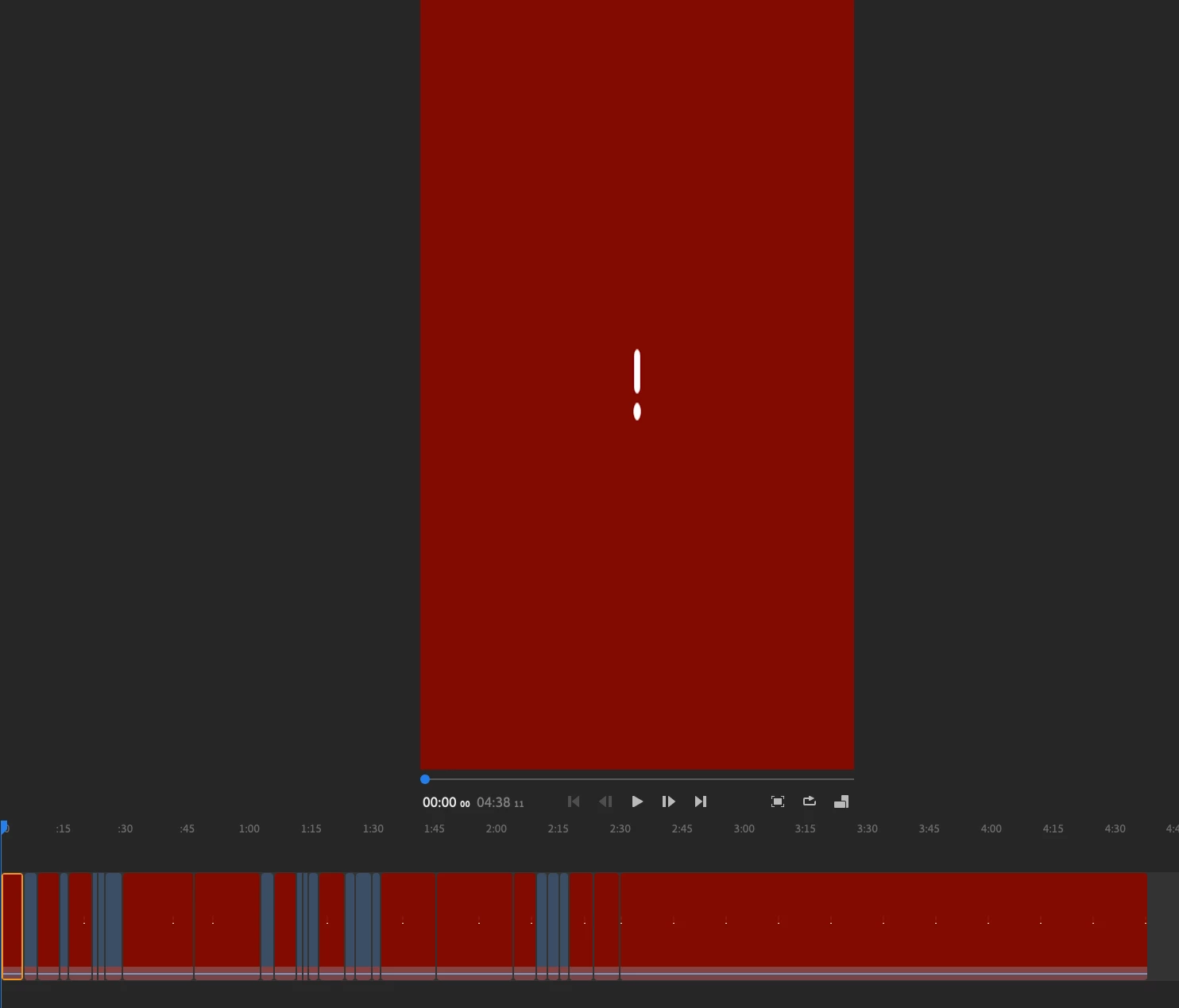
Project not synced to MAC - red exclamation mark (2 weeks after turned on cloud sync)
  • July 14, 2020
  • 1 reply
  • 420 views

filmed on my Google Pixel. 

MOB: Turned on ✅
✅  Preference: User Cellular For Sync
✅ Project : turned on sync

Cloud:

Cloud documents = empty no project is shown ❌


Desktop:
2 projects were successfully synced. 
2 other project just keeps getting the screens like above. 

✅ WIFI - connected to the same wifi
✅ Have tried to uninstall and reinstall Premiere RUSH again, nothing worked. 


Long time Adobe subscriber, first time Rush user.
I'm so disappointed

This topic has been closed for replies.

1 reply

Kartika Rawat
Community Manager
Community Manager
July 16, 2020

Hi Jacaliding!

We're sorry for the syncing issue. Could you try sign out and back into your Creative Cloud Id? Also, can you check if the file status is Up to date? As seen in the screenshot.


Let us know how it goes.

Thanks,

Kartika


Participant
July 17, 2020

Having the same issue.  redownloaded the app on my laptop, Same wifi, changed preferences. except using a windows computer instead of a Mac. It says my files are up to date too, like the screenshot provided. it's been like this for 3 days now.


Edit: after redownloading the app, some of the files have shown!! just going to give it some time now 🙂