



Rush new releases – import from Files, 4:5 aspect ratio
Welcome to Rush 1.5.12! In this version, we improved performance and implemented some of our community's top feature requests. See all the details here on our help documentation.
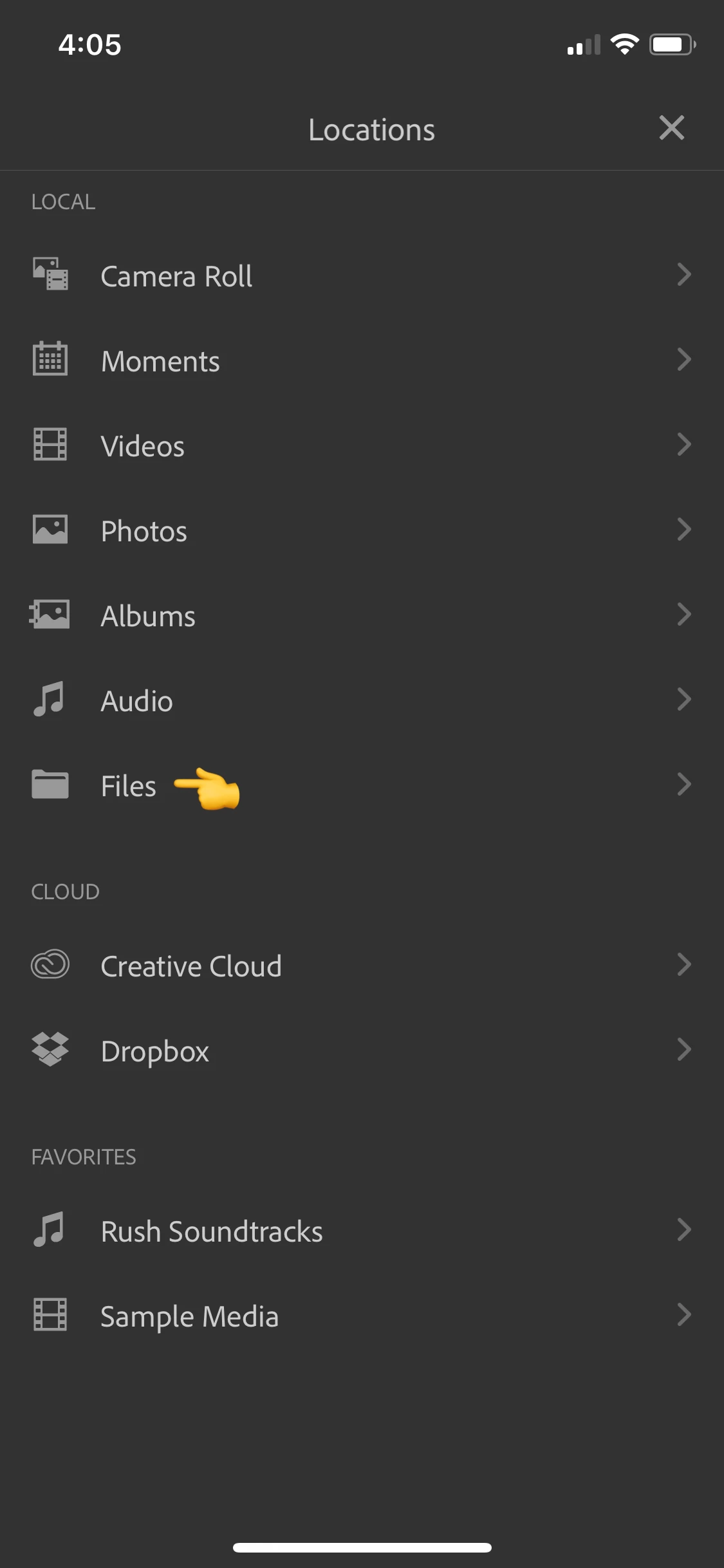
Import from Apple Files on iOS
When using Premiere Rush on iOS devices, you can now import media from the Files app directly from the media browser in Premiere Rush.
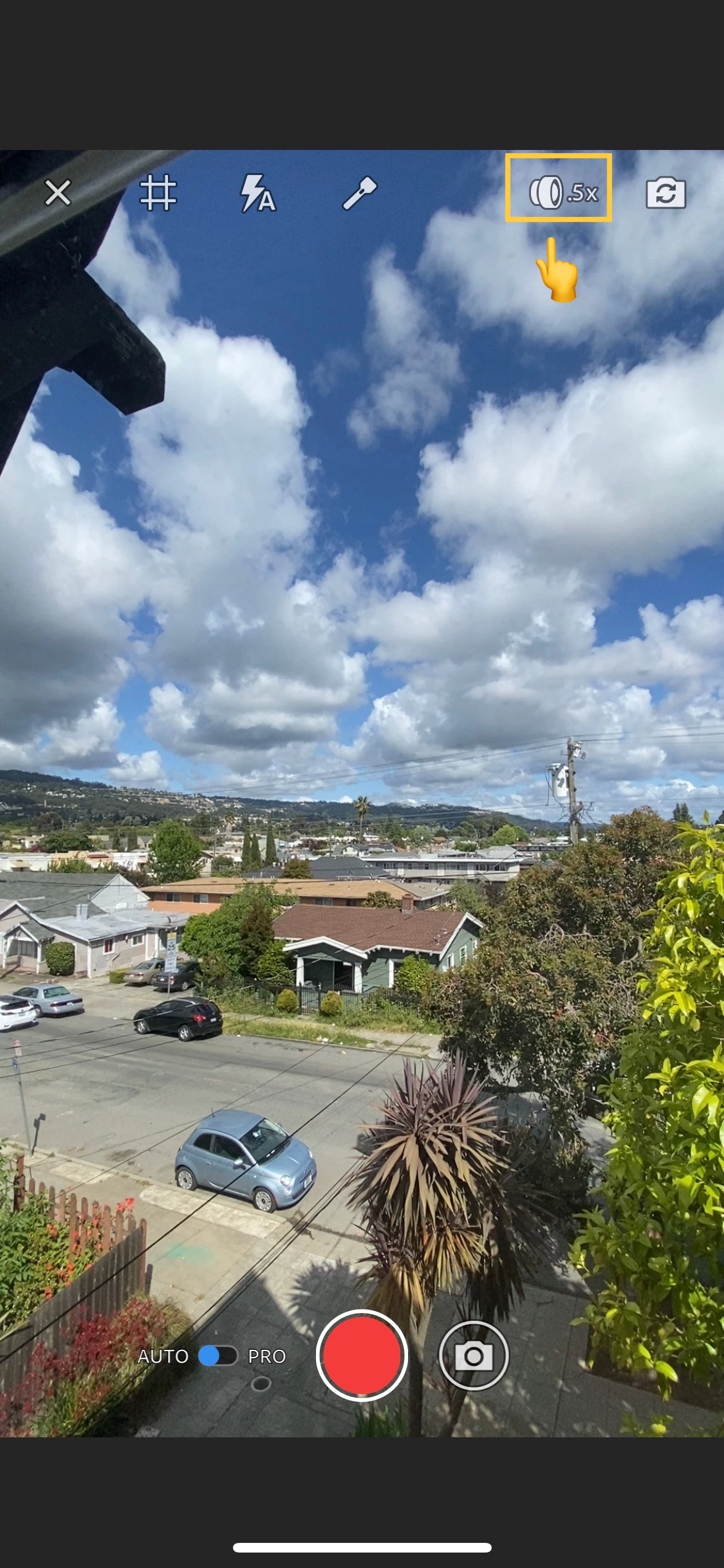
Multiple lenses available on iOS
In Capture mode, you can now switch between the lenses available on your iPhone Pro – ultra-wide, wide, and telephoto. From the Rush home screen, select the add "+" icon at the bottom of the screen, then choose Take Video or Photo to access Capture mode. From inside the project, you can access Capture mode by selecting the blue "+" icon at the bottom right of the screen, then choose Capture. Once you're inside Capture mode, you can switch between lenses by tapping the lens icon in the top right of the screen.
4:5 aspect ratios available on all platforms
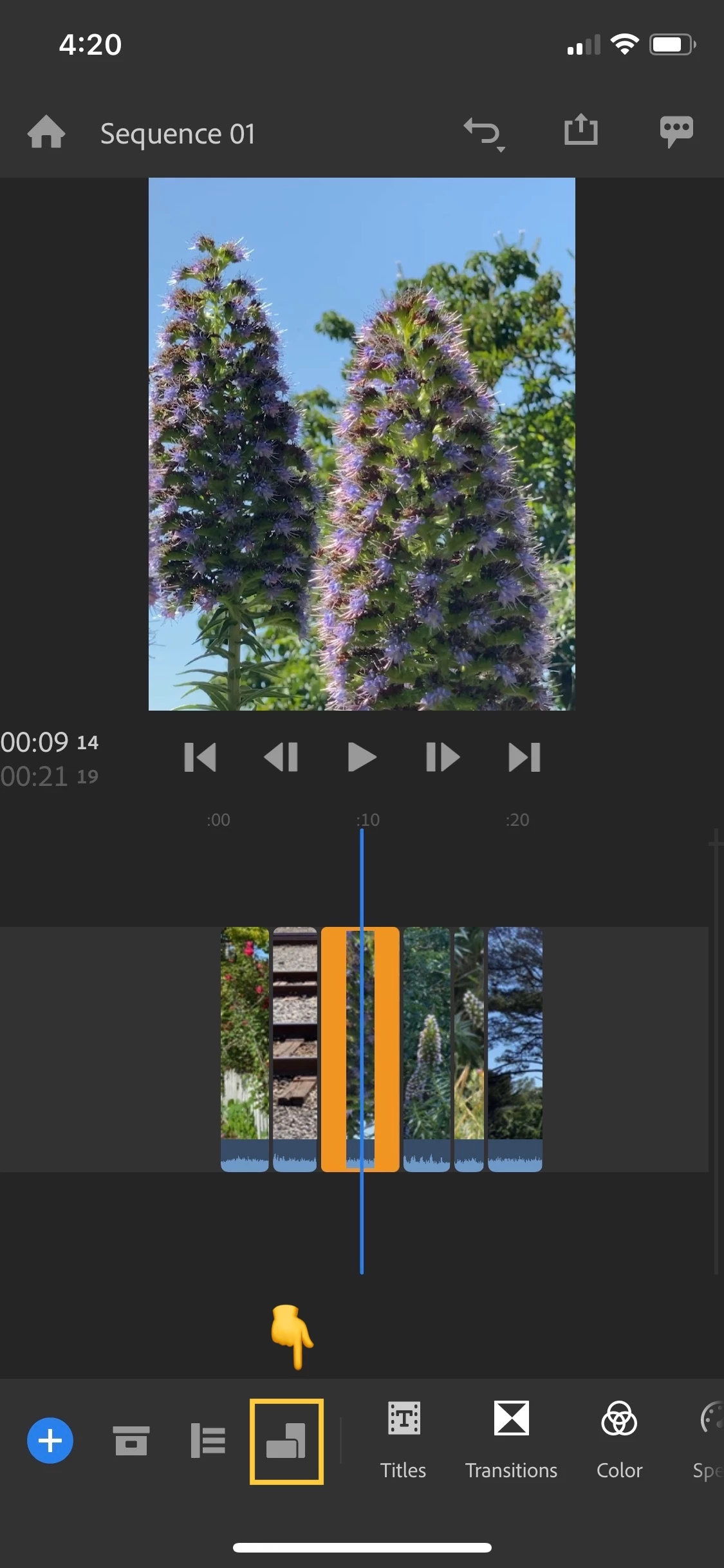
Premiere Rush now supports 4:5 aspect ratio as an option for resizing projects. This feature is particularly useful when sharing on Instagram or Facebook and will allow your image to fully take advantage of a mobile screen! Be free! Be seen!
To access this feature, select the "aspect ratio" icon in your toolbar where you'll see an option for 4:5 display.
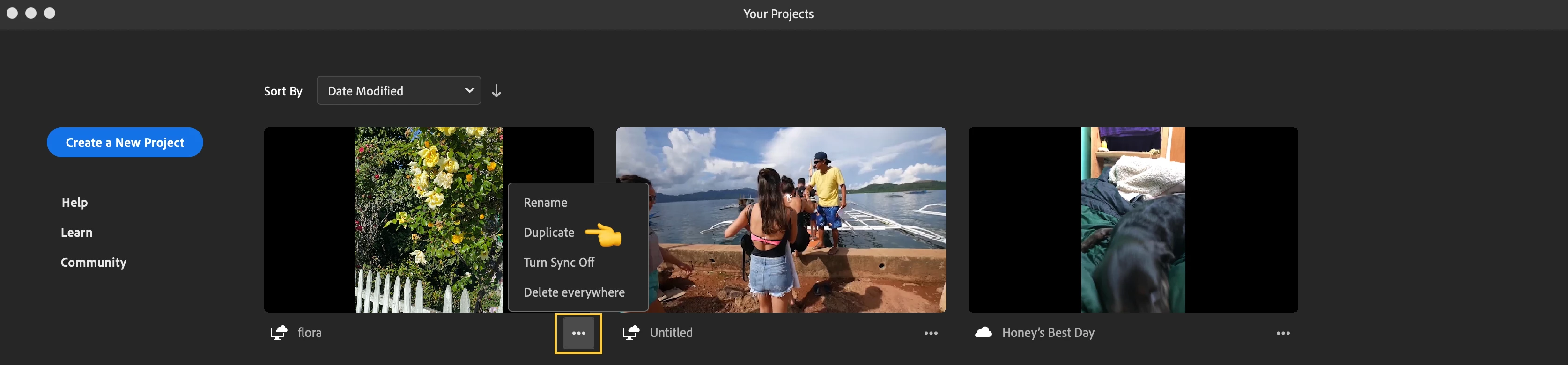
Duplicating projects available on desktop
You can now duplicate any project with a single click from the project browser. This action duplicates the project as well as the media associated with it.
Any questions, reach out to us on Twitter @AdobeCare! We'll be happy to help.
 AdChoices