
Zerial Lim
Participant
February 12, 2021
Answered

Rush stops rendering randomly

  • February 12, 2021
  • 1 reply
  • 6401 views

Premiere Rush version 1.5.50


Process:

1. Launch Premiere Rush

2. Do some cut and paste, rotate, blah blah.

3. Finished editing, move to 'Share'

4. Select 'Youtube' only, and choose 'Export'

5. Rush starts to render the video... for a while. It says about 8~14min remaining...

6. and it suddenly stops, at any point.
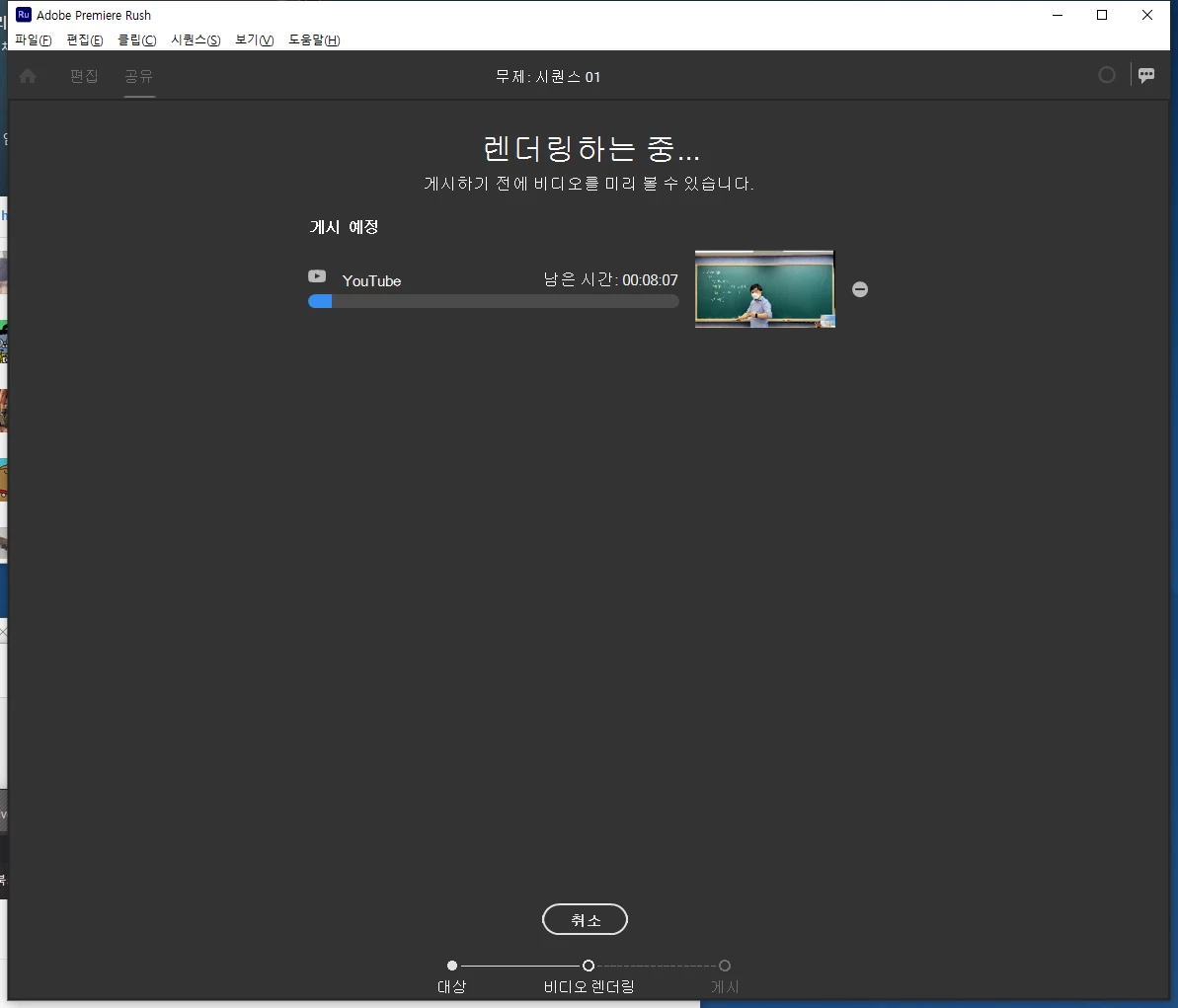
7. I can cancel the rendering and restart, then it does not start rendering this time.
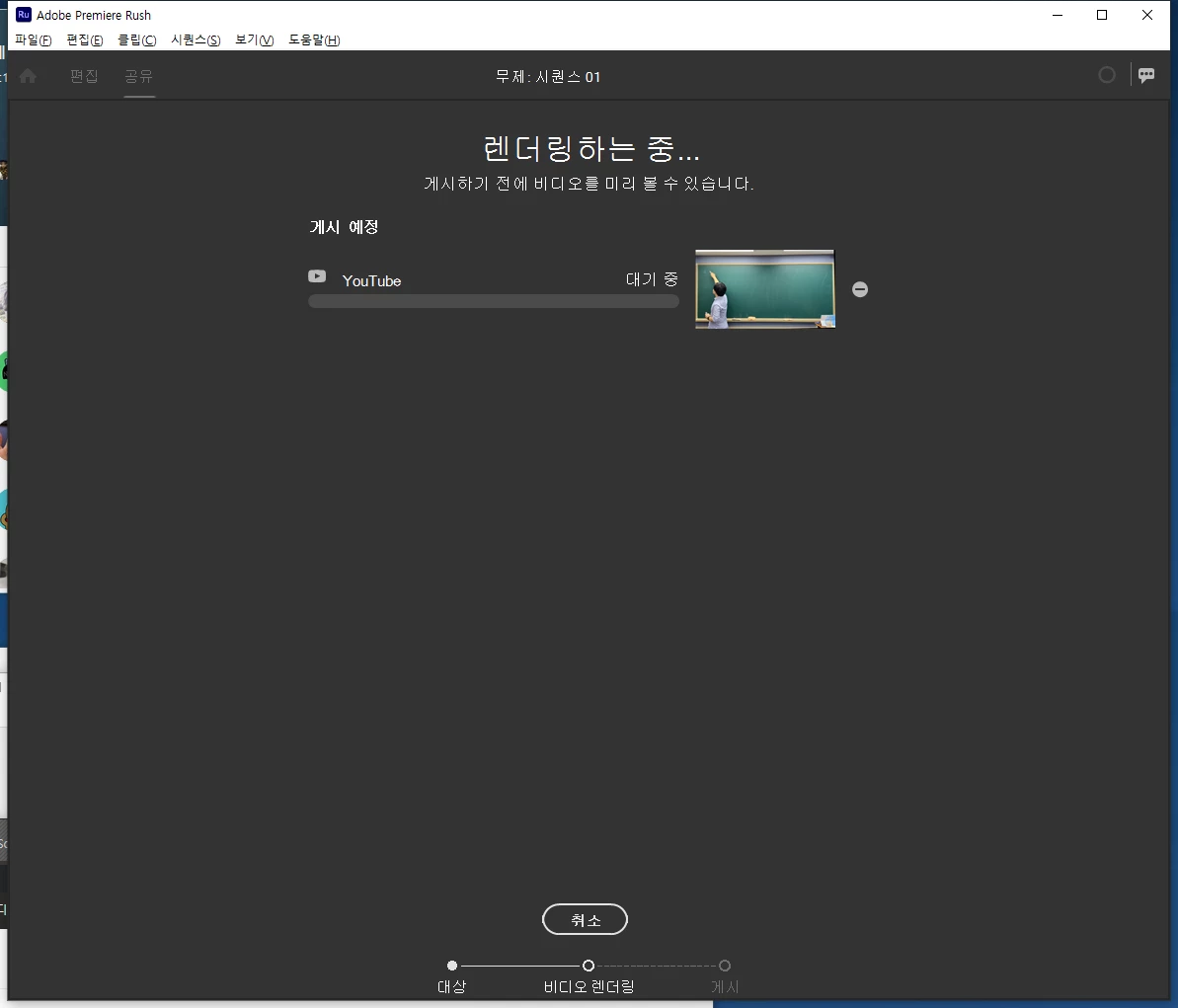
8. I cannot even shut down Rush after this point. I can only force-shutdown via task manager, by killing the process on 'details' tab.
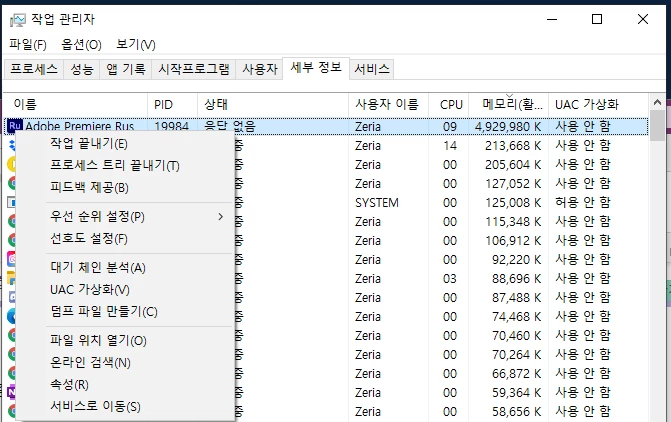
(it doesn't even kill the process sometimes, saying "Access Denied" instead.)

This topic has been closed for replies.
Correct answer petergaraway

Thanks for the update Zerial. Hope the graphics update helps going forward. Let us know if it does not. 

 dalethecasualgamer 

There are a few things to try

1.

1. Launch Rush

2. From the Project Browser, go to Preferences > Manage Cache > Delete all cache files 

3. Close and re-launch Rush > Attempt to export 


2.

1. Open your project 

2. Go to Sequence menu > Select "Prepare for Playback"

3. Wait for the render to take place (there's a blue progress circle in the top right of the app) > Attempt to export  


3.

1. Launch Rush

2. From the Project Browser, go to Preferences > Disable "Enable hardware acceleration encoding.."

3. Close and re-launch Rush > Attempt to export


Let us know how it goes! 


Peter  

1 reply

Kartika Rawat
Community Manager
Community Manager
February 15, 2021

Hi Zerial!

Sorry to hear that. We can get this checked.

  • What type of footage are you editing (codec/ format, frame rate, frame size)?
  • Which device are you using?
  • Can you try signing out and back into your Creative Cloud account? Go to Help > Sign out.

Let us know.

Thanks,

Kartika

Zerial Lim
Participant
February 17, 2021

I was working

- 720p AVC1 24bit 30fps 7200kbps, AAC 48000Hz 2ch 16bit 128kbps footages

- on PC


Zerial Lim
Participant
February 18, 2021

Update : Changing Rush not to use Hardware Rendering solved the issue - estimated time is three times longer but it completes anyway.


Could be Graphics driver or my hardware Issue...

I was using GeForce GTX1080 with NVidia GeForce Driver 461.09, and just updated to 461.40.


hope this helps with @dalethecasualgamer