

Significant drop in resolution after rendering
Hi there,
I'm new to Premiere Rush and just rendered my first video for export. I'm using version 1.5.62 because that's the latest version I could get on my 2014 MacBook Pro running OS X Mojave.
The issue I'm having is that the resolution of my video is very poor after exporting. I filmed my videos in 4K, and had initially imported them as 4K clips. After realizing my computer couldn't handle that very well, I downscaled all of my clips to 1080p.
After completing editing my project (which took probably 12+ hours), I rendered my video at 1080p. After watching back, I immediately noticed the resolution was very poor compared to the original clips, so I used YouTube 1080p preset because it has the highest bitrate. Still looked bad. Then I figured, ok, maybe my project resolution is set too high. I then did a Google search and read that you cannot manually set the project resolution in Premiere Rush, and that it is automatically determined by either A) the first clip you add or B) the highest resolution clip you add to your project. Is this true?
I then tried exporting in 4K, and everything looked good again, the resolution was back. But for some reason, Premiere Rush could not properly render some clips in my video, and now I am completely stuck. I find it very frustrating that we cannot adjust the resolution of our project in Premiere Rush. If my project is stuck at 4K and my clips are 1080p, then I have to re-edit my video all over again. Please help, Adobe!
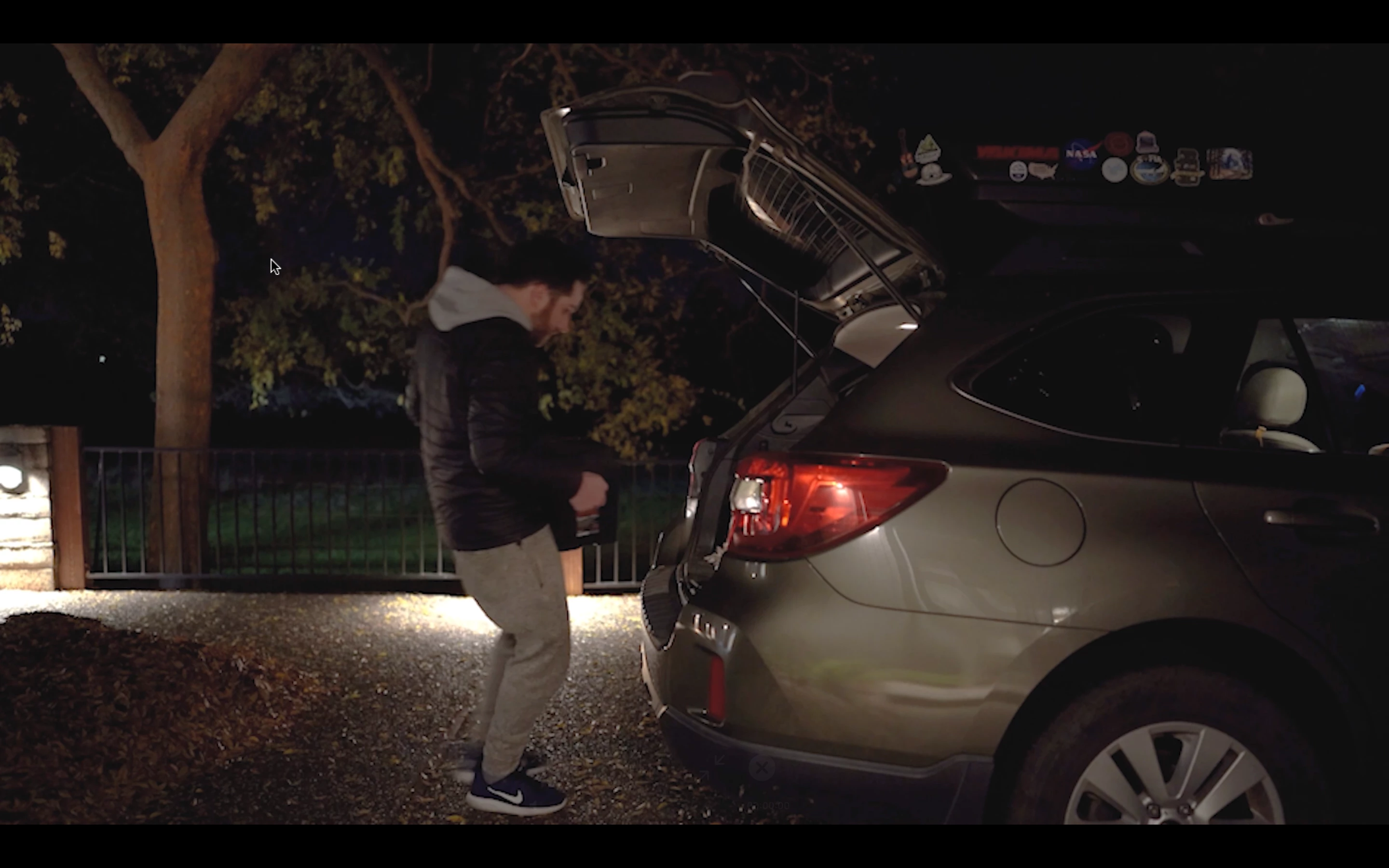
Here is a screenshot from a 1080p render, note the lack of sharpness on the car bumper
Here is another screenshot from a 4K render, note the sharpness is back.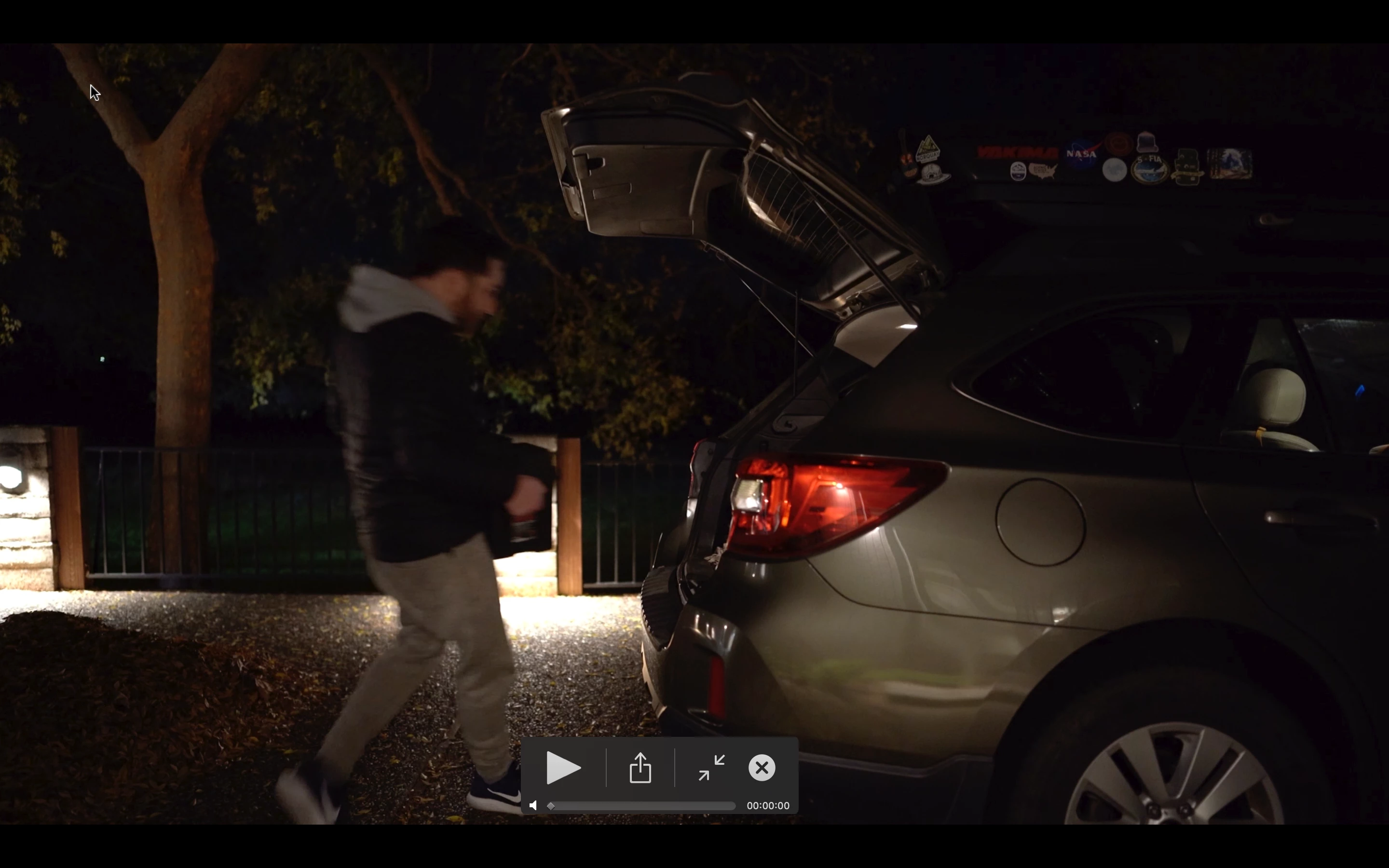


 AdChoices