


Inspiring
February 2, 2021
Question

Some projects won't load

  • February 2, 2021
  • 3 replies
  • 461 views

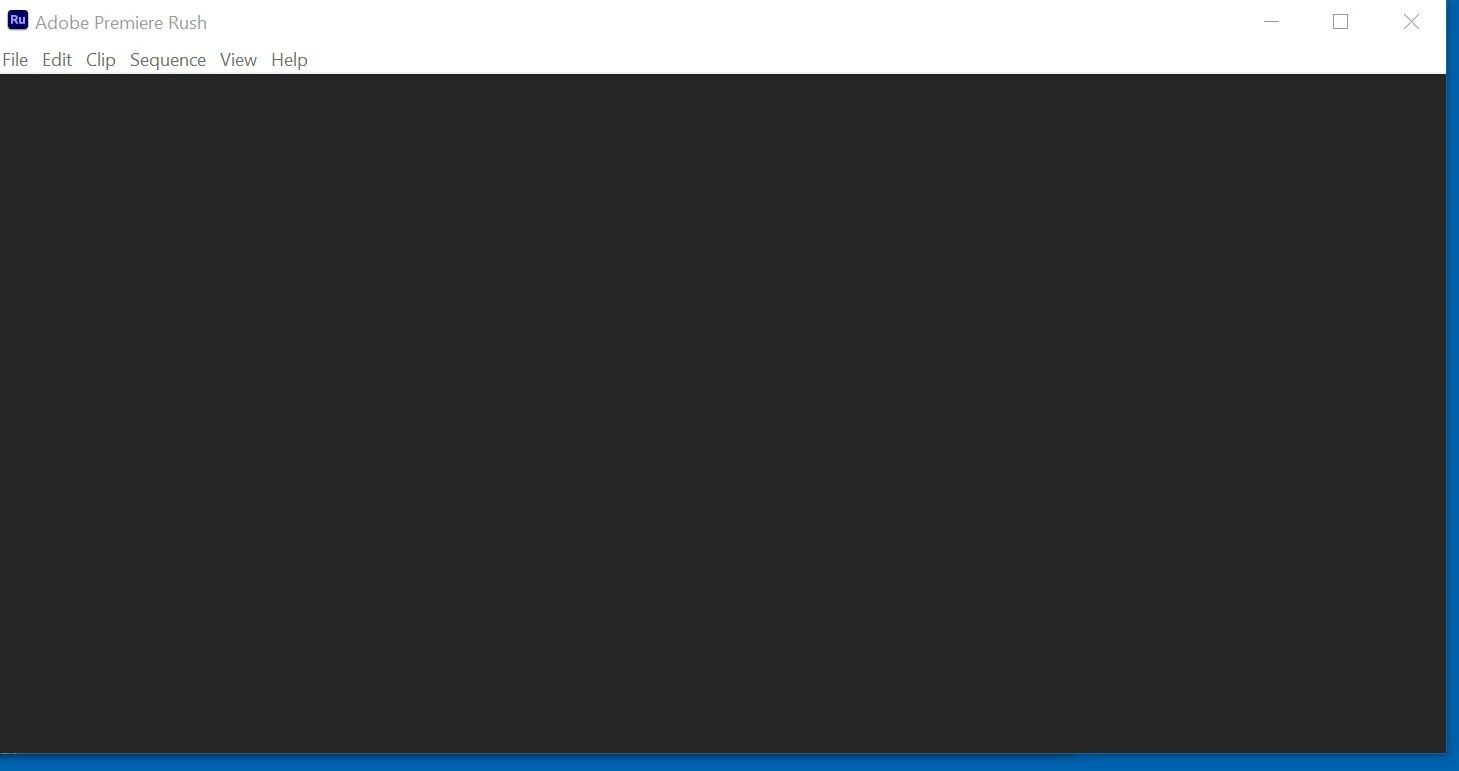
On my Windows 10 laptop, about six of my projects will not load when selected from the Rush project window. Instead, Rush (v 1.5) opens a window that has a menu bar on top but is otherwise black (see screenshot below). Some of the same projects open as expected on the Rush phone app (Android-based) and run OK.


So far I've tried this: logged in and out of the Creative Cloud. Restarted my laptop. Please advise on what else I might try... Thank you!


This topic has been closed for replies.

3 replies

KShinabery212
Community Expert
Community Expert
February 7, 2021

I had an issue a couple of weeks ago.  It was because I had an update for Windows that I missed.  I was so freaked out, then I remembered to check my computer for Updates and it all was fine after.


Also, sometimes I need to restart my PC after it has been on for hours in sleep mode.  I never noticed it before, until I got this one in August.


Try that and let me know.

Let's connect on LinkedIn. https://www.linkedin.com/in/kshinabery/
T5CDDAuthor
Inspiring
February 8, 2021

Thank you for your response. No change with restarts or updates. I am just moving forward with new and existing projects at this point. 🙂

T5CDDAuthor
Inspiring
March 4, 2021

I wanted to report back on this. On a whim, I tried to open some of my old projects and, wo, they now load as expected...clips, project media...and run as expected. I am not sure what caused the initial problem or how it got fixed. I don't know the algorithim for Rush project data synchronization between devices and the cloud...but Humpty Dumpty is back together again. All good things come to those who wait? Or to those who procrastinate? Or to those who don't like to troubleshoot? 🙂  Cheers.

anissa_thompson
Community Expert
Community Expert
February 6, 2021

Try closing Rush, then reopening while holding the ALT key (CMD on Mac). This will reset Rush's preferences, but your projects will still be there... Continue when it asks if it's ok to reset, then skip the opening Tutorial, and press the smaller X in the upper right corner of the sample project (NOT the X to close Rush!), and you should see your projects. They should load a bit faster this time...

Hope this helps! Make sure to press "✔ Correct Answer" on this post if this answers your question. Happy Creating!Anissa • @anissat
T5CDDAuthor
Inspiring
February 6, 2021

Thank you for your responses, Anissa and Kartika!


I logged off and back onto Creative Cloud and still no luck with loading the problem projects on my laptop. I also tried to login as Admin and to login with with the Alt key pushed down. I still get a "blank" window when opening the problem projects. (Maybe I just need to open a project and leave it overnight to sync with cloud?)


More info: I found some entries in my Rush log files that show rendering errors due to a lack of disk space. I am guessing the disk space shortage (no longer an issue) was a factor in all of this...


-- Content from the AMEEncodingErrorLog file on my laptop--
Export Error
Error compiling movie.
Disk Full.
Error completing render.
-----------------------


I am going to move on... Some of the projects are already done and I have a compiled (rendered) sequence I will work with, if they ever need to be revised. Another project I am re-creating...


Thanks again!

Kartika Rawat
Community Manager
Community Manager
February 5, 2021

Hi there!

Sorry about that. Did you try signing out and back into creative Cloud from the Help menu? Also, can you try launching the application as an administrator? Right-click on the app icon and select "Run as administrator"

Let us know how it goes.

Thanks,

Kartika