
Participant
July 21, 2020
Answered

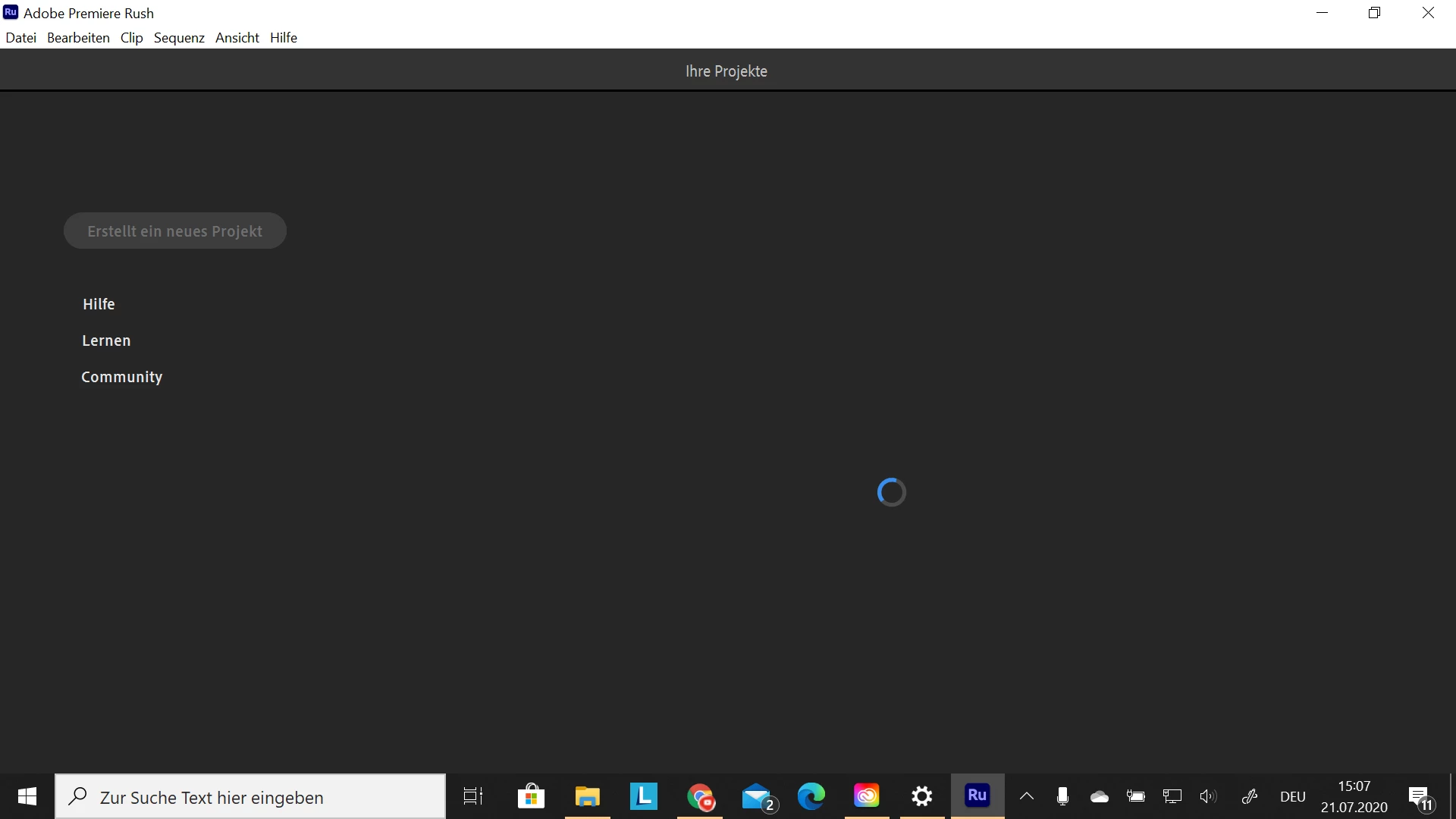
Stuck at loading screen

  • July 21, 2020
  • 3 replies
  • 3310 views

When I open Rush, it always gets stuck at the loading screen. I've already had this problem, but last time I managed to fix it. Does anyone know how to fix it?

(The requirements I have and normal things like delete, restart and log out and in, I've already done)
This topic has been closed for replies.
Correct answer petergaraway

Hi all, 


Sorry to anyone that encountered this issue. We released Rush build 1.5.62 that should have fixed this issue. Please download the latest build.  If you still experience this problem please let us know. 


Thanks for all your feedback. All the best, 


Peter 

3 replies

petergaraway
Adobe Employee
petergarawayCorrect answer
Adobe Employee
June 10, 2021

Hi all, 


Sorry to anyone that encountered this issue. We released Rush build 1.5.62 that should have fixed this issue. Please download the latest build.  If you still experience this problem please let us know. 


Thanks for all your feedback. All the best, 


Peter 

Participant
October 10, 2022

i cant load ADOBE cc from my computer. only online version works, it's stuck at loading

Participant
May 22, 2021

I'm having the same issue, however when I logged out of Rush and Creative Cloud the problem persisted. I have 12GB of RAM so I'm not sure if it's an issue with my computer or not.

petergaraway
Adobe Employee
Adobe Employee
July 21, 2020

Hi Benni, 


Sorry, this is happening. Can you confirm what version of Rush you are using? Thanks! 

Participant
July 21, 2020

I'm also having the same problem. I'm running it on windows 10 on an ultrabook with intel m3 6Y processor.

Premiere Rush App version is 1.5.20. I just paid for the premium and installed it today and it was working fine for 6  hours during work but then once I restarted the app, it would get stuck at the loading screen after I reopenned the app.

I reinstalled the app, both the creative cloud and rush app and restarted my ultrabook, cleaned my cache, restarted the ultrabook again, updated windows 10 os version and restarted the ultrabook once again, and ran the app inbetween the process many times but no luck.

I'll need it immediately tomorrow for work! Please help. I paid for the premium because I really needed it with the 100 GB storage in the creative cloud. Please help!!

Participant
July 21, 2020

I was actually able to fix it just now by logging out of both the Rush app and the Creative Cloud app and relogging back in. Would like to know what causes this bug though because it was a bit frustrating trying to figure out a fix for this for a few hours.