
Unable to Render. Can I Transfer Files to Another Device?
Hello. I recently started to use Premiere Rush on my Ipad 9th Gen for editing videos. When I was about to export my first video (469 MB), I found that it consistently got to 9 percent then would immediately display this error message.
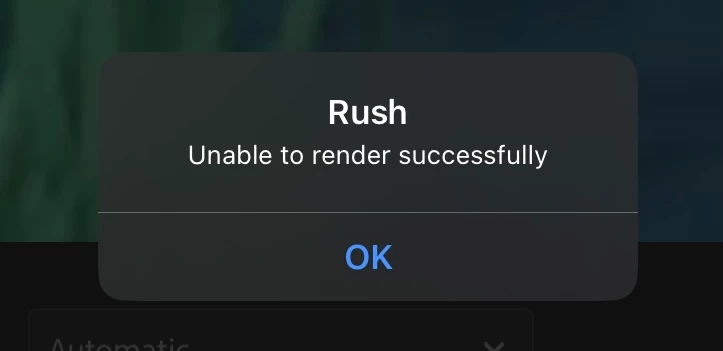
I spent the last 2 hours scouring forums and youtube videos for a fix and tried every solution I possibly could. If there's a solution aside from the typical troubleshooting methods repeated hundreds of times already please let me know. Otherwise, save your breath.
Either way, I'm beginning to accept that my device's processing power might just be the issue. I've planned migrate the project to my PC that has access to Adobe Premiere Pro and much better processing power and but can't do so since the only possible way of doing that was through the creative cloud that was discontinued as of February 1. Ultimately, I just want to ask if there is any possible way that I could salvage this project or should I just come to terms that my week-long work is as good as gone? Thanks in advance.


 AdChoices