
heathern268988801653368
Participant
May 6, 2019
Question

Videos importing as blank green files in Rush on iPad

  • May 6, 2019
  • 2 replies
  • 1662 views

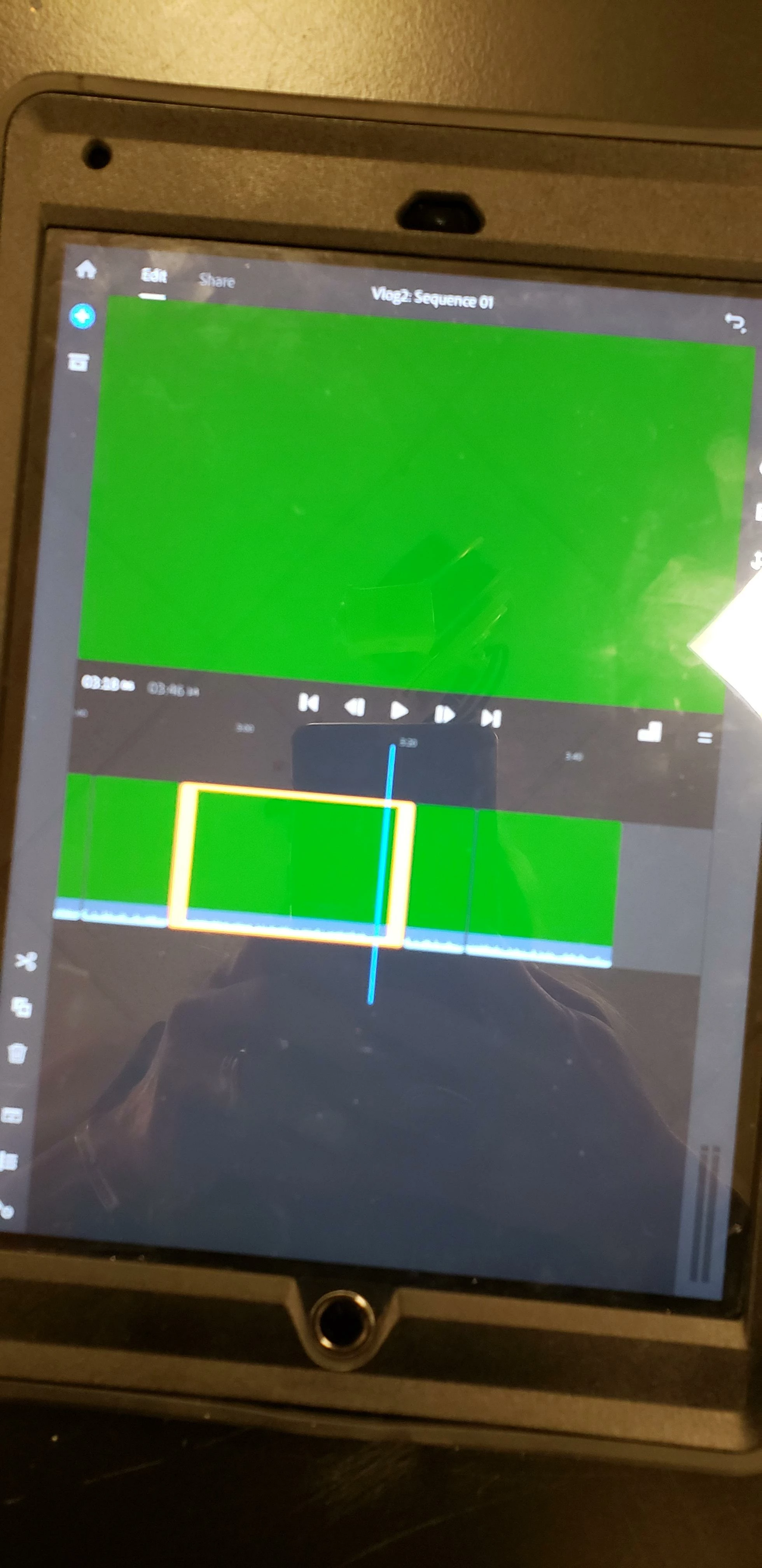
Hello! I'm doing a project with students using Rush. It keeps crashing on their Windows machines, so I'm allowing them to use iPads as a backup. It's worked fine until today. I have a student who added his video files (MP4s) to the Creative Cloud file storage, then opened Rush on the iPad to add the files. The preview of the files looks normal, but when they are imported into a new project in Rush, they are just solid green (see attached image). Help!
    This topic has been closed for replies.

    2 replies

    Kevin J. Monahan Jr.
    Community Manager
    Community Manager
    May 22, 2019

    Hi Heather N,

    Can you try a hard restart of your device? That has solved the issue for others.

    Thanks,
    Kevin

    Kevin Monahan - Sr. Community and Engagement Strategist – Adobe Pro Video and Audio
    theshutterbug
    Participant
    February 25, 2022

    This has been happening to me on my iPad Pro 12" 2021 it's been restarted, I've tried transcoding, the file will play once and then parts of it will go green.


    I suspect that it may have issues with caching or rendering playback with longer clips, 


    Rush also crashes at startup if you don't have Internet access without error 


    Participant
    February 27, 2023

    I have the same issue on the same device did you find the issue?

    caroline_edits
    Community Manager
    Community Manager
    May 8, 2019

    Hi there!

    I think your device made need an update. Could you check out this link for me?

    Update your iPhone, iPad, or iPod touch - Apple Support

    Thanks!

    Caroline

    heathern268988801653368
    Participant
    May 9, 2019

    They are maintained and updated regularly by our technology staff, and these ipads are up to date. Rush is also updated.

    Kevin J. Monahan Jr.
    Community Manager
    Community Manager
    May 14, 2019

    Hi HeatherN,

    Wow, sorry about this. I would say that the issue likely has to do with the codec contained inside the .mp4 wrapper. It may be some variant that is not supported by Rush.

    A workaround for situations like this requires that you "transcode" (rip) new files from a different application, then try importing them. The program a lot of people with format issues use is called "Handbrake." It's a free download. Try transcoding a short clip and see if it imports. If it does, transcode the other files to continue working in Rush.

    The student's method of acquiring those files might be done differently next time. If it's streaming video of some kind, they often need transcoding. If it's a camera that created those files, check the settings to make sure they're compatible with Rush. The student might also try a different camera or shoot natively in Rush.

    Hope that helps!

    Thanks,
    Kevin

    Kevin Monahan - Sr. Community and Engagement Strategist – Adobe Pro Video and Audio