
Inspiring
May 16, 2024
Question

Why break my video graphics when exporting from Premiere Rush?

  • May 16, 2024
  • 3 replies
  • 1285 views

Hello,


I am using Adobe Premie Rush Desktop Version (Free Edition) on Mac OS Sonoma.

I have exported videos before which worked fine. The latest video produces undesired results which affect only some parts of the graphics. The audio is ok.
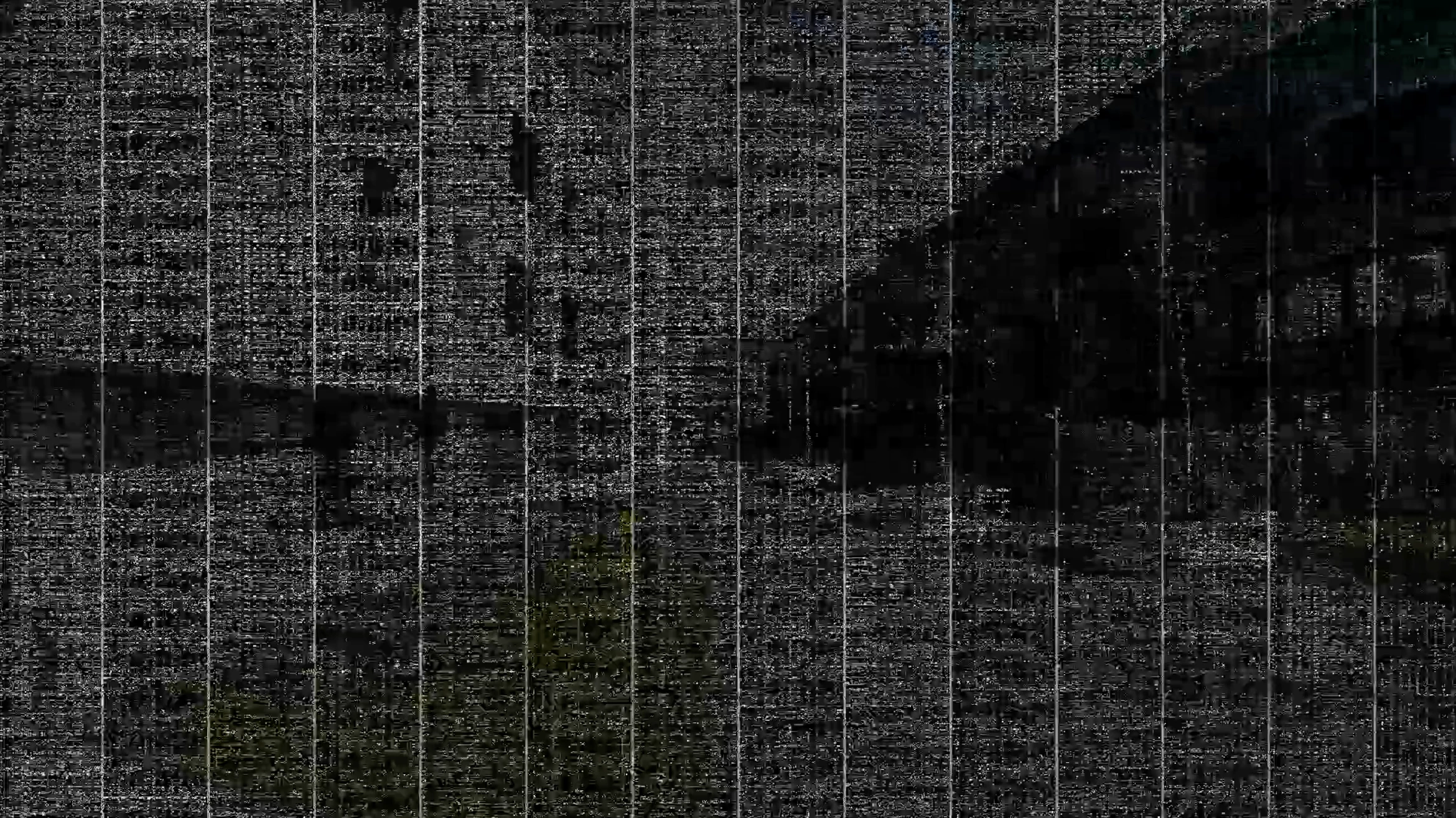
 

I already tried some solutions which didn't work so far:

  • Disable hardware acceleration encoding and decoding in Settings
  • Emptying cache of Adobe Premiere Rush
  • Exporting in medium quality


Here are my export settings:
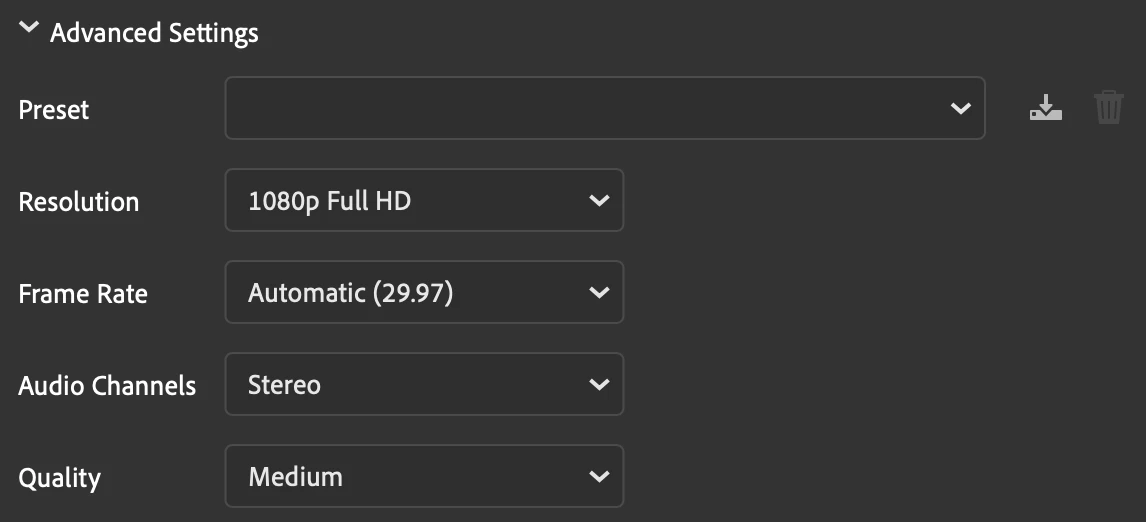
 

Does anyone has an idea what causes the issue and how it can be solved?

Thank you,

Philip

This topic has been closed for replies.

3 replies

Participating Frequently
June 5, 2024

Did you resolve?

Participating Frequently
June 5, 2024

I have the same problem started like 3 months ago but in Premiere Pro. I have the Macbook Pro 2019  IntelCore I9 32GB di Ram. I have tried to reset the system of my MacBook, I have tried to reset also Premiere and also to take Premiere 1 previous version but nothing change. Still have the problem. Right now I'm using my old laptop 6 years old and works as fast as my macbook.


Kevin-Monahan
Community Manager
Community Manager
May 16, 2024

Hi @flip838,

Which OS are you using? Any computer details you can share? What kind of media are you using? I hope I can help!

Thanks,
Kevin

Kevin Monahan - Sr. Community and Engagement Strategist – Adobe Pro Video and Audio
flip838Author
Inspiring
May 16, 2024

Hi @Kevin-Monahan,


Thanks for your reply.


I mentioned the OS: Mac OS Sonoma. To be specific it is version 14.4.1. The computer is a MacBook Pro with Intel processor and AMD Radeon Pro 5500M 8 GB graphic chip.

The footage is a combination from different devices; the glitches do not happen in a section specific of one device but can happen across all sections (In the last export the video footage only from GoPro Hero11 Black was affected during a few seconds but not the other footage):

  • Apple iPhone 12 Pro
  • GoPro Hero11 Black
  • DJI Mini 3 Pro


Kind regards,

Philip

flip838Author
Inspiring
May 16, 2024

Since the video corruption mostly happened in the sections of the GoPro footage, I converted the footage from 5.3K to 4K with Handbrake app and re-added it to the Premiere Rush project. However, the result did not change.


I have invested now really hours and did 8 video exports without getting a presentable result ... I am wondering if also Premiere Pro, Premiere Rush (Paid) or Finalcut have these issues or the video creation process is more smooth?