


Invisible Plane to Ride "construction"
good day together
i'm at a point of failure in adobe aero. i have a feeling that this function doesn't exist, but i wanted to ask because i think it would be incredibly helpful if something like this is possible.
My current problem:
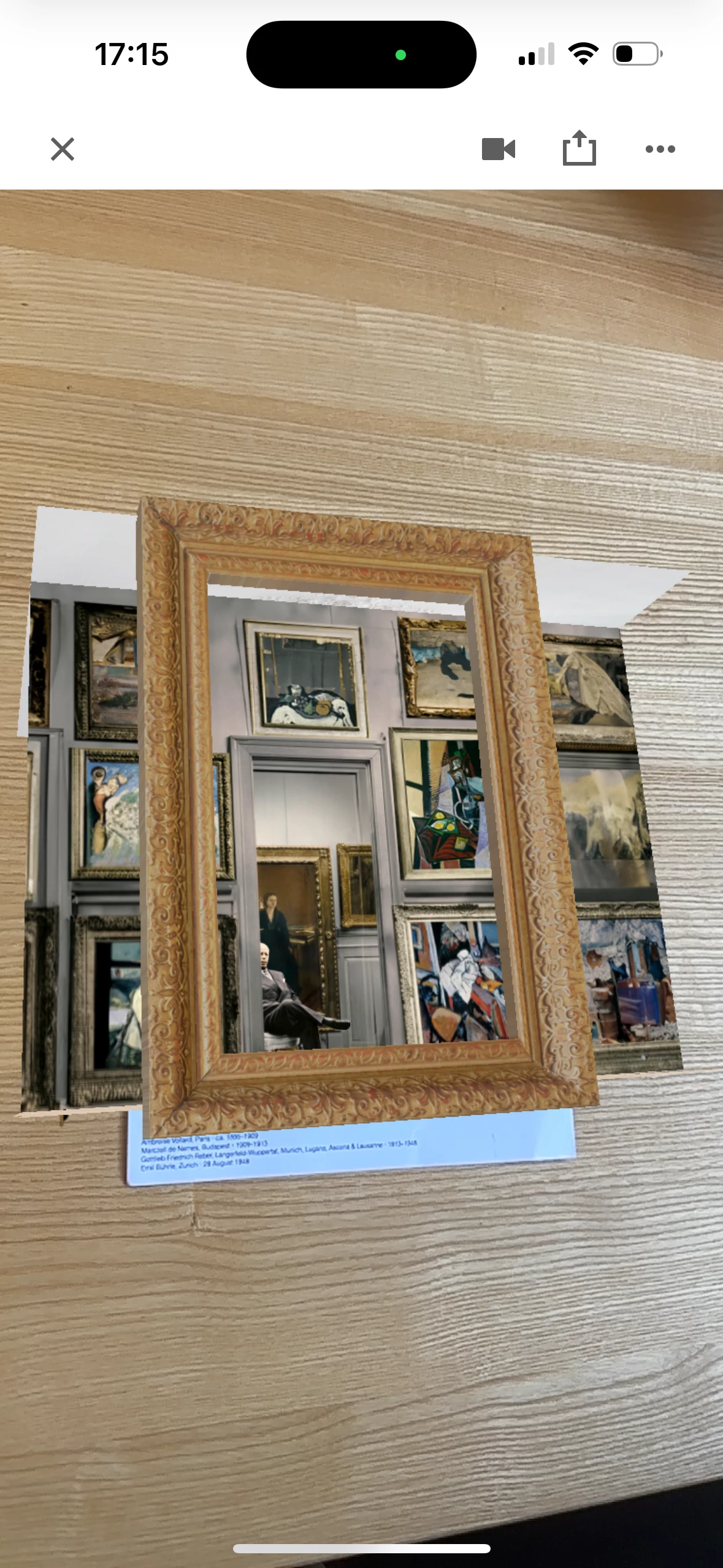
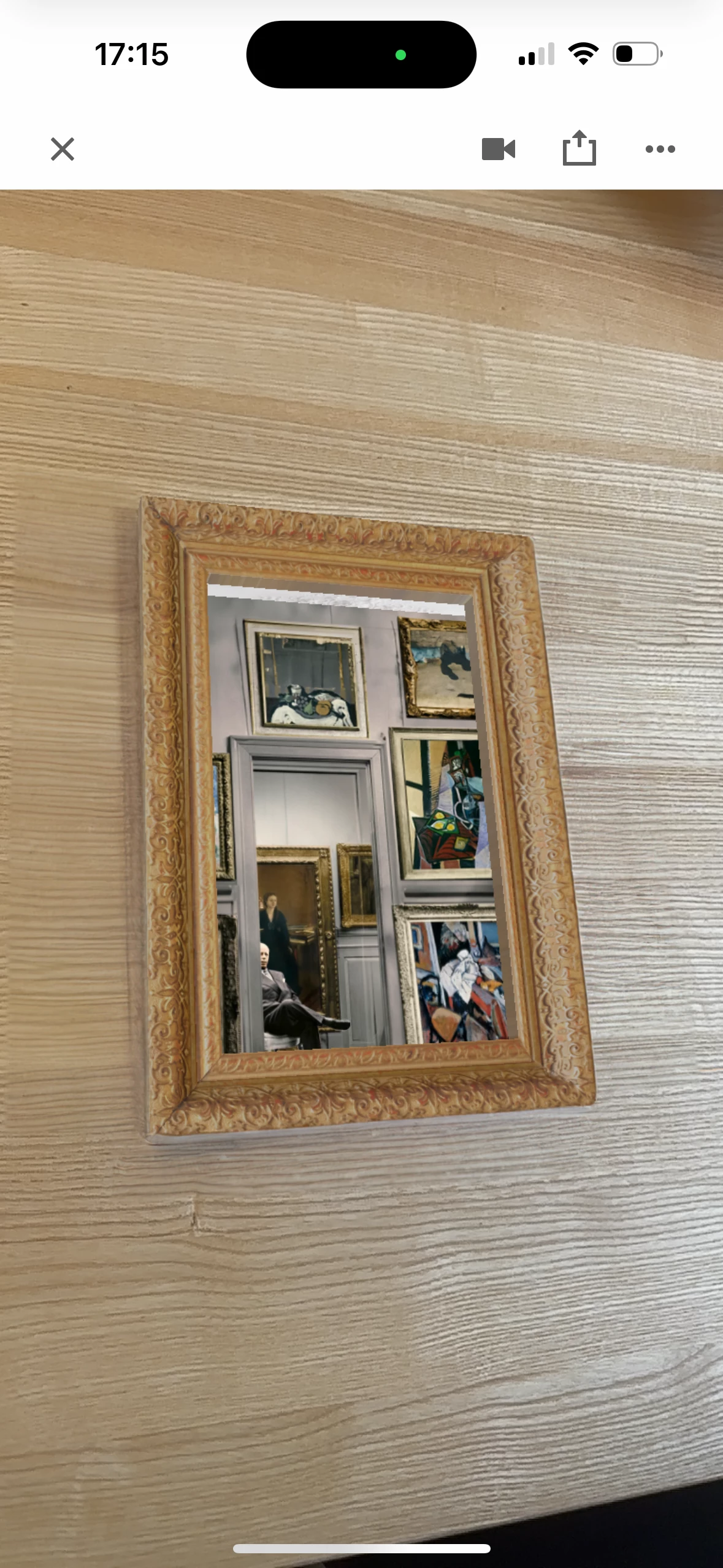
I have created a room with 2D images. The image anchor is a simple painting. Now I want when you scan it, a room to appear in the frame. This should be larger than the frame itself from the inside. So I would have to remove everything around the frame in the view and the real world (the wood of the table would be visible).
The solution in my opinion an "invisibility layer", which one can set and there not see through but the real world sees.
But if you look through the frame you should be able to see the room. There should be a "height" in it and you should not be able to look around the frame to see the whole "construction".
Is this possible? I have tried to show it in the pictures.


 AdChoices