
Participant
September 11, 2022
Answered

Update required - Unable to open the project on Desktop after editing on iPhone

  • September 11, 2022
  • 5 replies
  • 4561 views

I recently created a project using Aero Desktop app (Version - 0.15.4) on mac OS Monterey 12.5.1.

 I later edited it using AERO mobile (Version - 2.16.8 (93)) on my iPhone. 


I am unable to open the project on my desktop app anymore and it is throwing below errors:

1. Download the latest version to access this content.

2. Couldn't open the file with the version 7.0.0


I am attaching the screenshots and this is affecting my productivity. I am expecting both Mobile and Desktop versions will work. Any help will be appreciated!
 

This topic has been closed for replies.
Correct answer Ten26056997h8b9


Where is the update?


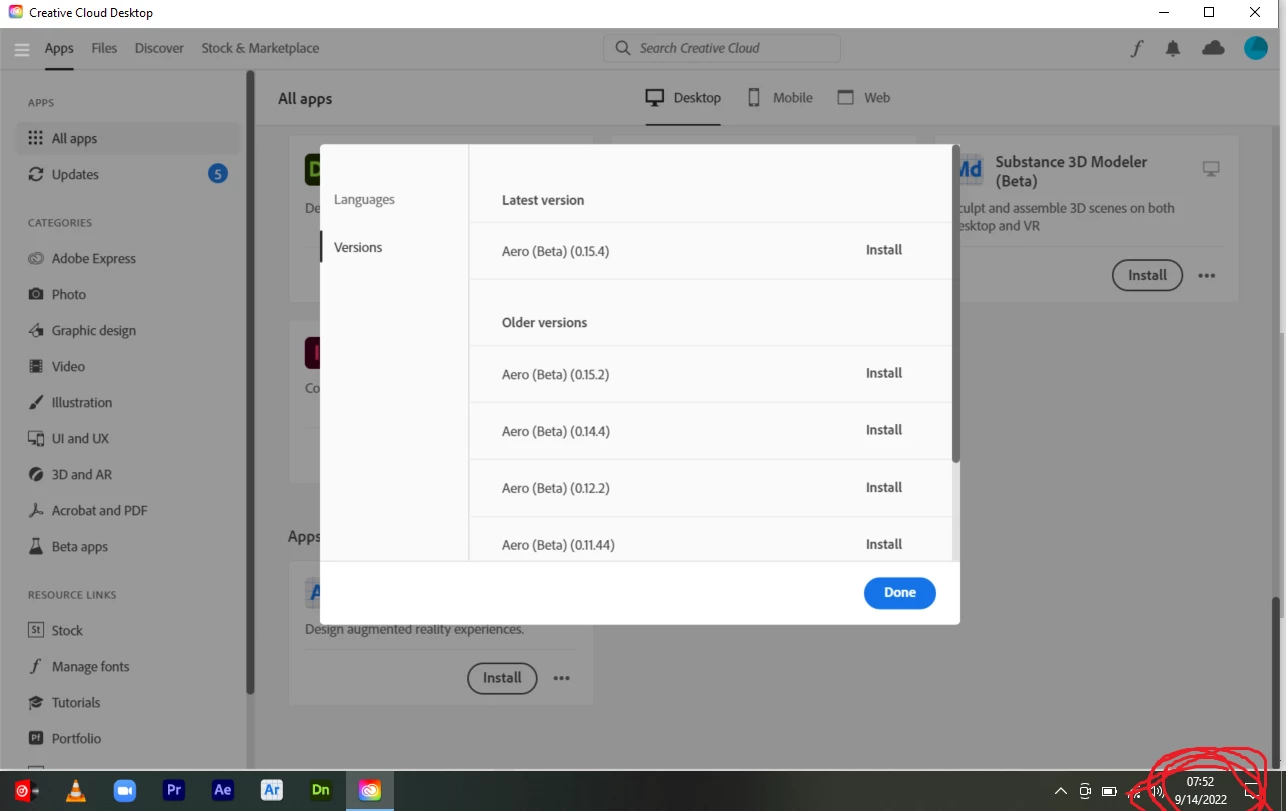
From the left nav panel, go to Updates and click on check for updates. It will show the Aero update (0.16.10) that can be installed.


5 replies

Participating Frequently
November 9, 2024

Same! Adobe Aero says 'missing tag version" on my document and now won't open.

Participating Frequently
November 10, 2024
Problem_with_Aero.png
martappv
Participant
June 2, 2023

I am having the exact problem, I am also using 18.4 version. Did anyone found the solution¿?

Generous_hand15D5
Known Participant
June 2, 2023

It works again with beta 0.20.2 witch is only available on demand (it's the geospatial beta app).

Participant
July 12, 2023

How do I get this version? I am having so many issues on 0.18.4 and cannot find anything to fix it. Unable to open projects, unable to import assets, etc

Inspiring
September 13, 2022

Hi All, thanks for this report. I apologize for this occurrence, I understand it has an impact, and we are investigating this now. I will post an update ASAP.

Inspiring
September 14, 2022

Hi all, a new desktop version has been pushed out to address this issue. Please update to the latest. Thanks.

Participant
September 14, 2022

I could open my project with the latest update. Thanks for the fix.

Participant
September 13, 2022

Is anygone gonna solve this problem? Extremely annoying. I am using this program for a college class and forgot to add one asset and now all of a sudden I can't even open the project on a computer, and it's referencing a 'cloudID'. Maybe if this program allowed you to save files to a hard drive, like literally ANY other program, we wouldn't have this issue. Absolutely absurd

theoneomkar
Participant
September 12, 2022

Same here!!