Participant
July 1, 2019
Answered

Acrobat Actions missing

  • July 1, 2019
  • 1 reply
  • 1220 views

I recently switched to a different AdobeID and all my actions disappeared. Is there a way to keep them with the new ID? Do I need to log into the old ID and export them? If so is there a way to export them all at once rather than one at a time? I have 160+ of them. I have to say that managing this number of actions in Acrobat has been a real PITA. Imagine having to create 160+ actions and manually move them one at a time into the order that you want them by clicking a button over and over and over...

Correct answer jane-e

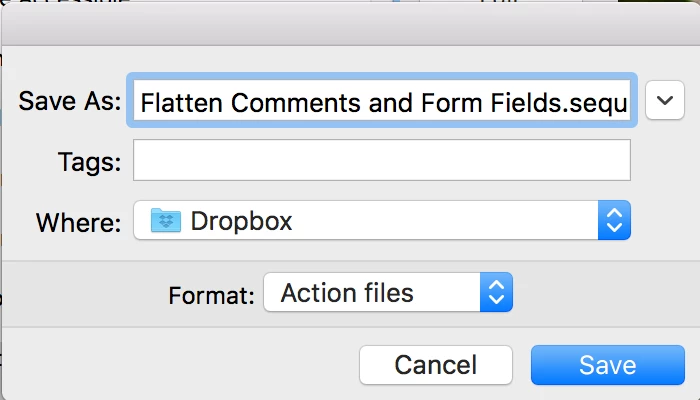
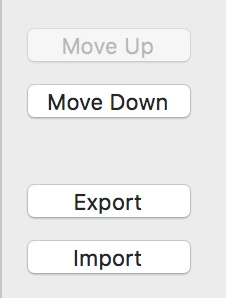
Go to Manage Actions and click Export to save each as an .sequ file. They can't be multiple-selected. Unless it can be scripted, it is one at a time.

1 reply

jane-e
Community Expert
jane-eCommunity ExpertCorrect answer
Community Expert
July 1, 2019

Go to Manage Actions and click Export to save each as an .sequ file. They can't be multiple-selected. Unless it can be scripted, it is one at a time.

Participant
July 2, 2019

Yes, I did figure that much out. I was hoping that there was a way to do them all at once instead of repeating the same action 160+ times. No biggie I guess. It took me 10 minutes or so. However, rearranging those actions into a set order is another story. They are all numbered in sequence and I spent hours clicking one and then clicking the move up and down buttons to get them in order. Then I would come back and they would rearrange themselves into what I think appears to be alpha-numeric order. I rearranged them again and next time I came back they were sorted again in alpha-numeric order. Really frustrating because I need to do these in the order I specify. There are also default actions in there I can't delete which are junking up my list. I wish I could delete them.

jane-e
Community Expert
Community Expert
July 2, 2019

Hi

I can see how that would be frustrating. This is a user forum and here is the link for feature requests that the engineers (and you) can track: Share your feedback on Acrobat DC

I have saved find/change queries in InDesign that are numbered and have to be run in the correct order, so I do empathize with your concerns. Post your link back here after you share your feature request and I will add my vote.

Possibly scripting could help — actions can run JavaScript. You could ask here: JavaScript

~ Jane