laimab97068643
Participant
February 27, 2018
Answered

Acrobat - blank windows - no text in menus

  • February 27, 2018
  • 1 reply
  • 516 views

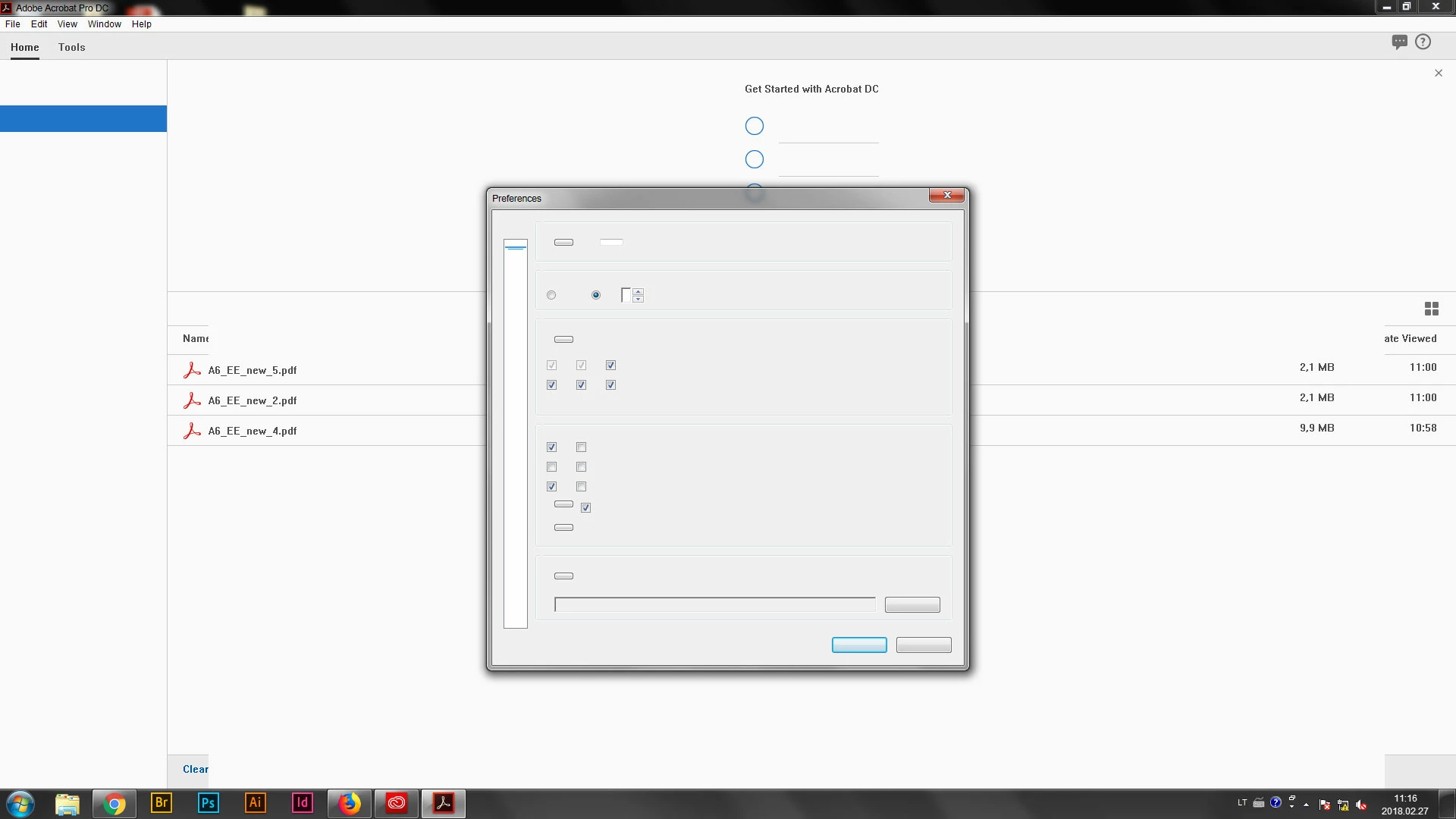
Hello, I have a problem with Adobe Acrobat. I have a CC account, I'm logged in and the newest version of the program is installed. I'm using Windows 7. Acrobat opens all .pdf files properly, however it doesn't display any options/tolls (the icons are visible, but there is no text next to it). In the attachment you can see the preferences window - no text. The same happens with all other options, like closing all .pdf windows. I tried uninstalling the program, signing out, but that doesn't help. What could be the problem?
This topic has been closed for replies.
Correct answer AnandSri

Hello Laimab,

Sorry for the delayed response and inconvenience caused. As per the description above, you are getting a blank window in Acrobat, Is that correct?

Please check for any pending updates of Acrobat from help>check for updates, reboot the machine after installing the updates, and see if this brings any difference.

If the issue persists, please use Acrobat cleaner tool to remove Acrobat Download Adobe Reader and Acrobat Cleaner Tool - Adobe Labs

Reboot the machine and install Acrobat back from Download Pro or Standard versions of Acrobat DC | Non-subscription

let us know how it goes and share your findings.

Regards,

Anand Sri.

1 reply

AnandSri
AnandSriCorrect answer
Legend
May 1, 2018

Hello Laimab,

Sorry for the delayed response and inconvenience caused. As per the description above, you are getting a blank window in Acrobat, Is that correct?

Please check for any pending updates of Acrobat from help>check for updates, reboot the machine after installing the updates, and see if this brings any difference.

If the issue persists, please use Acrobat cleaner tool to remove Acrobat Download Adobe Reader and Acrobat Cleaner Tool - Adobe Labs

Reboot the machine and install Acrobat back from Download Pro or Standard versions of Acrobat DC | Non-subscription

let us know how it goes and share your findings.

Regards,

Anand Sri.