
Participant
July 5, 2020
Question

Acrobat can't convert docx, docm and doc files to PDFs

  • July 5, 2020
  • 2 replies
  • 4928 views

I've been having this issue since getting the subscription for my business a couple months ago: I can't convert word documents to PDFs in Acrobat. The only way I can is to open the word document and export it from Microsoft Word. 


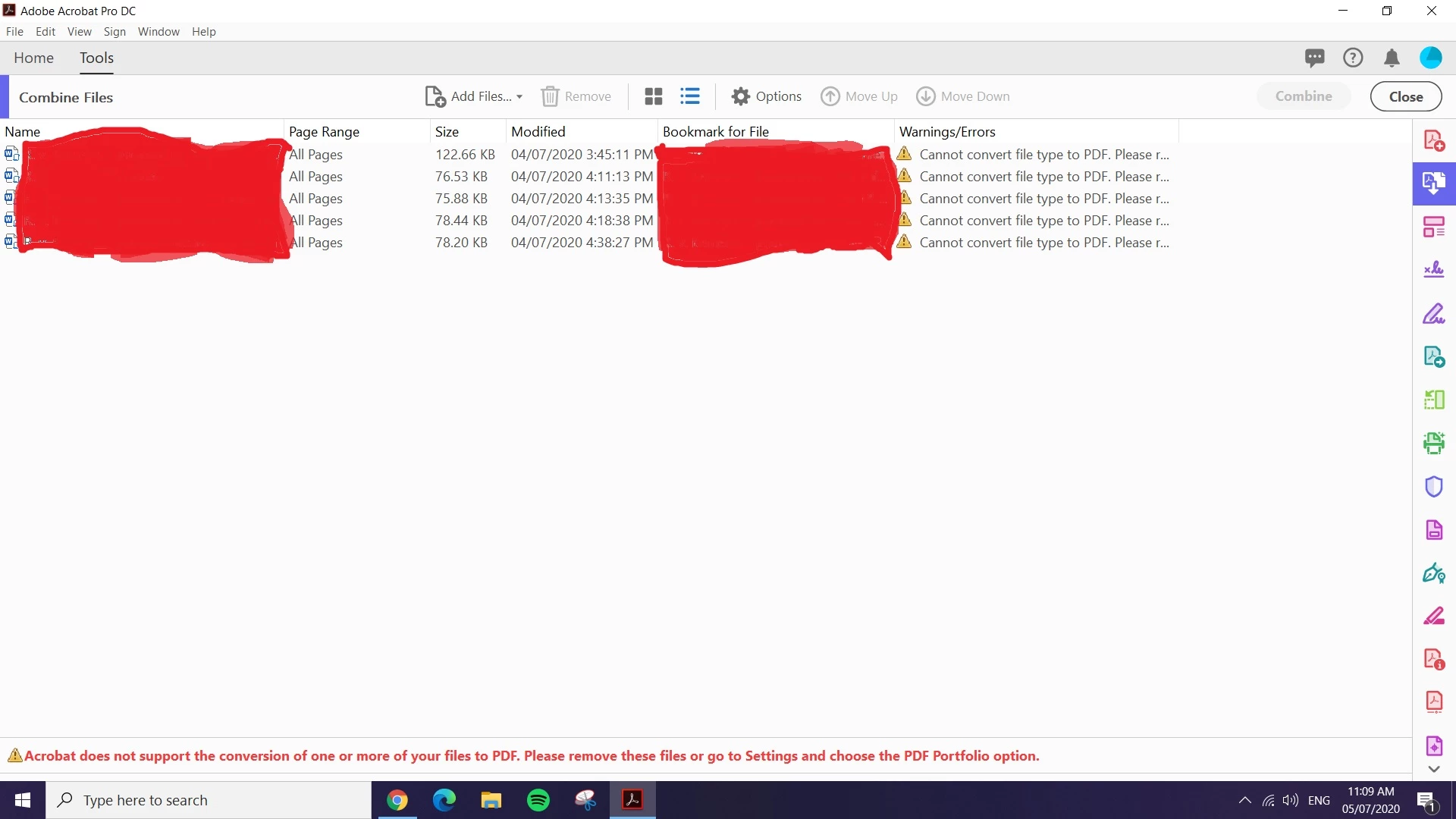
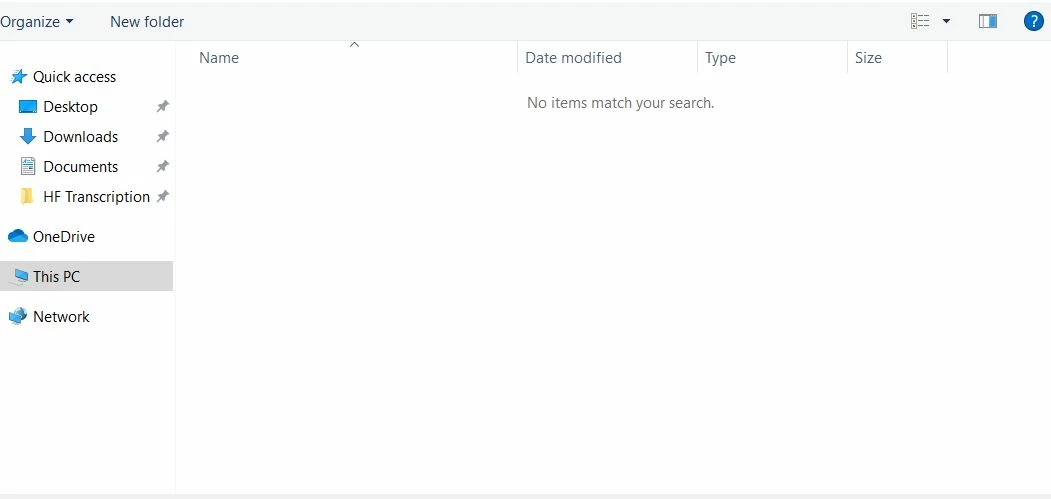
Using the Combine Fils tool only lets me select other PDF files, not docx, docm and doc files. Neither draging and dropping the files or clicking "add files" works. When I use the "add files" button, it simple shows the folder with no word files at all, like Acrobat can't see them (see images below).


Does anyone know what is happening, and if there is a solution for this? I've been looking around online and there have been other times this has been a big issue (now and in 2018) but there was never any fix shared or posted, so I have no idea if it was ever resolved. I sometime needs to convert dozens of documents at once, and there is little point for me paying for Acrobat DC if I can't convert and combine the files.
This topic has been closed for replies.

2 replies

ls_rbls
Community Expert
Community Expert
July 5, 2020

Check also if the folder where all of this files reside have security restrictions. If that is the case, perhaps  manually moving these files to a  non-restrictive folder (that is not mapped and/or shared with other users over a network) can resolve this issue.

ls_rbls
Community Expert
Community Expert
July 5, 2020

Please specify the operating system version and the MS Office suite version that you're using.


There is a known compatibility issue with the PDF Maker add-on in MS Word for Office 365. As I matter of fact I believe there is no support for that version (but this statement needs to be verified as I 'm not 100% sure).


According to the error message it seems that it is only one or maybe just a few files in that group that are the problem.


MS Word has a built-in Accessibility Checker that can aid you in identifying underlying issues, such problems with  scanned documents with renderable text over images (if that was the case) that can be fixed before converting to PDF..


If you can identify if the issue is not related to the PDF Maker add-on,  can you also confirm if this is happening even if you go to Edit -->>Preferences-->> Convert to PDF settings and check the Adobe PDF Settings.


Most importantly , see if the MS Word files that are not able to combine have any security restriction that may need to be lowered or completely removed.