


Acrobat DC, Invisible Menu Selection Points
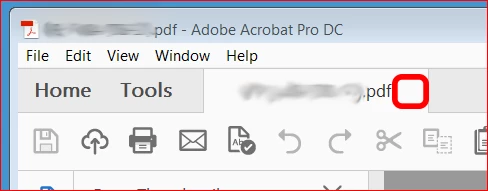
Window and menu clickable button icons are not showing up anymore.
The icon button to close a file has disappeared. I can click where it used
to be and the file closes so the functionallity is still there, just no
way to see where to click.
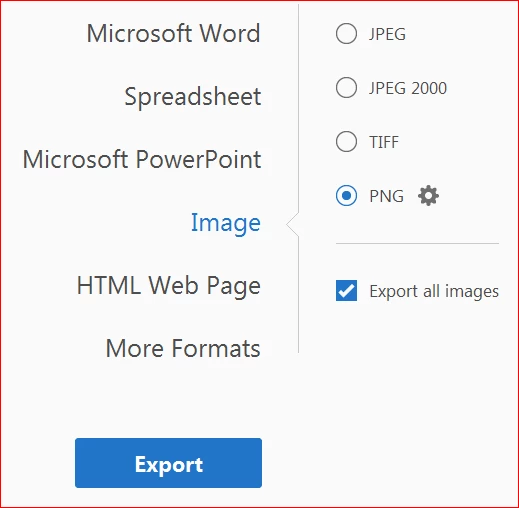
While this is inconvenient to close a file, it was impossible for me to
export all the images from a document until I found a screenshot of the Export
Image window on a help site that showed the various button icons.
Then I just clicked around until I got the options
to pop up and finally export all the images.

I've had my IT support run the "Repair" function which did not
help. Note that I do not have admin rights to my work computer.
Has anyone ever had this happen?
Is there a display related issue that can cause only the
interactive icon layer to disappear?
Could this be a bug of some type?
If anyone has a suggestion, please reply.
Thank You!
 AdChoices