
Participant
April 8, 2022
Question

Acrobat DC Javascript plugin "All Javascripts" only shows 131 lines

  • April 8, 2022
  • 2 replies
  • 741 views

Open a document that has links using Javascript

Clicking on a link shows information about the symbol in a rectangle

Need to export the data in all these links without clicking every single one of them. 

Open Javascript Tool in right-hand sidebar

Click on All Javascripts

131 lines of javascripts shown, helpfully highlighted for copy-paste
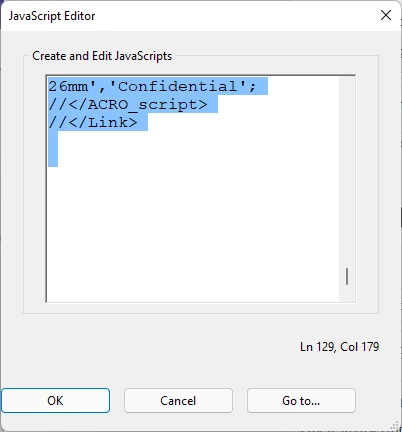
 

But these are only links on the first page, hundreds more missing.

If I hover over the OK button strange symbols appear in the button, or it goes black. Nothing happens if I click OK, just closes the form. 

No combination of selecting pages or scrolling affects the results. First 131 lines only. 

I am about ready to scrape the file with a regex. Can anyone save me from this fate? 

This topic has been closed for replies.

2 replies

rdtechAuthor
Participant
April 16, 2022

No idea what caused the issue but it was easy to simply open the PDF in Visual Studio Code, locate the neatly grouped javascript records and copy-paste them through a bit of scripting code to extract the fields. Done with it now. 

try67
Community Expert
Community Expert
April 8, 2022

Did you at any point edit the code via this dialog? If so, it's possible you've corrupted the file beyond repair.

You should only use this dialog to copy the code in order to paste it elsewhere and examine it. Do NOT use it to edit the actual code.

rdtechAuthor
Participant
April 9, 2022

Yes, I wiped out some parts of the screen clipping that are covered under the NDA we have with our client. But I exited without saving so all is good. 


Any idea why all the links don't appear? Somebody just decided to set a buffer size at a "reasonable setting" and it overflowed? 

try67
Community Expert
Community Expert
April 9, 2022

There is a limit to the built-in editor, but it's much more than 131 lines.

And when you reach it it will inform you that you did.