Answered
Acrobat DC not working on Big Sur 11.6
After upgrading to MacOS Big Sur 11.6 (20G165), Acrobat DC is not working. I've tried to uninstall it and install it again, and I always receive a 136 error and I can't. Any help, please?
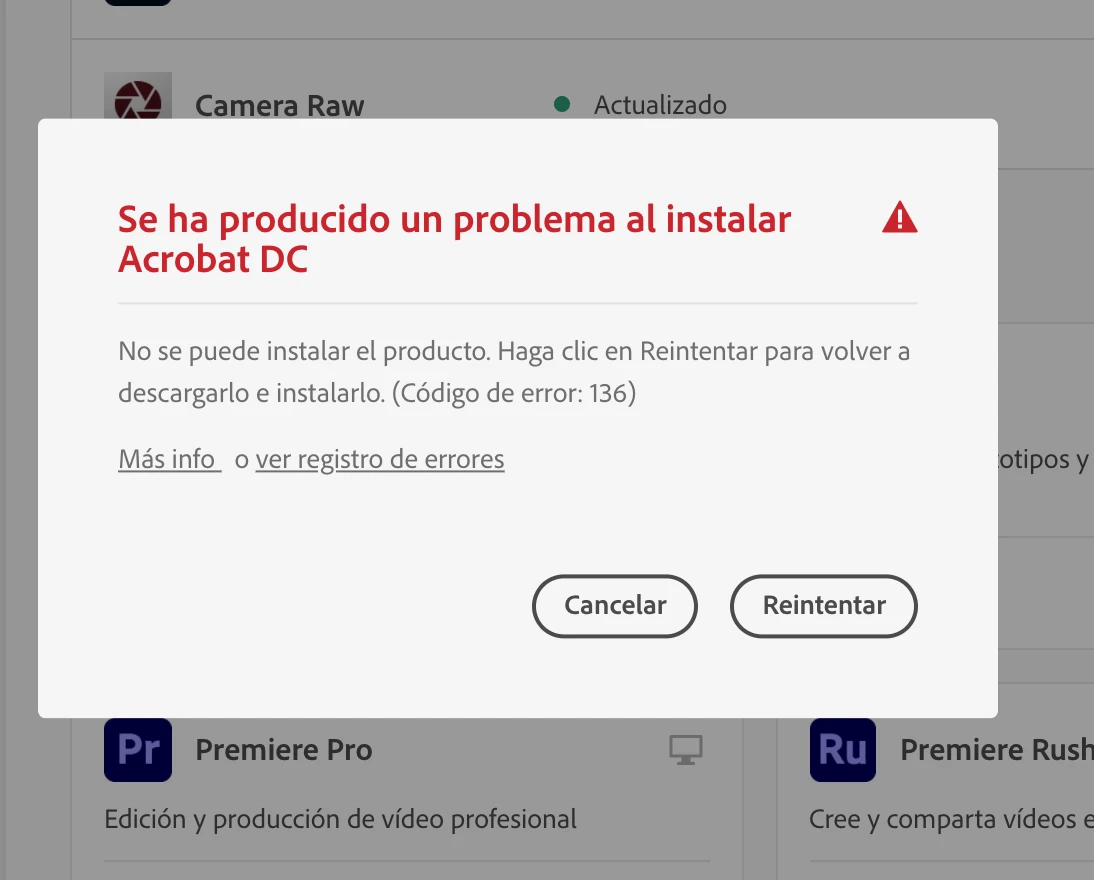
After upgrading to MacOS Big Sur 11.6 (20G165), Acrobat DC is not working. I've tried to uninstall it and install it again, and I always receive a 136 error and I can't. Any help, please?
Try running the 'Creative Cloud Cleaner tool' to clean any possible remains:
When finished cleaning, restart your Mac and try installing Acrobat DC again.
You could also try downloading Acrobat DC from the page below to see if this works better than via the CC desktop app:
Already have an account? Login
Enter your E-mail address. We'll send you an e-mail with instructions to reset your password.
 AdChoices