
Question
Acrobat DC - Properties default display "Description"
I'm ALWAYS trying to figure out where a .pdf lives on my internal hard drive (Mac OS X El Capitan).
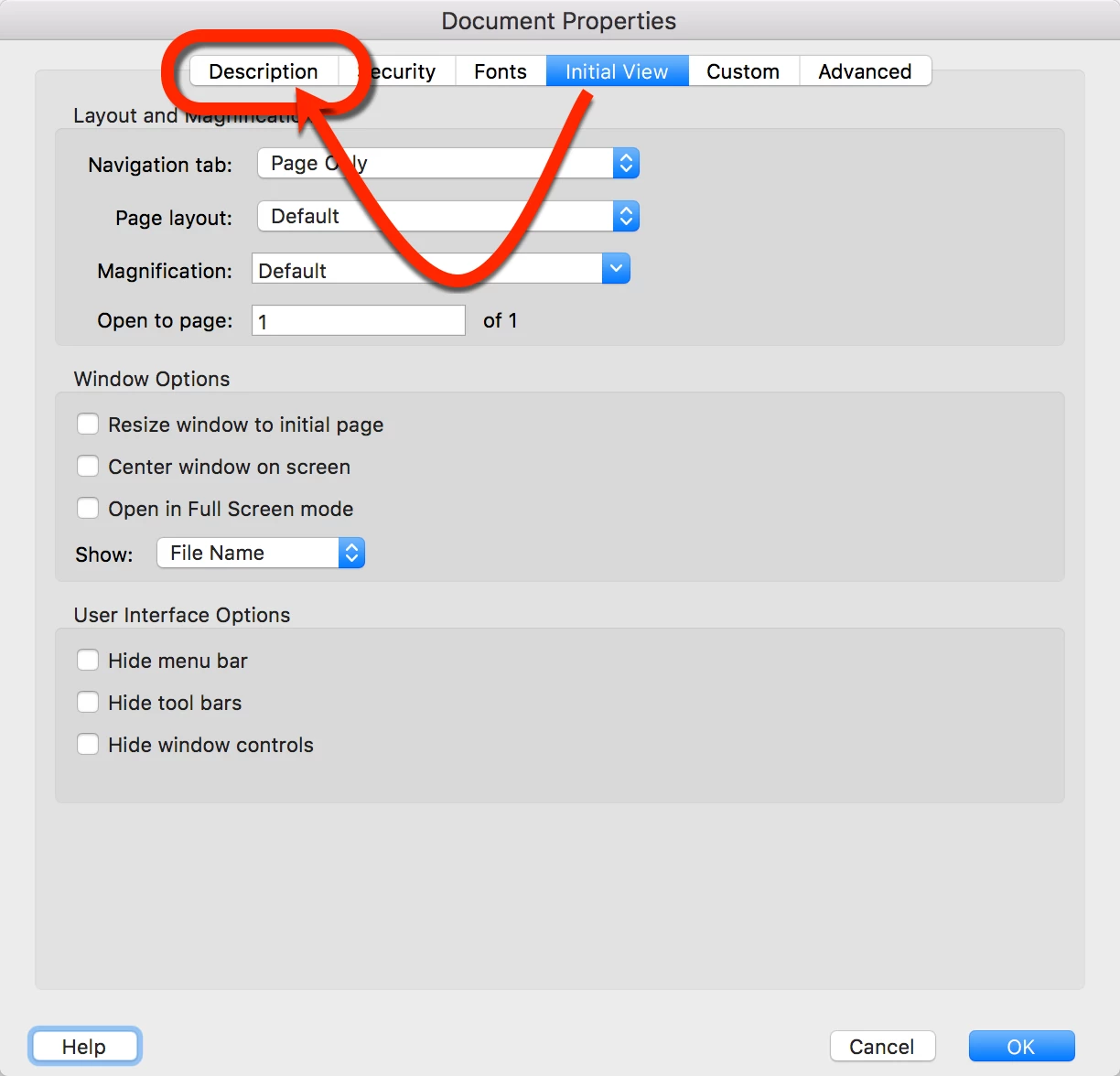
The only way I know how to find out is to go to "Document Properties" / "Description".
Every time I open "Document Properties", Acrobat DC goes to the "Initial View" tab by default.
1.) Is there an easier way to figure out where my .pdf lives on my internal hard drive?
2.) Is there a way to make the "Document Properties" pop up open, BY DEFAULT, on the "Description" tab?
 AdChoices