


Question
Acrobat Doesn't Work Windows 11
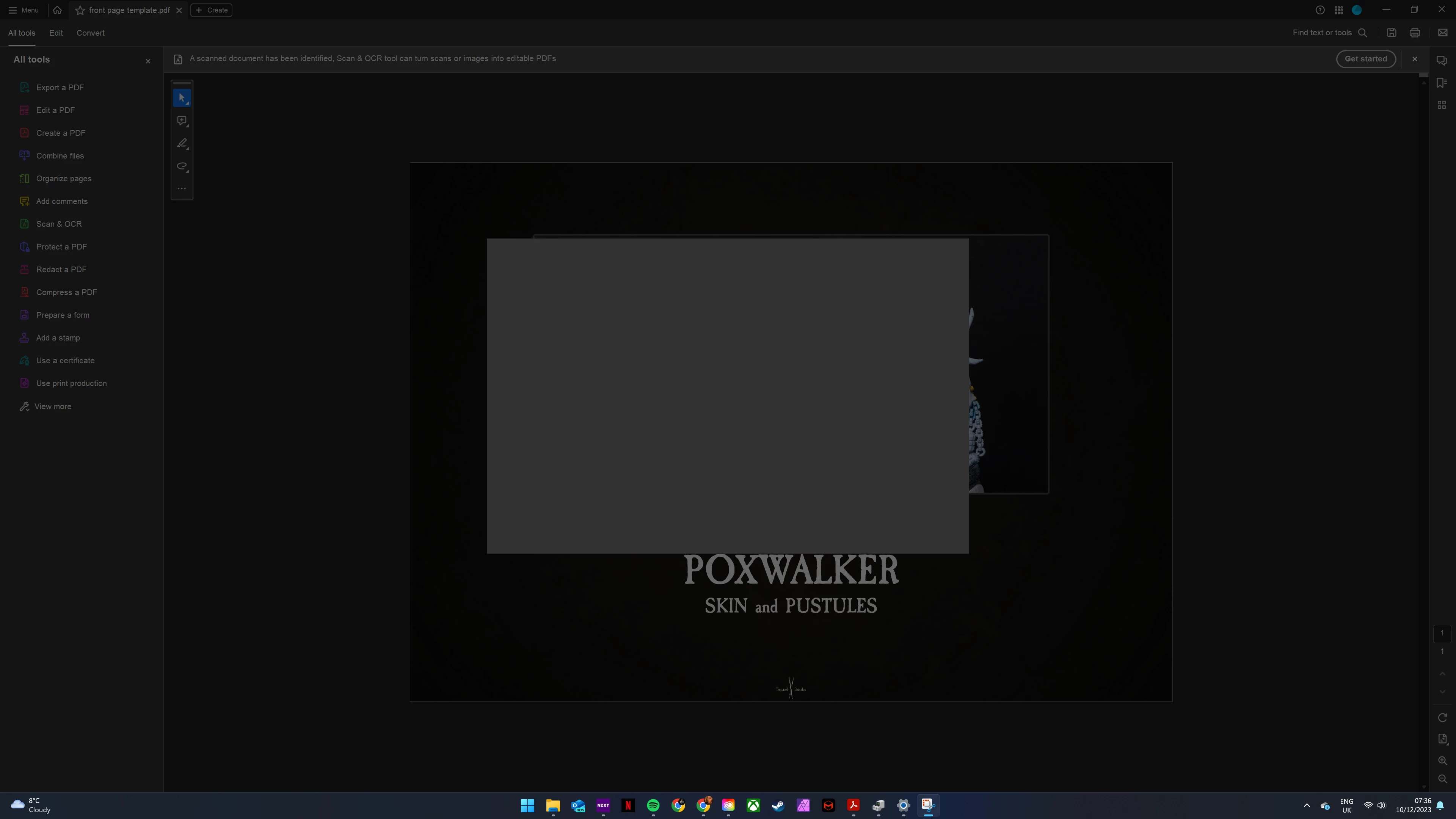
I'm trying to create a PDF using Acrobat. I try to create a PDF, select the image I want to use then hit create. The PDF is created, but a couple of seconds later I get a pop-up window with nothing but a spinning blue circle (screenshot attached). The only way to interact with Acrobat is to end task in Task Manager.
I've tried a few things such as the usual re-install, end sessions, and a myriad of other things to help resolve this issue, but it persists still.
I've seen this as an issue Adobe is aware of, posts from October 2023 and there is still no fix. Is there anything else I can try to get this working?
The live chat seems to be out of hours. I have to use the automated thing that does exactly zero to help.
 AdChoices