


Participant
Mar 3, 2025 8:51 AM UTC
Question

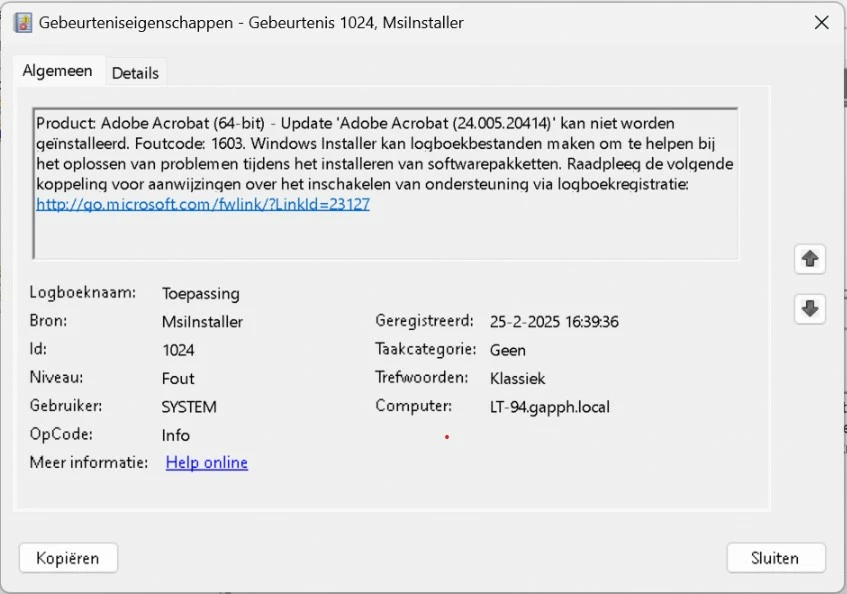
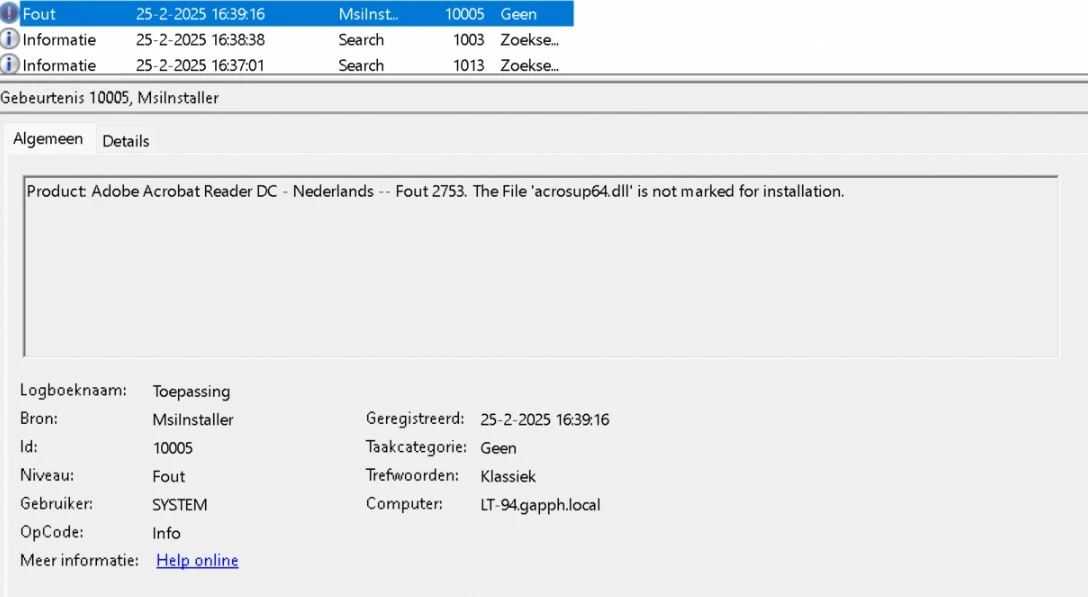
Acrobat failed to install

Hello,


When trying to install Acrobat Reader it repeatedly fails. Stalls at around 55% - 60%

OS: Windows 11

Version: Latest i could find on website or auto download

Install method: Creative Cloud, manual download, updating


I am installing with Admin rights. Furthermore tried the cleanup tool and this does not find a Acrobat installation at all. 

What else can i try here besides a full reinstallation of the clients Laptop?
4 replies

Abambo
Community Expert
Community Expert
Mar 3, 2025 12:09 PM UTC

Can you uninstall? If yes, uninstall. If no, use immediately AcroCleaner. AcroCleaner — Acrobat Desktop Tools and Utilities 


So the sequence is:

Uninstall . AcroCleaner . Redownload . Install

Translate
ABAMBO | Hard- and Software Engineer | Photographer
Participant
Mar 3, 2025 1:37 PM UTC

I cannot uninstal because the program is not listed in apps. I cannot install because it fails. I cannot cleanup too because it finds no installed Adobe.

Translate