
Participant
March 14, 2024
Question

Acrobat Freezing Up with Strange Gray Box

  • March 14, 2024
  • 2 replies
  • 616 views

With the recent update of Acrobat, every .pdf I open launches like normal and then about 5 seconds after opening, the screen gray's out and a box pops up.  Doesn't seem to be frozen, just sits like this and I can't do anything.  Have to force quit.  Uninstalled, reinstalled multiple times.  Need help!  I use (used to any way) Acrobat every day!
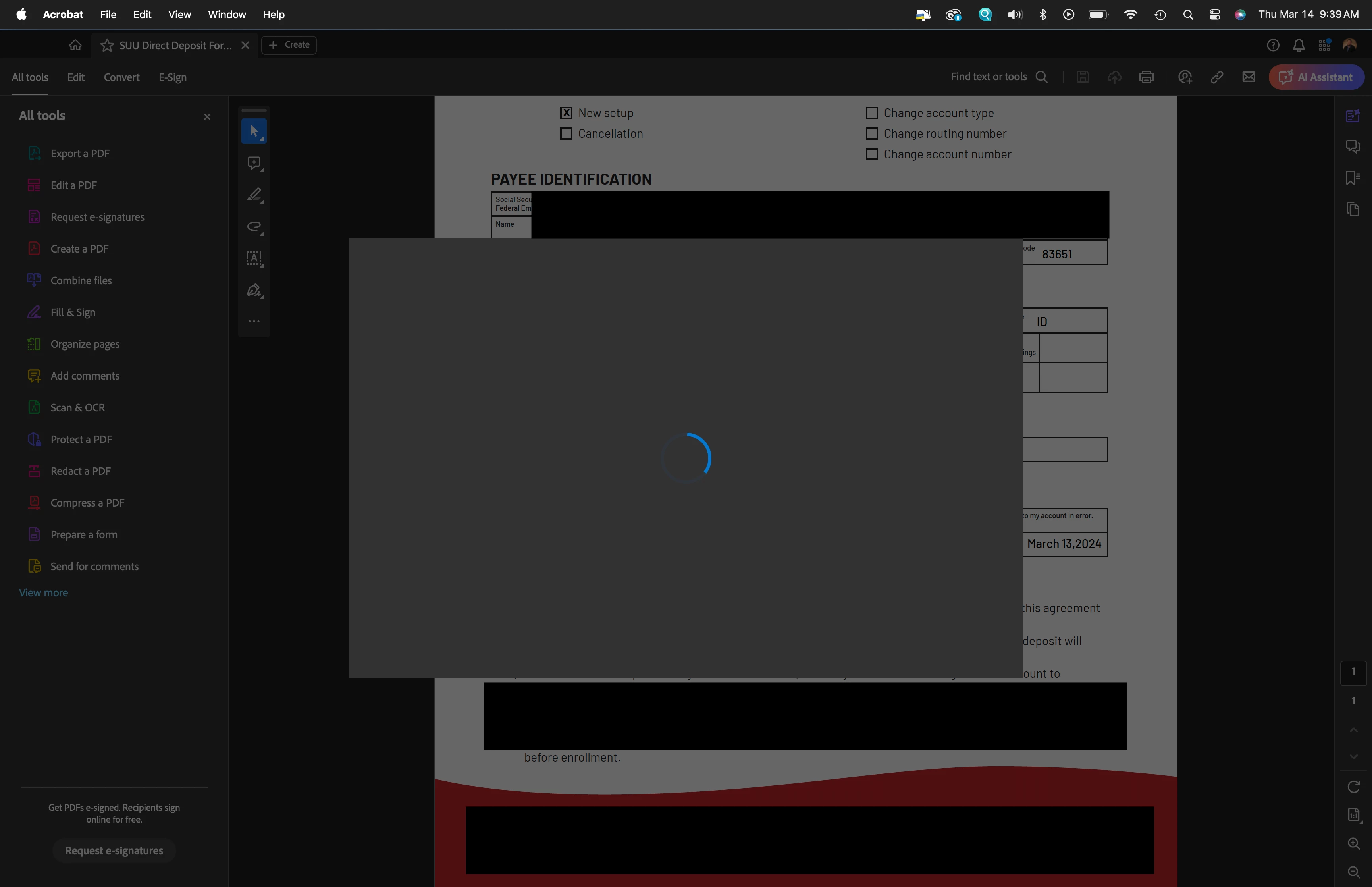
This topic has been closed for replies.

2 replies

Participant
April 1, 2024

I am having a very similar issue that started around the same timeframe. Any place a logo is supposed to go or a signature is supposed to be pictured, there is a gray box. I have updated my computer, Adobe, and tried to repair the installation. 

Participant
April 1, 2024

I'm not sure how I fixed it, but Acrobat seems to be working now. I
uninstalled and reinstalled a couple of times and now the gray box is
gone. Maybe it's as simple as that? Maybe there was a bug and it's fixed
now? Sorry I'm not more helpful.

--
Drew 
[PII removed by moderator]


Peppershock Media, a hybrid agency.
Fresh Marketing Strategy + Creative Production Services.

Abambo
Community Expert
Community Expert
March 17, 2024

Did you also run AcroCleaner AcroCleaner — Acrobat Desktop Tools and Utilities after uninstalling the software? Also for the re-install: download a fresh copy of Acrobat. Download Acrobat installer for Enterprise term or VIP license 

ABAMBO | Hard- and Software Engineer | Photographer