Participant
April 9, 2020
Question

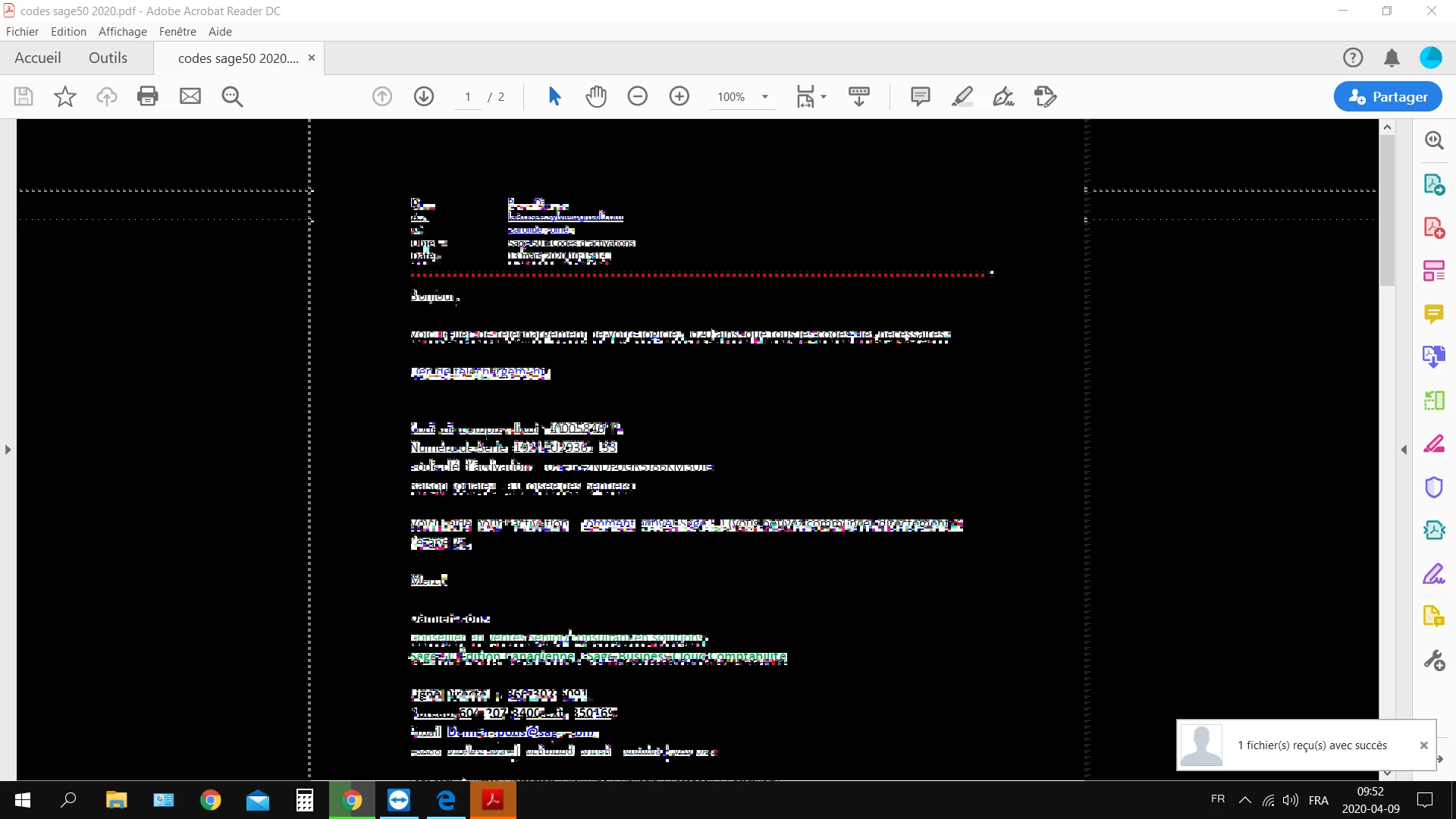
acrobat goes black with white pixels around text
  • April 9, 2020
  • 1 reply
  • 288 views

Im on windows 10, it's a brand new PC, every file i try to open with Reader goes like this.

I tried to re-instal and run the troublefixing on it, but it's still not working.

I'm not on high contrast mode or anything. i dont get it :'( 

i have adobe reader dc 20.6.20034.366983

This topic has been closed for replies.

1 reply

Amal.
Community Manager
Community Manager
April 9, 2020

Hi there 


we are sorry for the trouble. As described the screen turns to black and white dots when you open the PDF file. 


Please try the following workaround and see if that works for you.


Right-click on your Acrobat Reader DC icon on the desktop or navigate to the AcroRd32.exe file in this folder
C:\Program Files (x86)\Adobe\Acrobat Reader DC\Reader

Choose "Troubleshoot Compatibility." Tell the troubleshooter to run this program in Windows 7 compatibility mode.


You may also refer to a similar discussion on the community here (https://community.adobe.com/t5/acrobat-reader/screen-turns-to-black-and-white-dots-using-adobe-acrobat-reader-dc-19-021-20061/m-p/10957634?page=1#M63679)


Also, please update the application to the latest version (20.006.20042) Go to Help > Check for Updates.


If it still doesn't work, please share the sample file and the log files with us for testing. 


Regards

Amal