


Acrobat macOS Scroll Speed Solutions
Scrolling in Acrobat has been incredibly frustrating but I've found a solution that works for me. I've had an issue with Acrobat DC for years now and I've spent a great deal of time trying to address it. Scrolling with a mouse wheel is extremely frustrating. One tiny bump scrolls down almost an entire page. I've tried the following solutions:
Preferences/Page Display/Page Layout: 'Single Page Continuous'
View/Page Display/Enable Scrolling
Interestingly, 'View/Page Display/Single Page' made the scroll rate manageable, but the transition between pages made some documents unreadable.
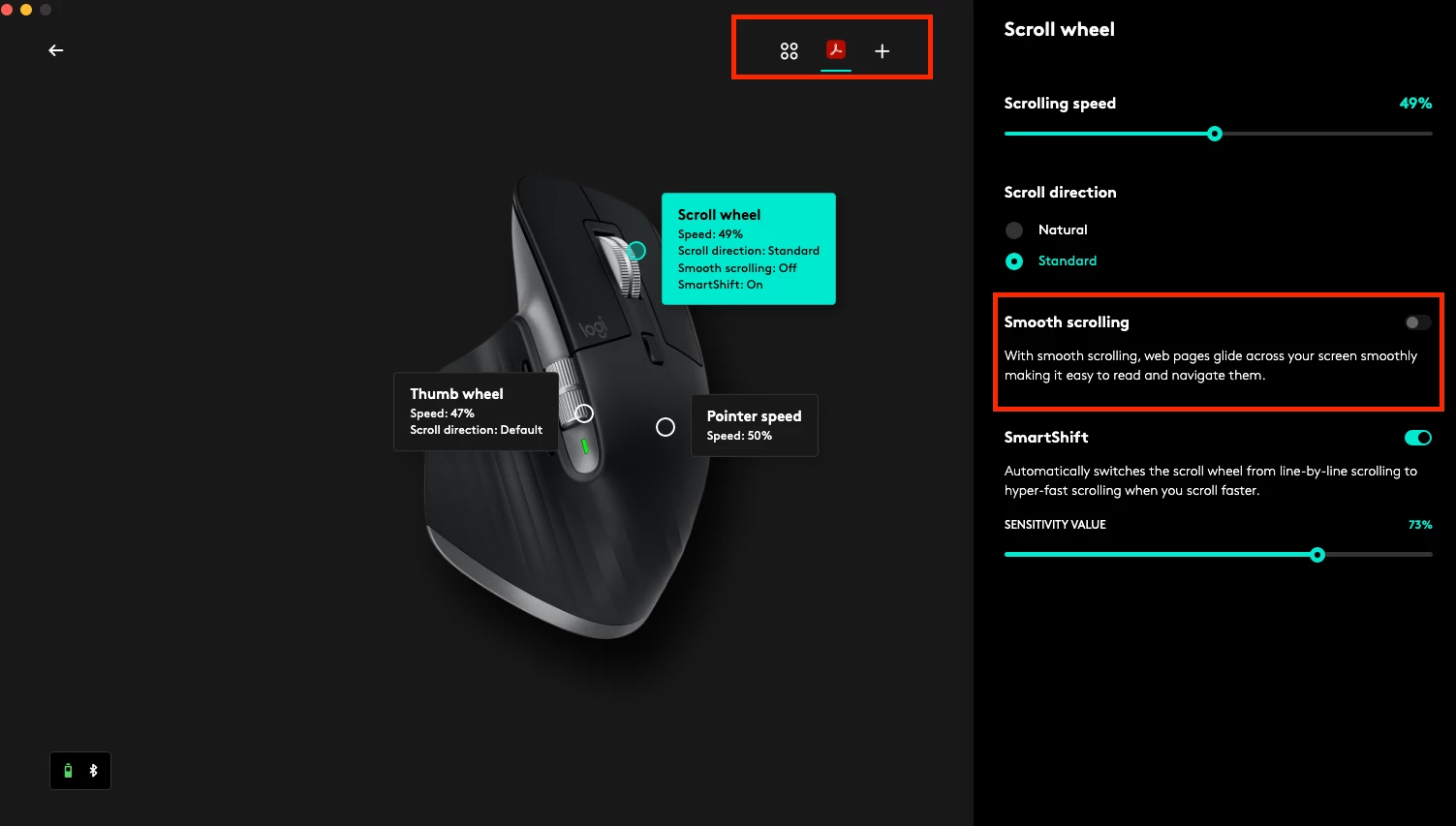
I FOUND A FIX! I use a Logitech mouse and got tired of their bloated software so I tried a new mouse management software called Mac Mouse Fix. An added bonus is that it's compatible with Apple Universal Control, which Logitech Options is not. With Mac Mouse Fix, I was able to add app specific settings for Acrobat to disable 'Smooth Scrolling'. With that, Acrobat scrolls like just about any other app I use. The smooth scrolling setting might not be universal to Mac Mouse Fix, but I couldn't find it in Logitech Options, Acrobat settings, or macOS settings. I hope some of you find this helpful.
TLDR; If you can find and disable a 'smooth scrolling' setting for your mouse in Acrobat, it might fix your scrolling issues.

 AdChoices