Hi @Fancy_Mercury5741,
Thanks for reaching out, and sorry for the troubled experience.
With this limited information, it is very hard to pinpoint whether this issue is app-related or due to security software, user profile restrictions, etc.
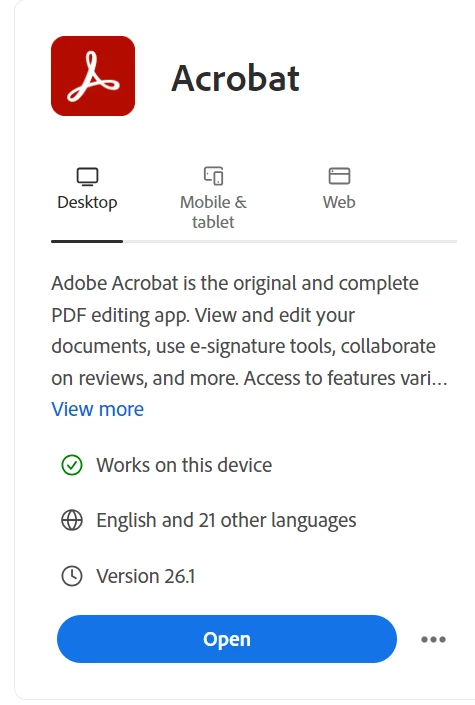
Please ensure that your copy of Adobe Acrobat is up to date. To check for any pending updates, launch Acrobat, then select Help > Check For Updates. One can check the current version available here: https://adobe.ly/4cuxDpc
You may also try signing out of the app, closing Acrobat. Launch Acrobat, and sign-in again, wait for a minute, and try again
If need be, launch Acrobat, then select Help > Repair Installation. Check the issue again.
If the issue persists:
Try disabling protected mode at startup. This suggestion is for testing only:
To disable protected mode, you'll typically navigate to the application's settings, usually under "Options" or "Preferences," then find the "Protected View" or "Security (Enhanced)" section. Uncheck any options that enable protected mode and apply the changes.
⚠️ Important Disclaimer:
Protected Mode is a security feature that helps prevent malicious content in PDFs from affecting your system. We recommend disabling it only for testing purposes. Do not open files from unknown sources while it’s off. If this step resolves the issue, we can guide you toward a safer, permanent fix.
If the issue continues to persist. Enable protected mode and provide us with the following details and logs:
Acrobat version installed: https://adobe.ly/3PQQ7nE
-
Operating system name and version
-
Does it happen with all files? Or this happens even before opening a file
-
Is there any particular workflow that is causing the issue?
-
Can you share a video recording of the issue?
We would also need logs:
Steps: For Adobe Diagnostic logs for Acrobat
-
Download the utility from this link: https://adobe.ly/4nqkAbE
-
Open the tool and click Start Diagnostics.
-
Ensure Advanced Logging is enabled.
-
Launch Acrobat and reproduce the crash or freeze (open the “What’s New” window).
-
Once the issue occurs, return to the utility and click Stop Monitoring.
-
Copy the Log ID shown and share it with us here.
Steps: Collect Crash Logs (if crashing is appearing for Acrobat)
If Acrobat is crashing (and not just freezing), we also need crash logs:
-
Instructions: https://adobe.ly/44afCIz
-
Once collected, upload the logs to any cloud drive (e.g., OneDrive, Google Drive, Dropbox) and share the link with us.
Once we have all this information, we can escalate the issue appropriately and work toward a resolution. Thanks so much for your patience and cooperation — we’re here to help.
~Tariq





 AdChoices