
Question
Acrobat on iPad: Annotation stroke changes appearance after saving
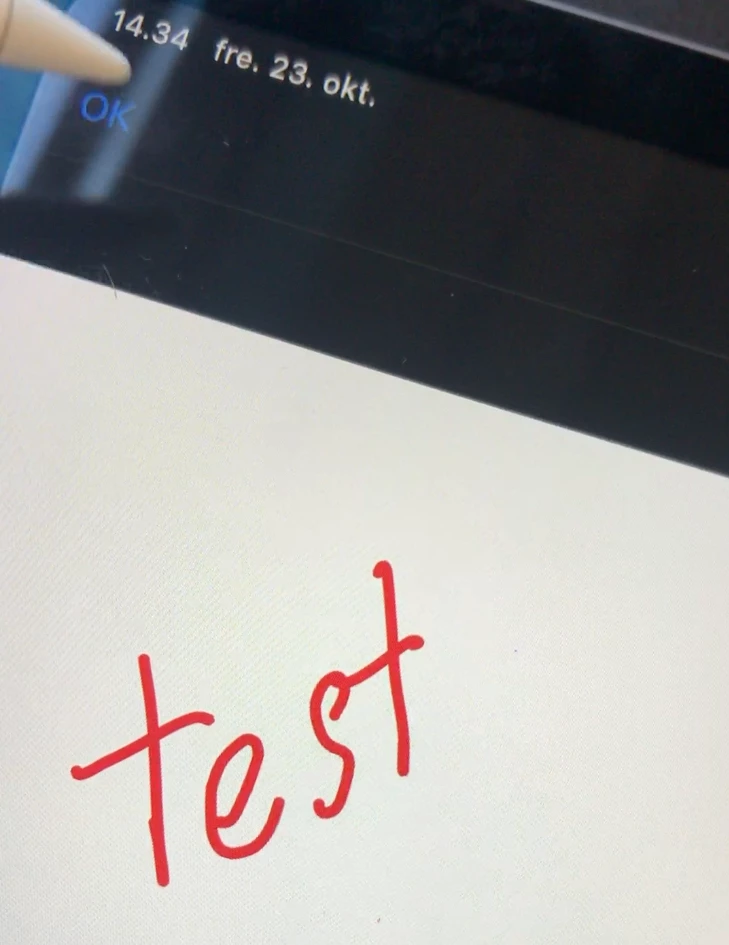
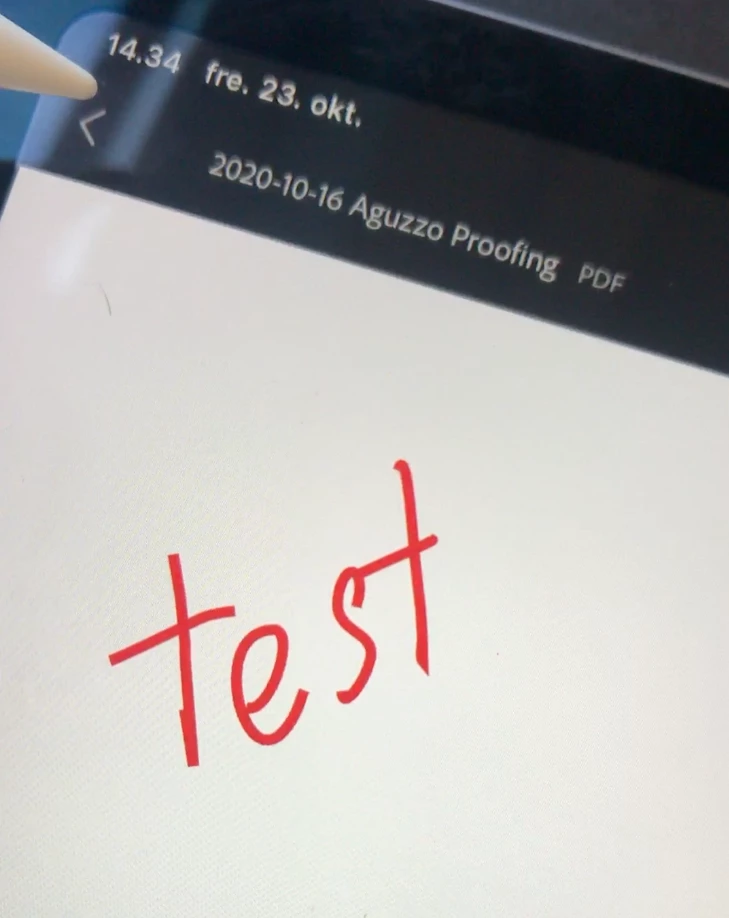
When drawing annotations with the Apple Pencil in Acrobat on my iPad, the annotations change appearance as the PDF is saved.
First screenshot: The annotation before saving the PDF.
Second screenshot: The annotation after saving the PDF (note how it becomes all jagged).
This is mainly a problem when writing very small annotations, as they become pretty hard to read.
Is there a fix to this issue, or is it just something i'll have to deal with? 🙂
 AdChoices