



Question
Acrobat on Mac does not allow the fill color to be changed on shapes added
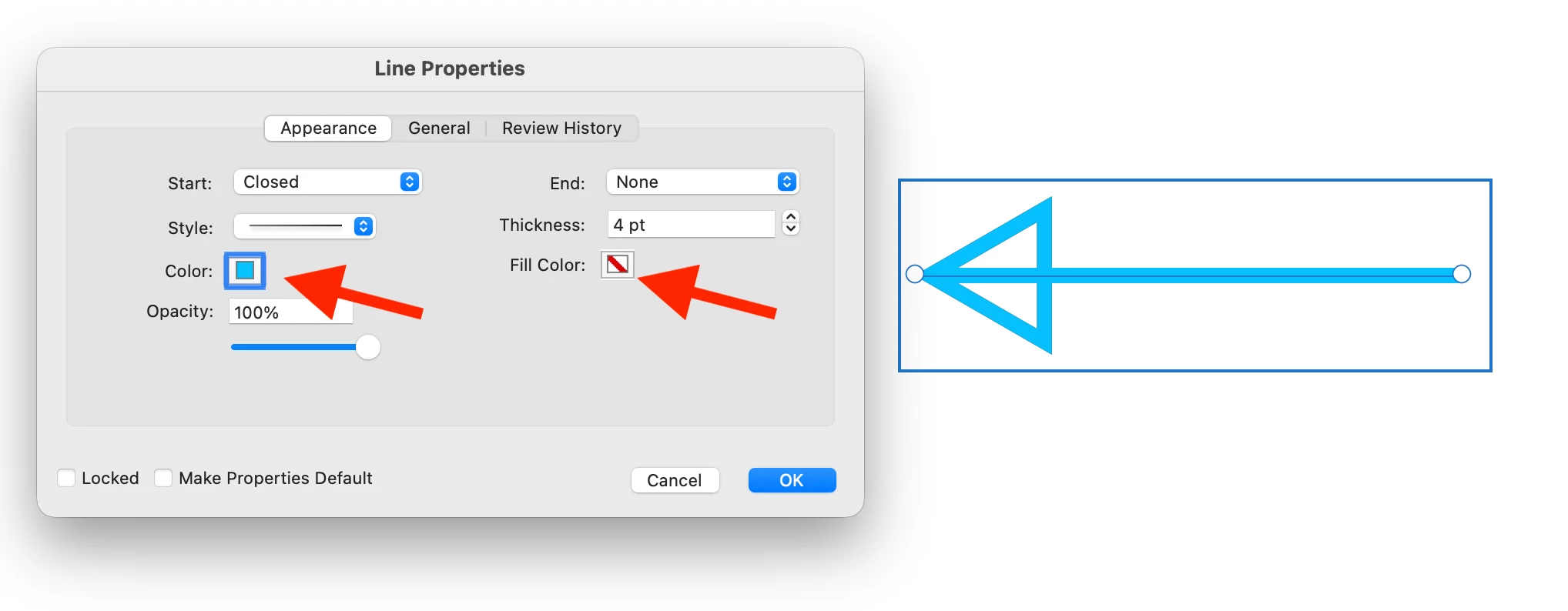
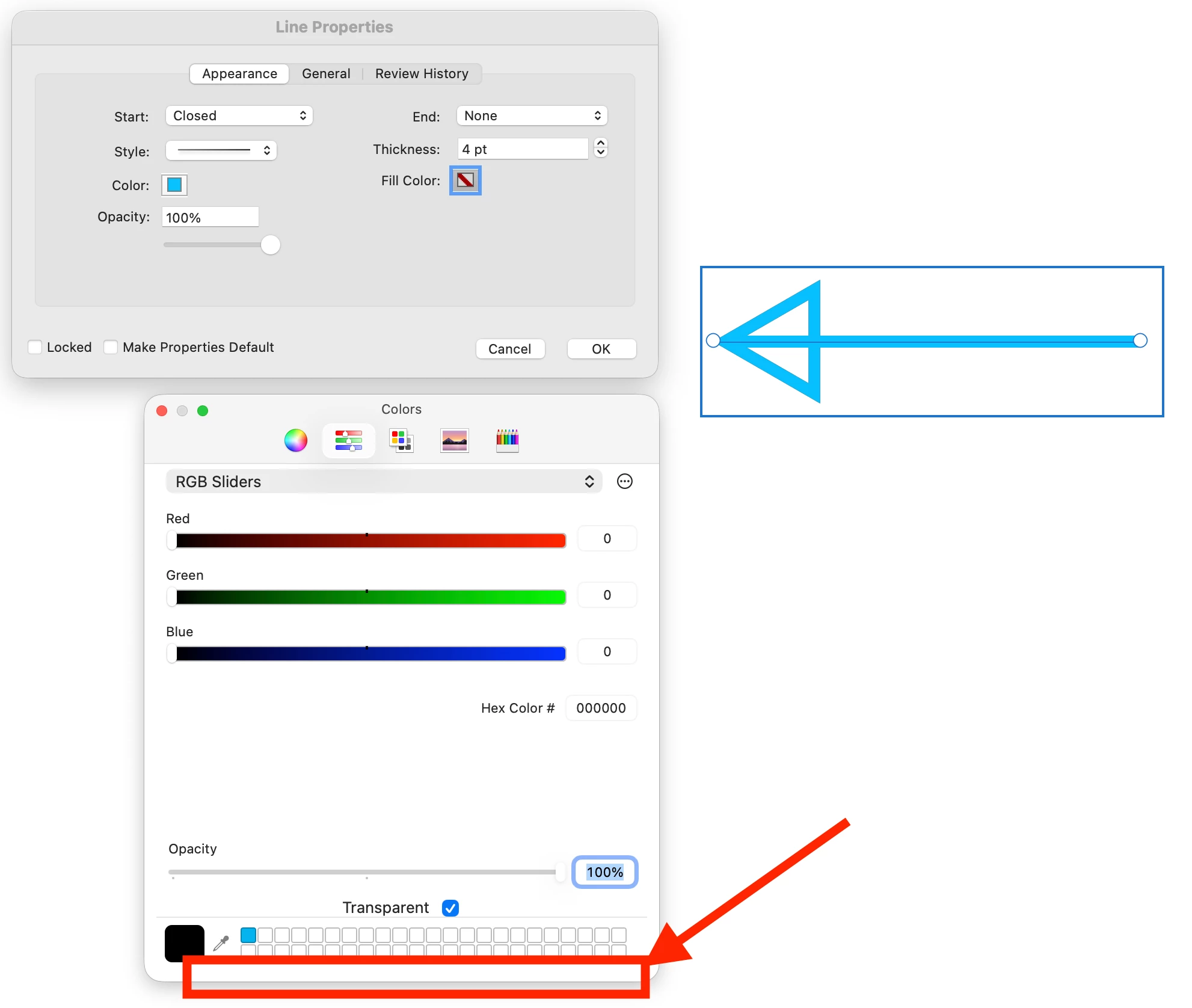
On Acrobat, after a line has been added with an arrow, there is no way to confirm the selection of a fill color. There is no option to click OK, or Confirm, and no key you can press that will make the selection be confirmed.
You can change the line color in the mini Line Properties Menu. But the extended Menu where you can change the color of the line, and the fill color of the shape, does not work.
This is the same with all shapes, not just lines. Rectangle, Oval, Etc.
This has been broken from many updates. At least a year, and needs to be fixed.
 AdChoices