Question
acrobat PDF file in tiled format; need to make each tile a separate page
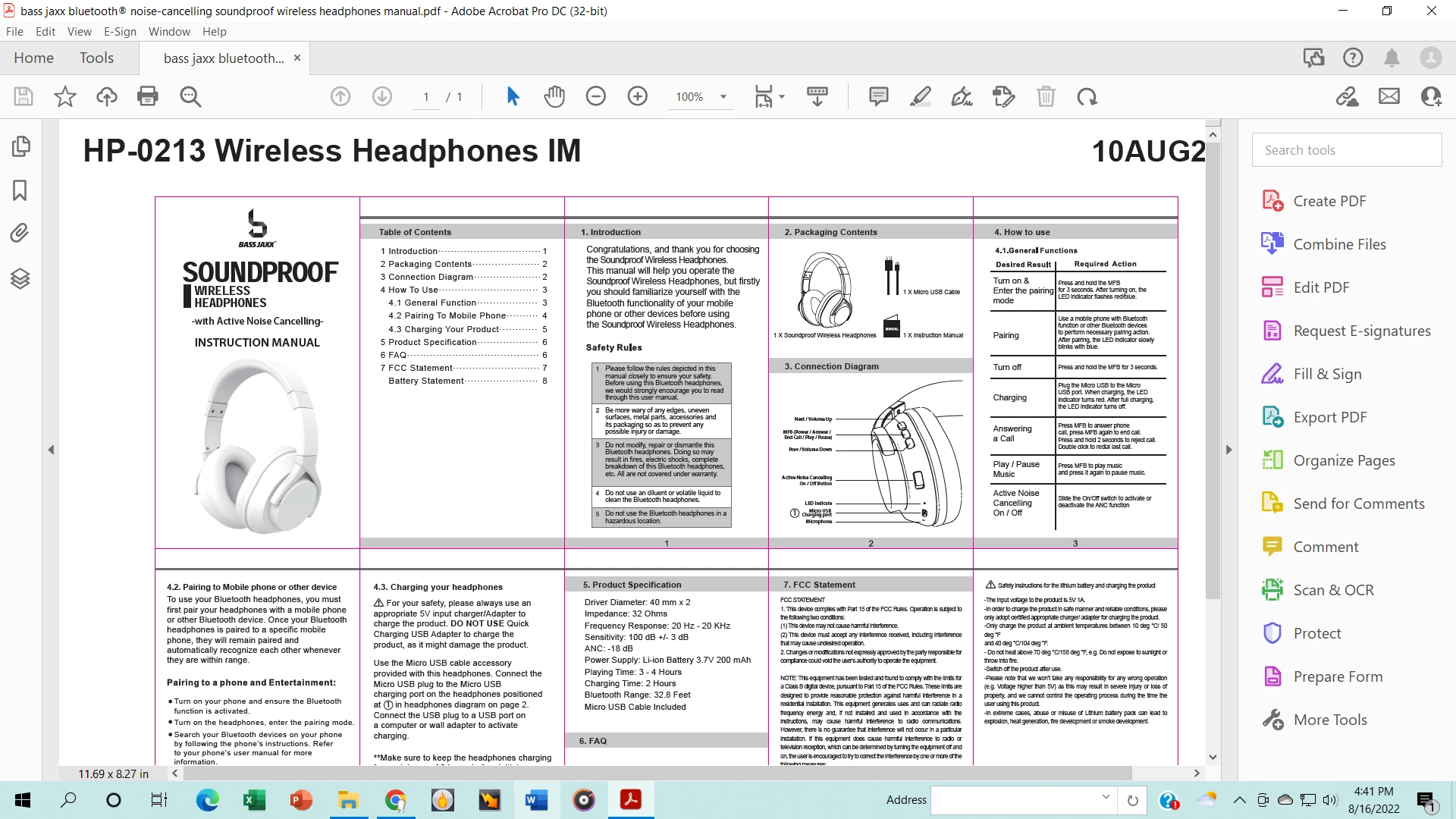 this is how the file looks . Need to make the tiled boxes that a delineated with red lines into separate pages
email address: mrv11292013@gmail.com

this is how the file looks . Need to make the tiled boxes that a delineated with red lines into separate pages
email address: mrv11292013@gmail.com
Already have an account? Login
Enter your E-mail address. We'll send you an e-mail with instructions to reset your password.
 AdChoices