


Participant
December 22, 2025
Question

Acrobat PDF Flle Sharing and Collaboration

  • December 22, 2025
  • 1 reply
  • 108 views

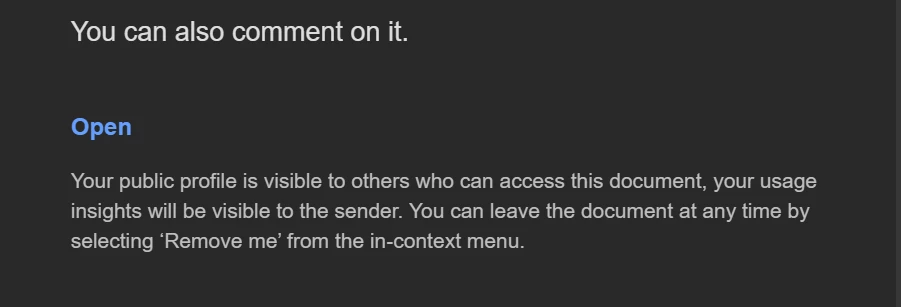
When I hit "share" in Acrobat, and sent an email to a coworker to access and comment on a PDF - they got the email in Outlook but even after verifying the security of the email and trusting the sender, they could not click the "Open" button link in the email. Is there a reason this happens, a fix? 


The "Open" button that cannot be clicked is seen in the graphic below:Screenshot 2025-12-22 122924.png
1 reply

Amal.
Legend
December 22, 2025

Hi there


Hope you are doing well and thanks for reaching out.


This usually happens because Outlook (or your organization’s email security tools) is blocking or disabling the “Open” button in the Adobe Share email. Even though the email looks safe and the sender is trusted, Outlook sometimes treats the embedded button as a protected or inactive link.

Here are a few things that typically help:

  • Instead of clicking the Open button, have them right-click the button and choose “Copy link”, then paste that link directly into a web browser.
  • Ask them to check if there’s a plain text link in the email (often shown below the button). That link usually works even if the button doesn’t.
  • Try opening the email in Outlook Web (browser version) instead of the desktop app.


Let us know how it goes. 


~Amal