
Participant
November 20, 2017
Answered

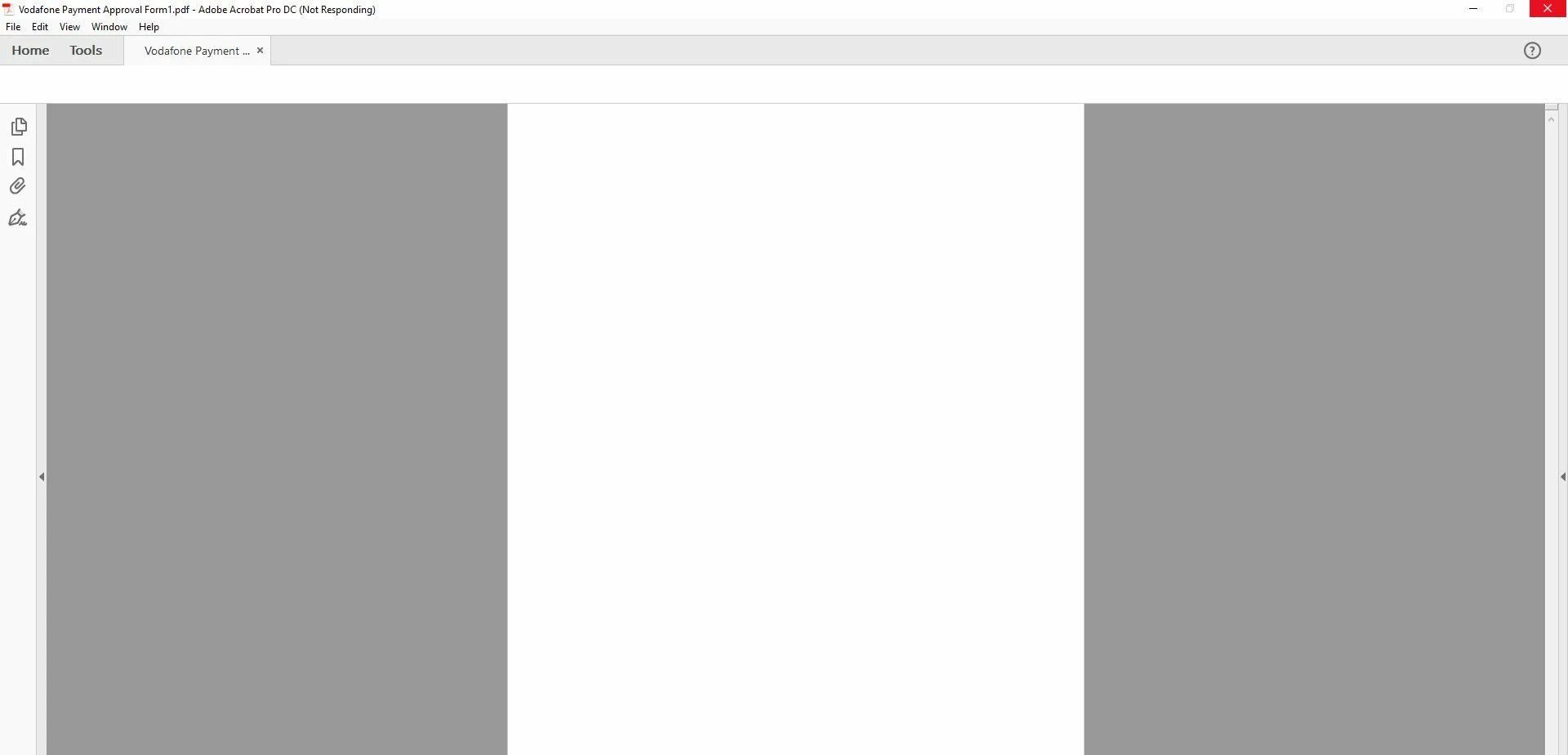
Acrobat PDF Form document with digital signature fields does not launch

  • November 20, 2017
  • 9 replies
  • 2201 views

Hello,

Since Friday, November 17th, 2017,  we cannot open adobe acrobat form documents that contains digital signature fields. When we try to open the document, Adobe Acrobat application is not responding. First, I thought it is about verifying the digital signatures but even the unsigned form cannot be open. Also same document that digitally signed before cannot be open.

I created this form using Adobe Acrobat Pro DC in April 2017. It was working fine until November 17th, 2017. All our users have same problem. Please advice.

Thanks.
This topic is closed to new replies. Start a new post to keep the conversation going.
Correct answer Adorobat

Hi Bilal,

Could you please confirm if the problem is resolved on your end?

Thanks.

Ahmet.


Hi Ahmet,

Please update Acrobat to the latest patch and check if that resolves the issue. Launch Acrobat > click "check for updates" under Help menu.

Let us know how it goes.

Shivam

9 replies

cadbury
Adobe Employee
Adobe Employee
December 5, 2017

Hi ahmeta659911,

Please could you attach the unsigned pdf document , if the document does not contain any confidential information.

Also could you please check that you can open a form that you create using latest version of Acrobat.

Thanks and regards,

Chandrima

Adorobat
Participating Frequently
November 21, 2017

Hi Ahmeta,

Could you let us know the version of Acrobat you have on the machine? To check the version: Identify the product and its version for Acrobat and Reader DC

And, the operating system installed on the machine?

Would it be possible if you can share one of the pdf forms with us to replicate the issue at our end? I have sent you a private message for the same, please check the inbox.

Thanks,

Shivam

Participant
November 22, 2017

Hey Shivam.

I got your private message and sent you the form.

Version numbers:

OS: Windows 10 Pro Ver: 1703 Build: 15063.0

Adobe Acrobat Pro DC, Continuous Release | Version: 2018.009.20044, File Version: 18.009.20044.55097, AGM Version: 4.030.00072, Cool Type Version: 5.014.00025, Core Version: 18.2304, JP2K Version: 1.002.00002.39492

Bilal Ansari
Participating Frequently
November 23, 2017

Hi,

Yes, this issue is caused by an update released recently. We are aware of the issue and are actively working on it. Stay tuned.

Inspiring
November 20, 2017

There was a recent update released by Adobe, so it may be related to that. Consider submitting a bug report here: Feature Request/Bug Report Form

Participant
November 22, 2017