

Acrobat PDF Maker crashing Excel when creating a PDF
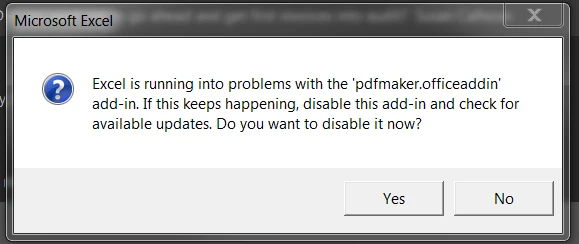
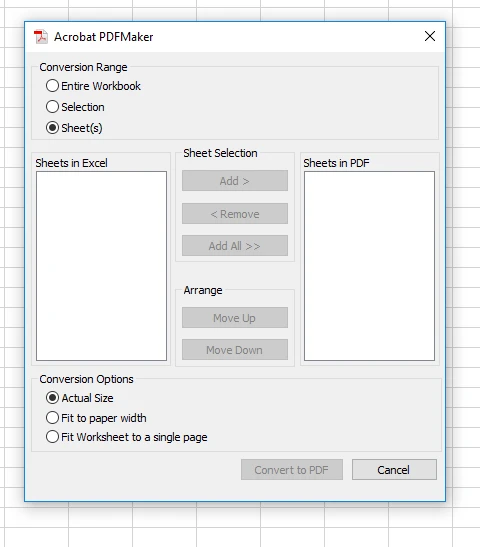
I have a .xlsx excel file that I'm trying to convert to PDF that has 10 sheets in and it's crashing Excel. I can pull the sheets out and convert them fine individually or print to pdf individually fine but when I select Entire workbook or try to Add All sheets in the Acrobat PDF Maker tool\Create PDF to convert it crashes Excel when it gets to a certain sheet. There are 10 sheets total and 5 of the sheets are just basic sheets with just text then the 5 that wont convert are files that are XML exports that have drop downs and formulas in it. When trying to convert the sheets Excel crashes then the below message pops up. I'm pretty sure this is due to a recent Office update as it was working before the most recent update and I have tried this on a 3 different computers with different user logins and had the same issue. Running Windows 10 with Office 365 version 1804 and Adobe Acrobat 2017 17.011.30059.
Any help or guidance would be appreciated.
Thanks

 AdChoices