Participant
December 19, 2018
Answered

Acrobat Pro 2017 Perpetual - Teachers Edition

  • December 19, 2018
  • 1 reply
  • 2013 views

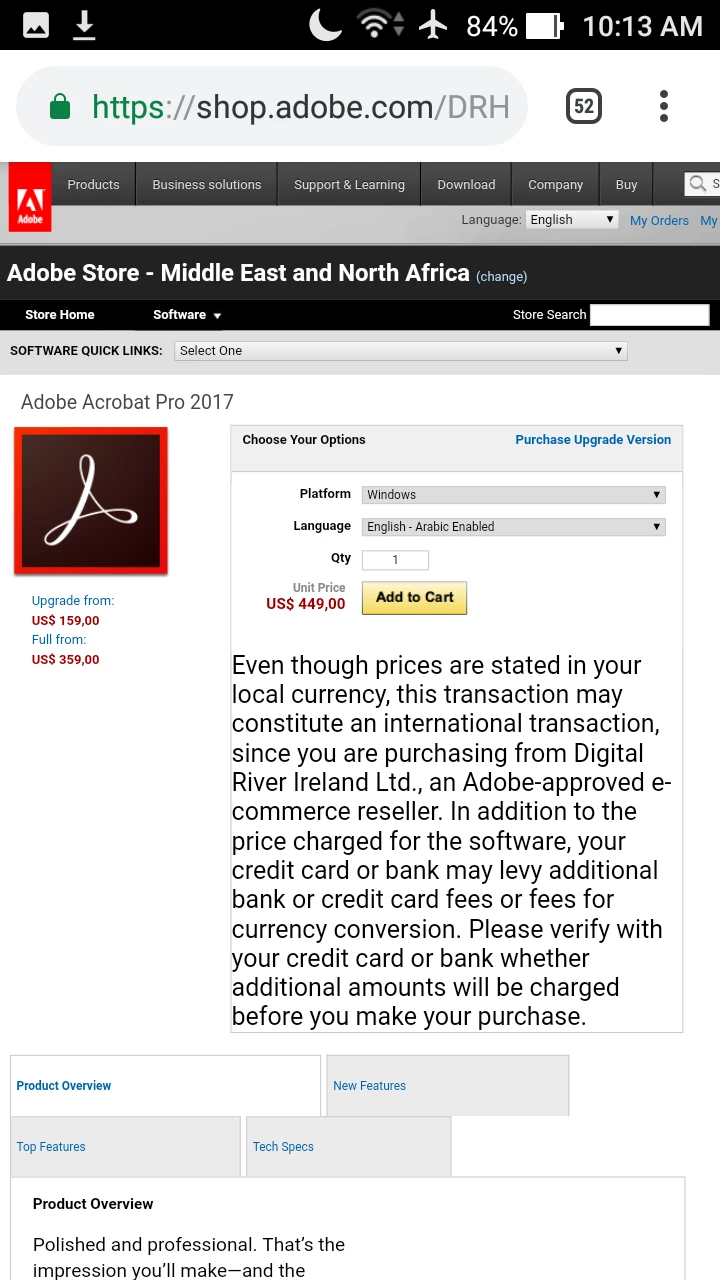
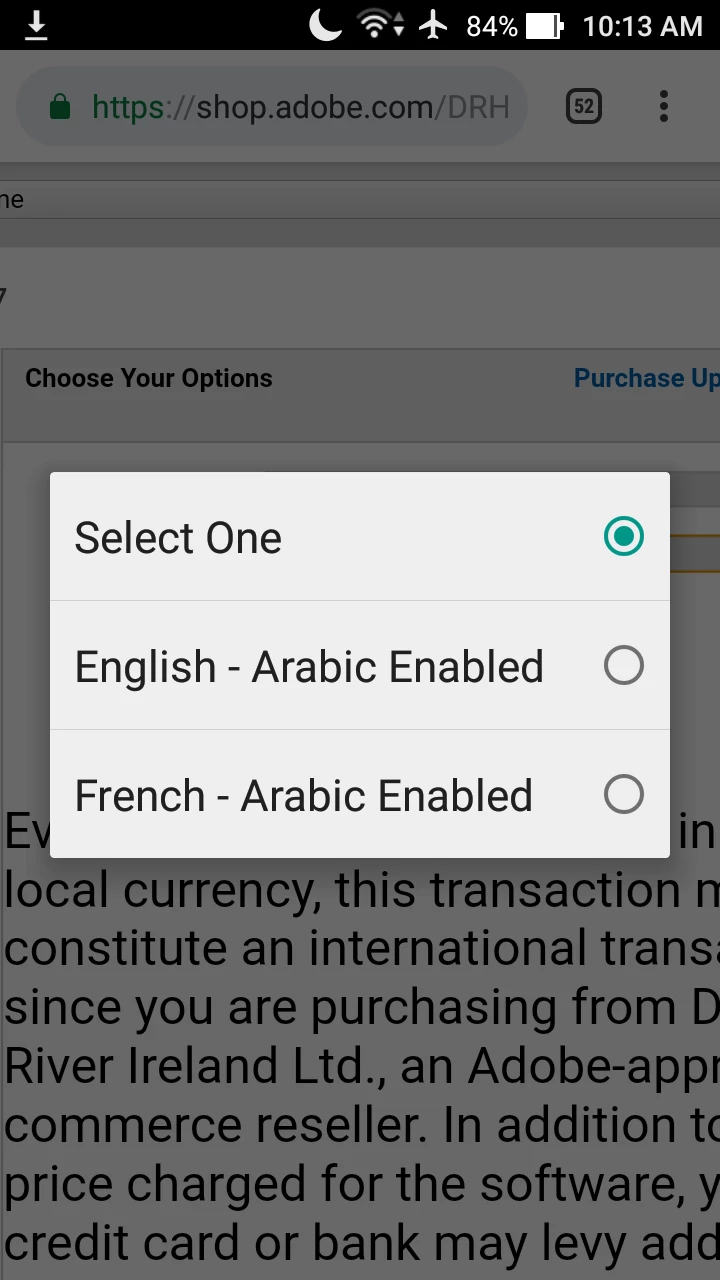
I'm going to buy Acrobat Pro 2017 Perpetual, Teachers edition. But I've a concern, I found that you Adobe sells English version with Arabic Enabled, I wanted to know more details about such specs and if my edition would be Arabic enabled too or not, I don't want of course the GUI to be in any other language but English.

What I mean is, will this edition allow me to write notes in Arabic language inside pdfs, maybe edit some words, read pdfs that was written in Arabic language without problems (But of course no OCR)..?! 

If not, do I need to buy a separate add-on or this edition don't and can't support other languages.

I already downloaded Acrobat 2017 pro from here:

https://helpx.adobe.com/download-install/kb/acrobat-2017-downloads.html

Would this be my downloadable setup file..?!

What's English with Arabic Enabled anyway..?!
This topic has been closed for replies.
Correct answer Zaid Al Hilali

Hello,

I really appreciate your help.

I've installed Acrobat pro 2017 from here:

Download Acrobat 2017

Using the 7-days trial period and it seems that it's really an Arabic-enabled but you should choose that during installation. It can read pdfs documents which were written in Arabic without problems, it even allows me to edit them, adding some Notes in Arabic language (But of course no OCR).

Would this be my downloadable setup-file?

If it's,and there would no problems with my license, that would be great.

After your confirmation, I should proceed with the purchase.


Dear Mohamed,

Whatever version of Acrobat you'd buy it can support Arabic/Farsi/Urdu/Kurdish/Dari at any stage not necessarily during installation/setup.

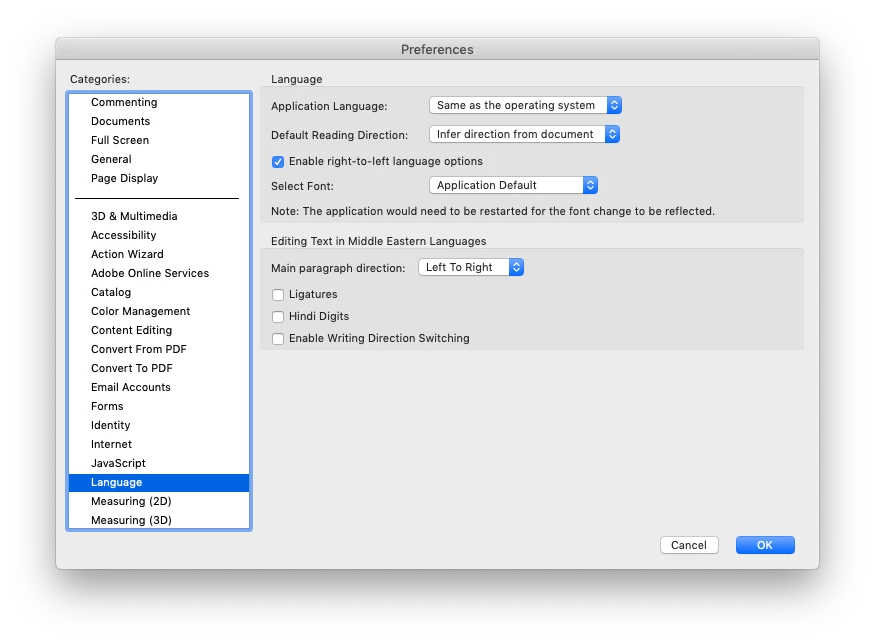
You have seen how the trial version supported Arabic, well if you go to the Preferences > Language, and from there you may play or test some of the options that suits your needs there.

Some of the top options may work only after computer or program restart as far as I remember.

Any how, whether you have set your Acrobat to support Arabic or not, it will always allow you to add comments, annotations, fill-up forms in Arabic. Note. Acrobat still lacks the full editing capabilities of a PDF with Arabic content, it has improved over the past two versions but we'er waiting for more.

1 reply

Adorobat
Participating Frequently
December 20, 2018

Hi Mohamed Mohamady,

As per the issue description mentioned above, you want to know about purchasing acrobat with arabic support, is that correct?

Acrobat DC supports Arabic within many feature but not all. Like typing Arabic text in the Fill & Sign environment. However the support for Arabic is still not available and it is stil under review. You may also refer to the answere given in the following forum thread at post#2:

How do I extract Arabic Text using Acrobat DC?

does adobe acrobat support arabic editing

You may also refer to the following forum threads discussing the similar topic:

Arabic language support

Edititing- in Arabic

Thanks,

Shivam

Participant
December 21, 2018

Hello,

Thanks for taking time to reply.

Actually what I asked for were:

1- What's the specs of "English - Arabic Enabled"..?1

2- Would my license as a teacher support that "English - Arabic Enabled"..?1

Adorobat
Participating Frequently
December 21, 2018

Hi Mohamed Mohamady,

Refer to the following help document to check the specification for acrobat pro dc:

Adobe Acrobat Pro 2017, Acrobat Standard 2017 System Requirements

For Arabic and Hebrew, the application user interface is in English and Arabic/Hebrew right-to-left language support is enabled by default.  The student and teacher edition 2017 should support english with arabic support. You can also try downloading trial ( for acrobat pro dc) from the following link and check: Download Adobe Acrobat free trial | Acrobat Pro DC

-shivam