

Acrobat Pro Crashing
Hello,
I have been using Acrobat Pro in our production environment for a long time, and users are normally able to have more than one PDF open, either in multiple windows or tabs, and have no issues. After the most recent update, some of them can barely have one open. The application crashes without warning the second you open the thumbnails on any document. And if you try to open a second, regardless of the thumbnails, the application instantly crashes both windows/tabs.
Troubleshooting steps I have taken:
Uninstalled and reinstalled the application
Attempted Repair of installation
Disabled the "Tabs" (as seen on a previous resolution)
I cannot find the ability to Rollback an update, so I have not tried that. In addition, there is simply an installer that regardless of when you got it, it just installs the latest version
I have tried reaching out to your support channel (which is 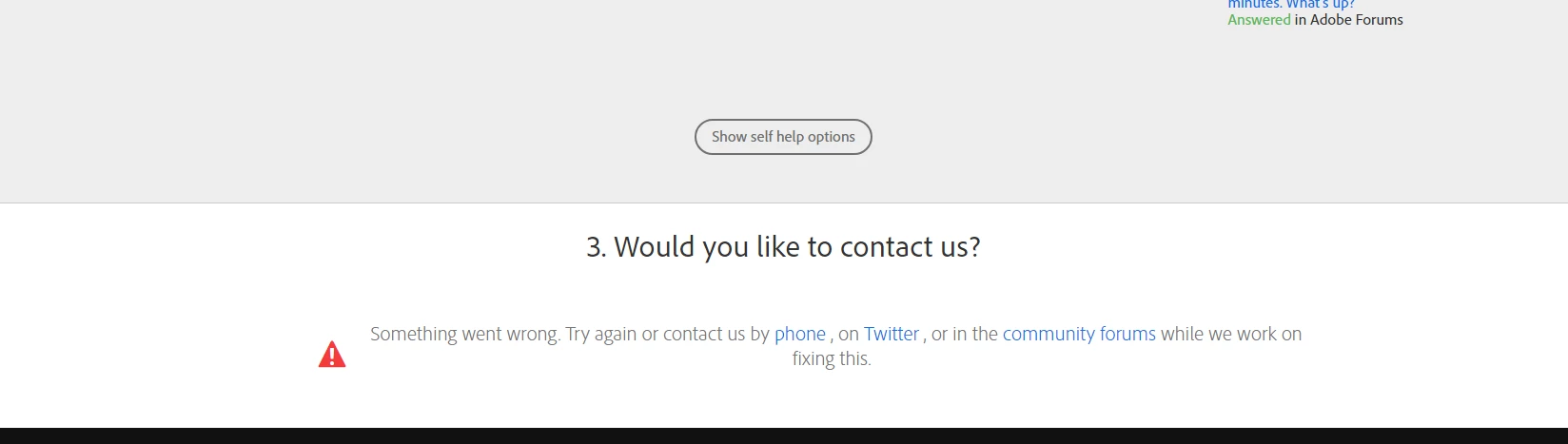 BROKEN still) and I have tried calling, 5 times... Every time I call, I explain the issue and get redirected, then I explain it again, and get redirected, and it repeats. Often times between the same two departments! I don't know how else to contact adobe, but this is the only place I can find to post something. Adobe, our company spends too much money on this software to NOT get proper support, and to not have it work correctly.
 AdChoices