Participant
December 19, 2019
Question

Acrobat Pro DC Hangs Up on Opening on My MacBook

  • December 19, 2019
  • 1 reply
  • 251 views

Help! I can't get Acrobat to open since the cat turned off the laptop. The app was open when the power button was pushed and now when I open it I get this:
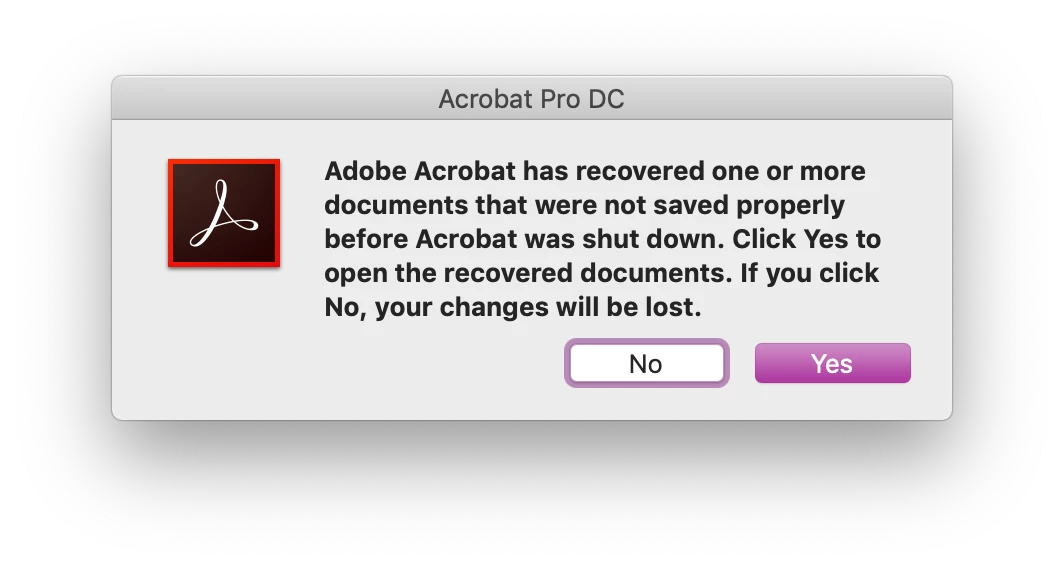
Clicking on the No button doesn't work, I tried uninstalling and reinstalling Acrobat hoping it would help but I still get this dialog box.

This topic has been closed for replies.

1 reply

ls_rbls
Community Expert
Community Expert
December 20, 2019

Click yes to restore the files that couldn't save properly due to the forced shutdown.


If you had  several documents that you were working with before the shutdown, they will be restore and appear in independent  tabs. This will give you the opportunity to savd each file approriately.


After you restart Acribat this message should not appear and the files should be displayed in "Recent Files" .