Thanks so much for your reply. Here are the answers to your questions ---
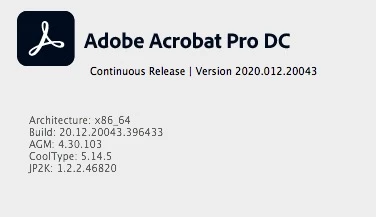
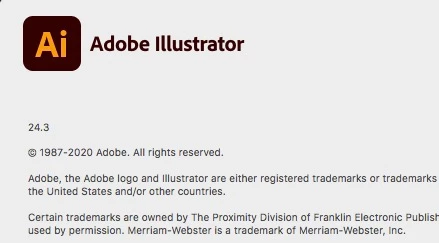
Version of Acrobat and Illustrator
After conducting a number of experiments to answer your questions, I found the answer. #Yay
The inserted jpg that would not print, was designed by me, in Adobe Illustrator (AI), for the express purpose of inserting into my Adobe PDFs.
- It (the inserted JPG) would print correctly on my PC, not my Mac
- It would print correctly on my PC in non-Adobe PDFs (ones created from scanning on my Epson scanner) but not on my Mac
- It would print correctly on BOTH my Mac and PC using Print as Image.
- It would print correctly on BOTH my Mac and PC, if I inserted a jpg that was a photo.
So I went back to my design in AI, and looked at how I saved it as a JPG. The original image that would not print properly on my Mac, was created using EXPORT AS. I decided to save the image as a JPG, using Save As Legacy.
When I inserted the EXACT same image, but it had been saved as a JPG using the Save As Legacy method in AI, it printed prefectly on my Mac and PC!! #Woohoo Problem solved.
UPDATE REQUEST -- I almost solely print PDF documents that have mixed page sizes (ltr and lgl). When I have used Print as Image for other reasons, using it takes away the ability of a dual tray printer (Brother HL-L5200DWT) to utilize the "choose paper source by PDF page size" funciton. I would love to see a fix for this. When print as image is selected, the 'choose paper source' function is NOT grayed out in the print window, but when you print, everything prints on letter. #sad
Thanks so much for your assistance.

 AdChoices