
Participant
March 22, 2024
Question

Acrobat Pro- Field text doesn't show up

  • March 22, 2024
  • 3 replies
  • 459 views

Dear community, 


I'm on it since 90 minutes and can't find a solution, so please help me out.


I made a very simple form.

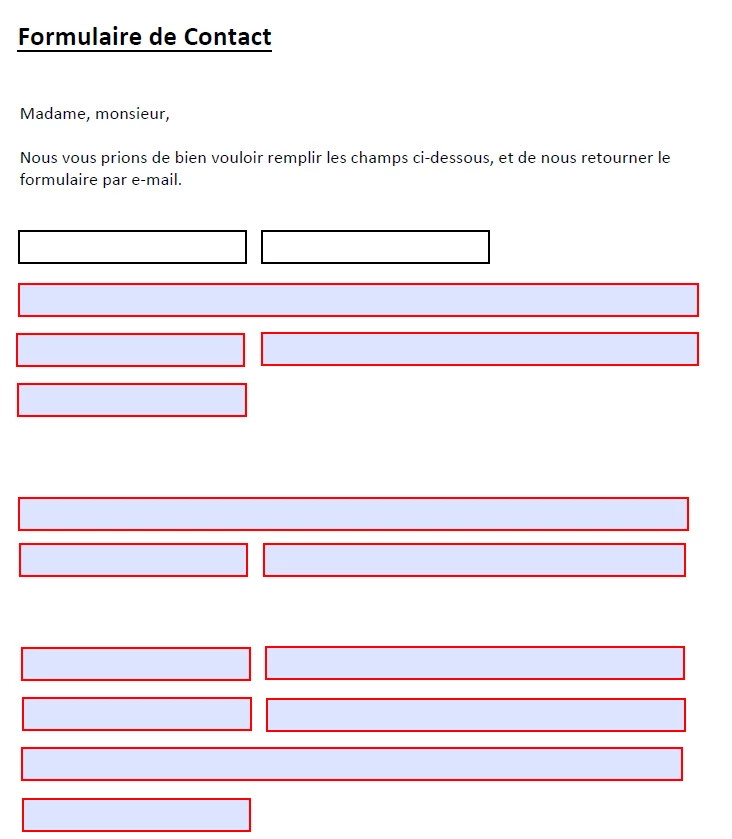
My problem is that when I send it over the field doesnt show anything.  

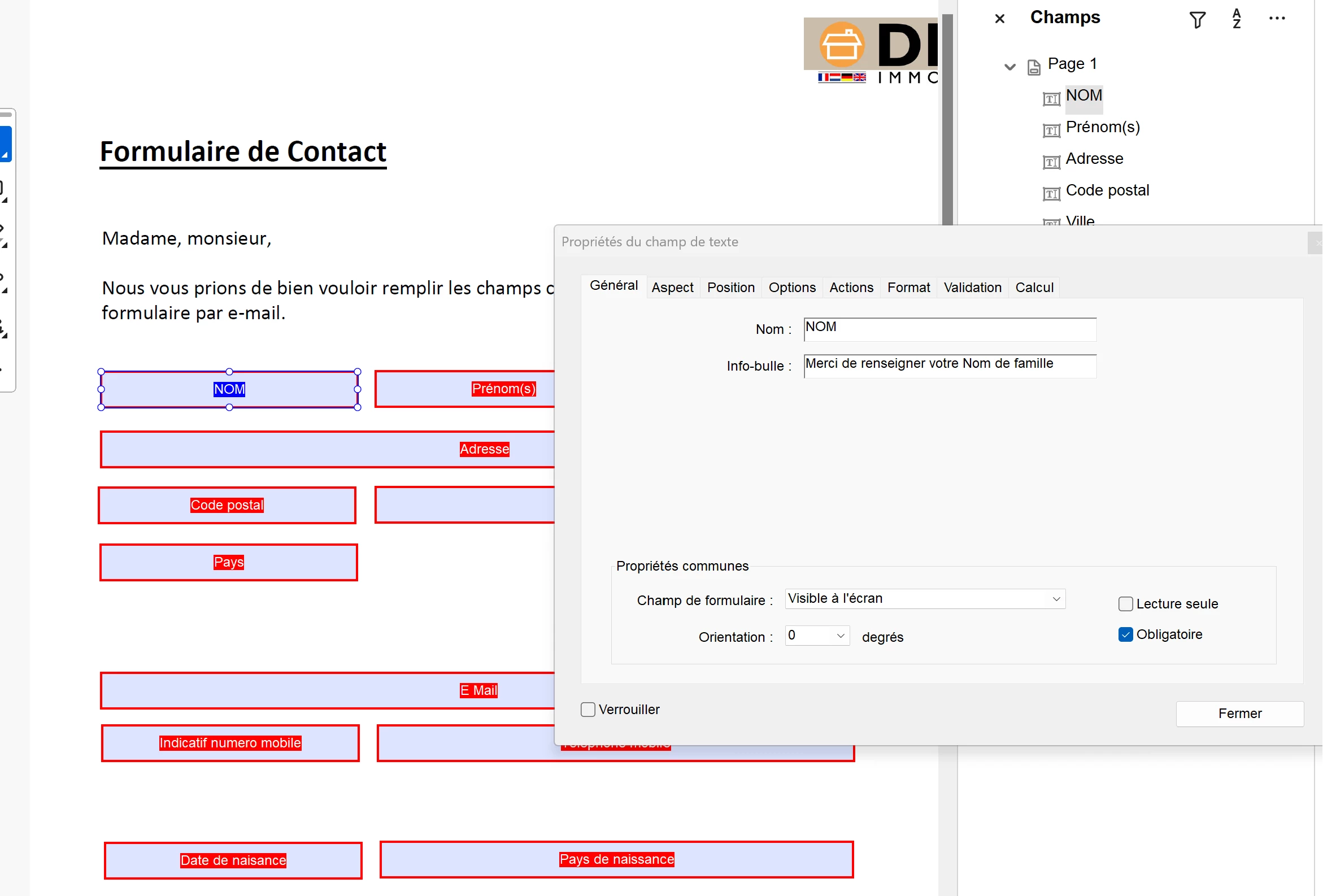
I would like to show it for example NAME, SURNAME, etc etc so that is is very easy to fill in.


This is my version on Acrobat pro:
 

This is what the people see:


Thank you for your help,

Bo

This topic has been closed for replies.

3 replies

try67
Community Expert
Community Expert
March 22, 2024

You can set those texts as the fields' default values (under the Options tab in the Properties dialog). Then clear the form and they will revert to those values. The field names are not displayed to the user, normally.

Nesa Nurani
Community Expert
Community Expert
March 22, 2024

Use something like this as custom format script (you can remove color part if you don't want it):

if(!event.value){
 event.target.textColor = ["G",0.7];
 event.value = "Name";}
else
  event.target.textColor = color.black;
Amal.
Legend
March 22, 2024

Hi @Bodijk 


Hope you are doing well and thanks for reaching out.


Please go through the steps provided in the help page: https://helpx.adobe.com/acrobat/using/create-form.html and see if that works.


Let us know how it goes.


~Amal


Got your issue resolved? Please label the response as 'Correct Answer' to help your fellow community members find a solution to similar problems.