
Participant
June 29, 2018
Resuelto

Acrobat Pro X High DPI Scaling Problem in Windows 10

  • June 29, 2018
  • 2 respuestas
  • 2783 visualizaciones

Win 10 Pro x64

Acrobat Pro X

I am running a 4k laptop with an external 2k monitor. The Acrobat X menu and toolbars are impossibly tiny on the 4K screen and then grow gigantic on the 2k screen. I've tried checking/unchecking the Windows compatibility settings to no avail. Chrome, Office and nearly everything I can think of work fine but Acrobat is a frustrating mess.
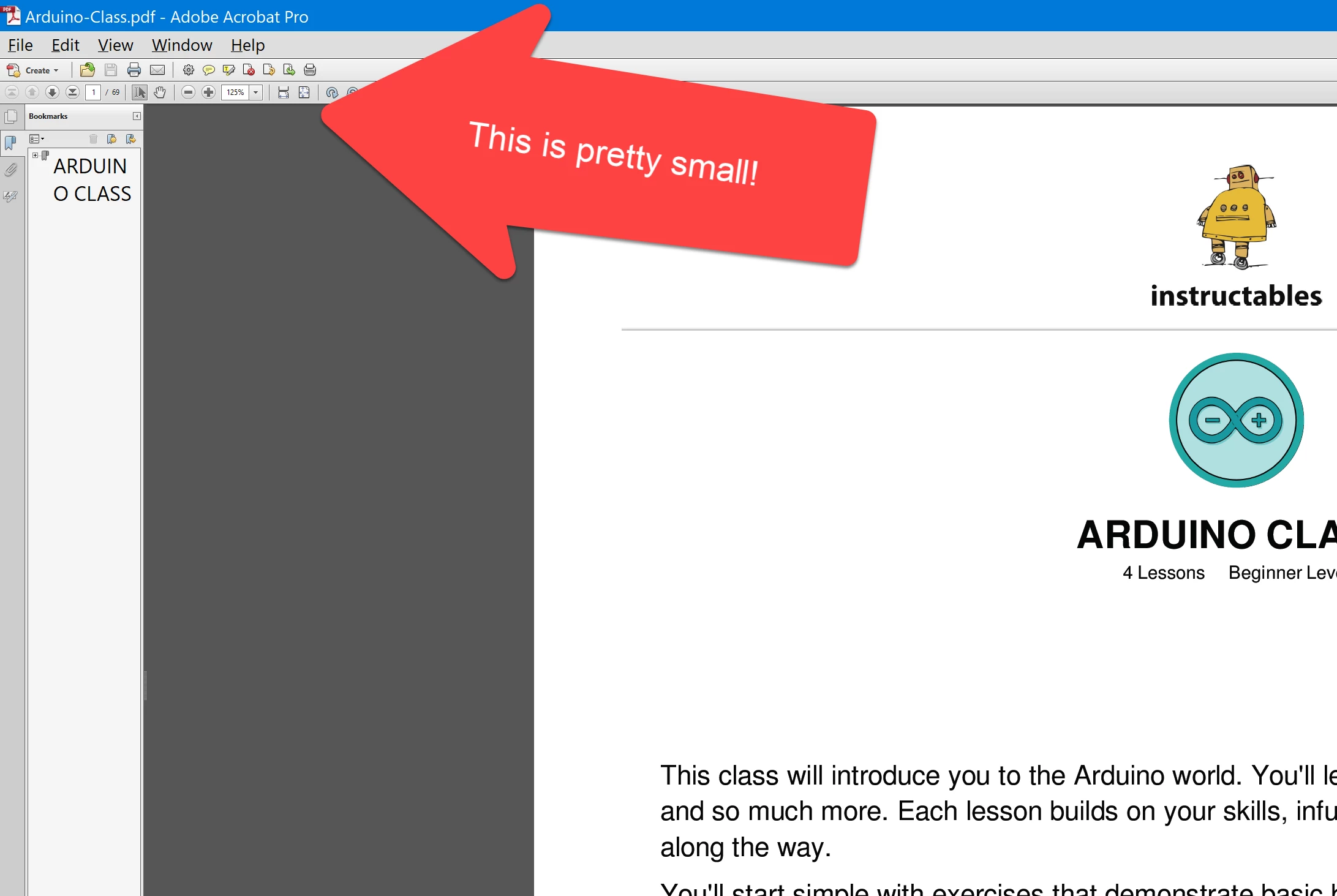
Has anybody figured out a way to fix this?

Any chance that Adobe might fix this?

Thanks,

Greg

Este tema ha sido cerrado para respuestas.
Mejor respuesta de Dov Isaacs

Acrobat 10 was released well before such monitors and support for same became available.

Adobe support for Acrobat 10 ended a few years ago and no further updates will be issued for it.

For support of hi-DPI monitors (i.e, 2K, 4K, 5K, etc.) you will need Acrobat DC.

          - Dov

2 respuestas

Dov Isaacs
Dov IsaacsRespuesta
Legend
July 1, 2018

Acrobat 10 was released well before such monitors and support for same became available.

Adobe support for Acrobat 10 ended a few years ago and no further updates will be issued for it.

For support of hi-DPI monitors (i.e, 2K, 4K, 5K, etc.) you will need Acrobat DC.

          - Dov

- Dov Isaacs, former Adobe Principal Scientist (April 30, 1990 - May 30, 2021)
Participant
July 1, 2018

I don't publish anymore and haven't really needed advanced features so X was getting me by. However, it's time to upgrade.

Technology, along with my wallet, marches on!

Legend
June 30, 2018

I believe they did a few years back. For the current version not the ancient one you have.