
Known Participant
May 30, 2024
Question

ACROBAT PROFESSIONAL 2020 license agreement loop

  • May 30, 2024
  • 1 reply
  • 596 views

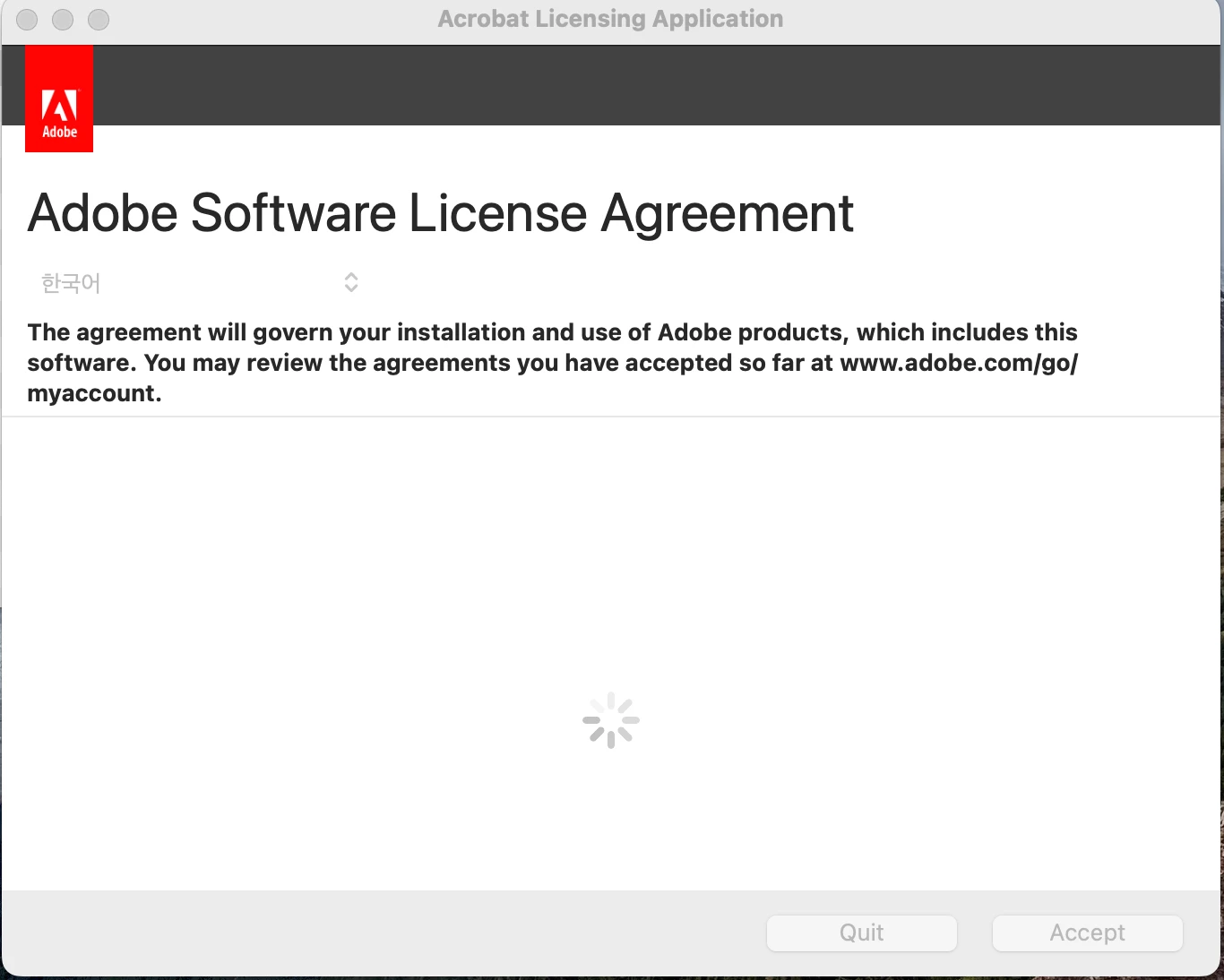
I am on a 2019 MacBook Pro running Sonoma 14.5.  I tried to launch my ACROBAT PROFESSIONAL 2020 after a period of time of not having used it and it is stuck in a loop where it will not progress beyond the software license agreement window opening.  I tried deleting the OOBE folder, but that did not have any effect.  I have restarted the Mac a couple of time to see if that would help, but no bueno.  Below, is where I am stuck.  Any help would be appreciated.
This topic has been closed for replies.

1 reply

act_98006Author
Known Participant
May 30, 2024

Further to this problem, I uninstalled Acrobat and re-installed it.  Everything went OK until I received an "The Installation failed." message.  It advised me to "contact the software manufacturer for assistance."


Is Sonoma 14.5 not compatible with Acrobat Pro 2020?

act_98006Author
Known Participant
May 30, 2024

UPDATE:  After re-downloading Acrobat for a 2nd time, it installed and solved the problem. 


Issue has been resolved.