
Acrobat randomly changes the highlighting colors
Hello everyone,
I am using Adobe Acrobat on an ipad 9gen, v24.02.02(20240307.111530)
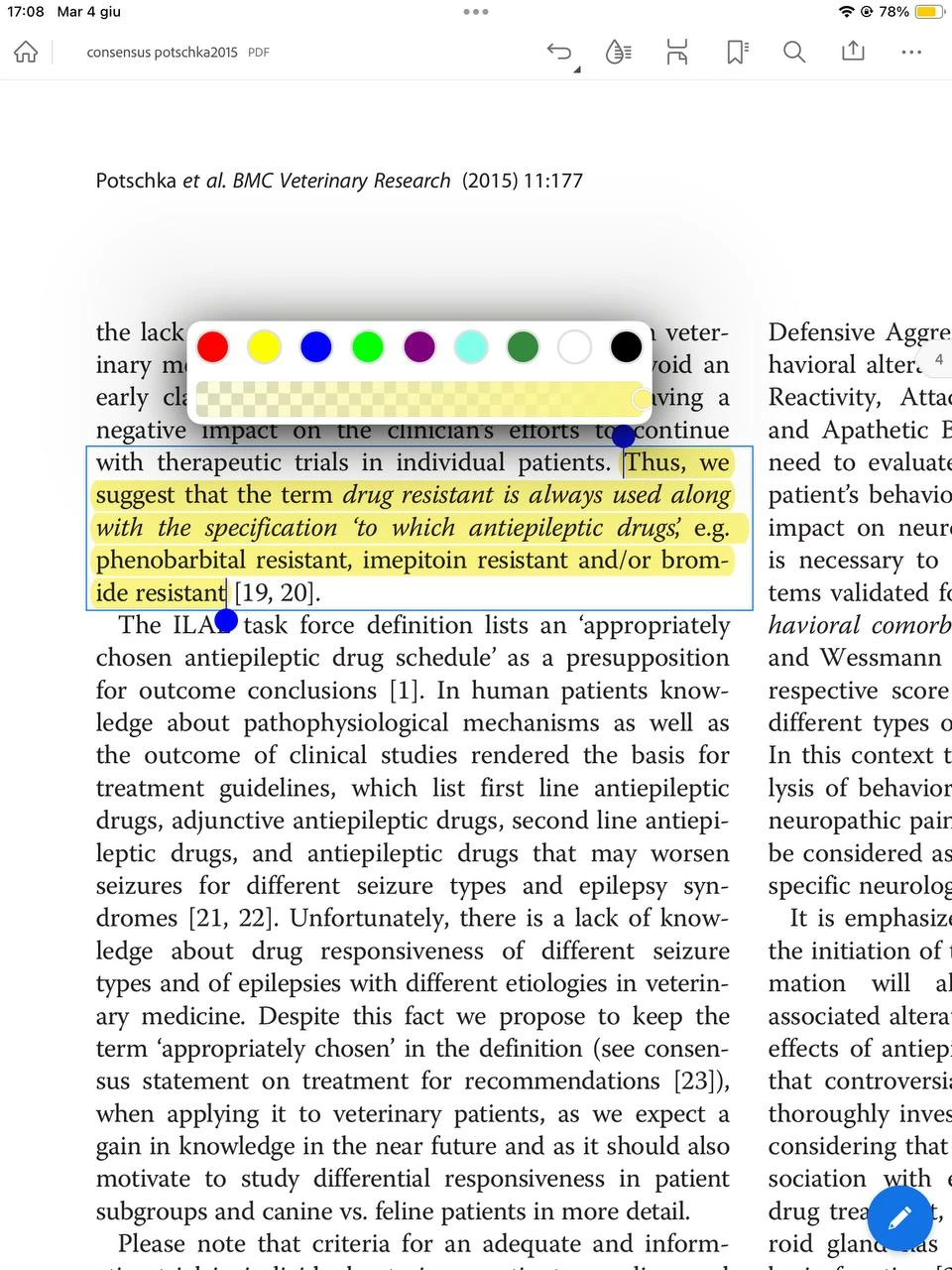
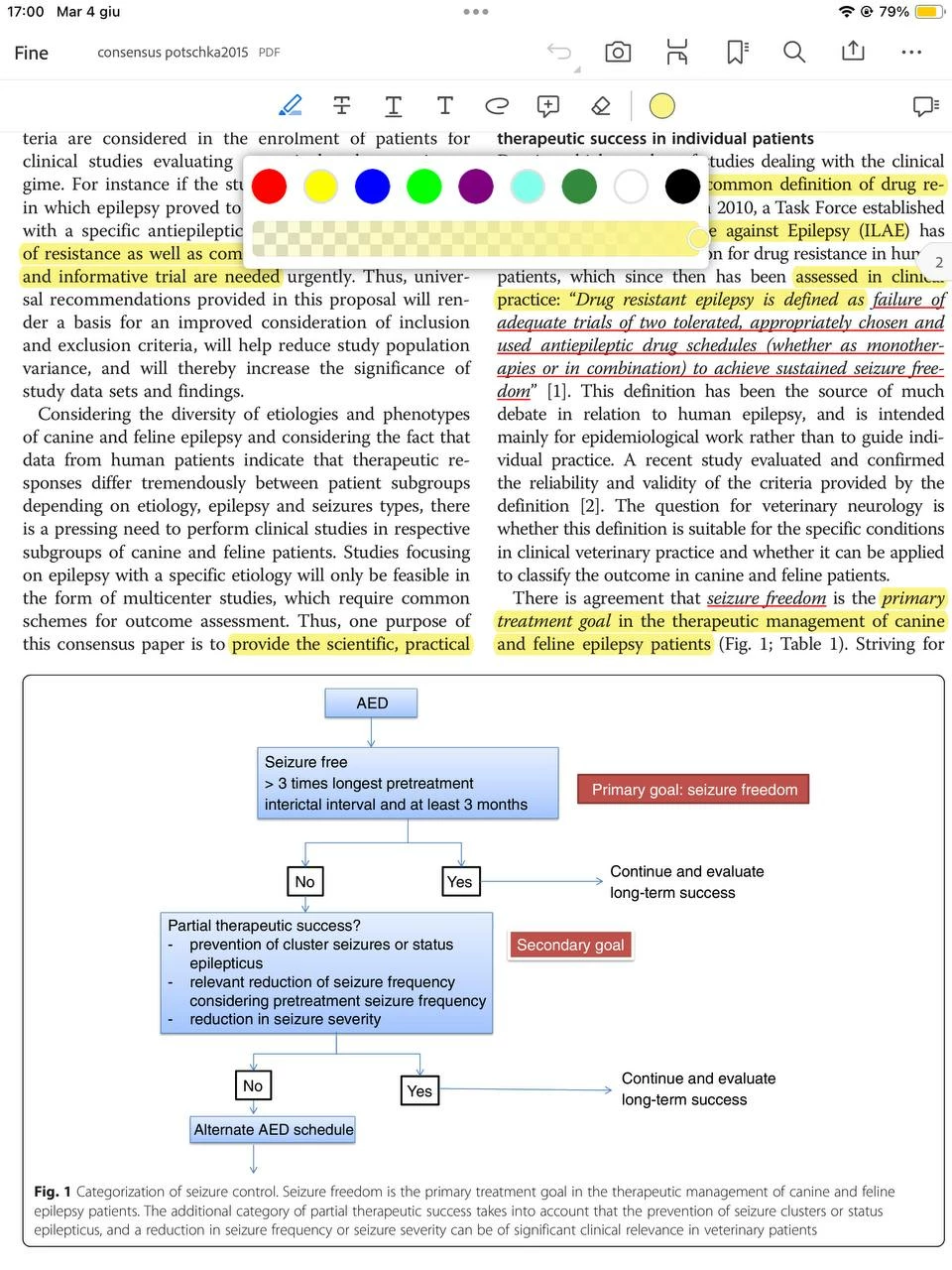
I have this problem where it randomly changes the way I can highlight the text, everytime the tools bar is on top there are just a few colors like in the screenshot below. Even if I want to change an already highlighted part, the colors are the same.
Then randomly sometimes the tools bar switches on the left side of the screen and there are more colors (which I prefer) as visible in the screenshot below.
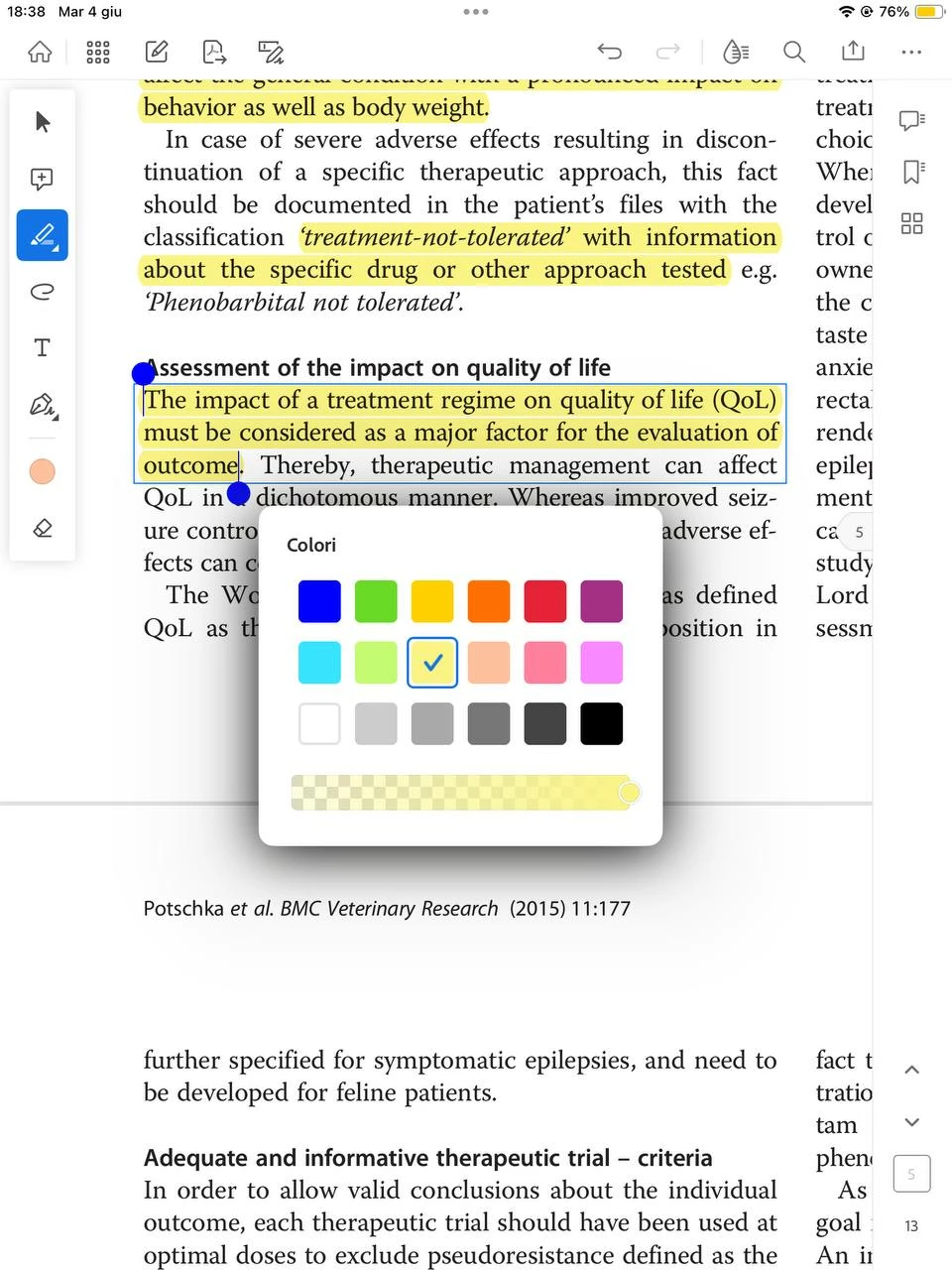
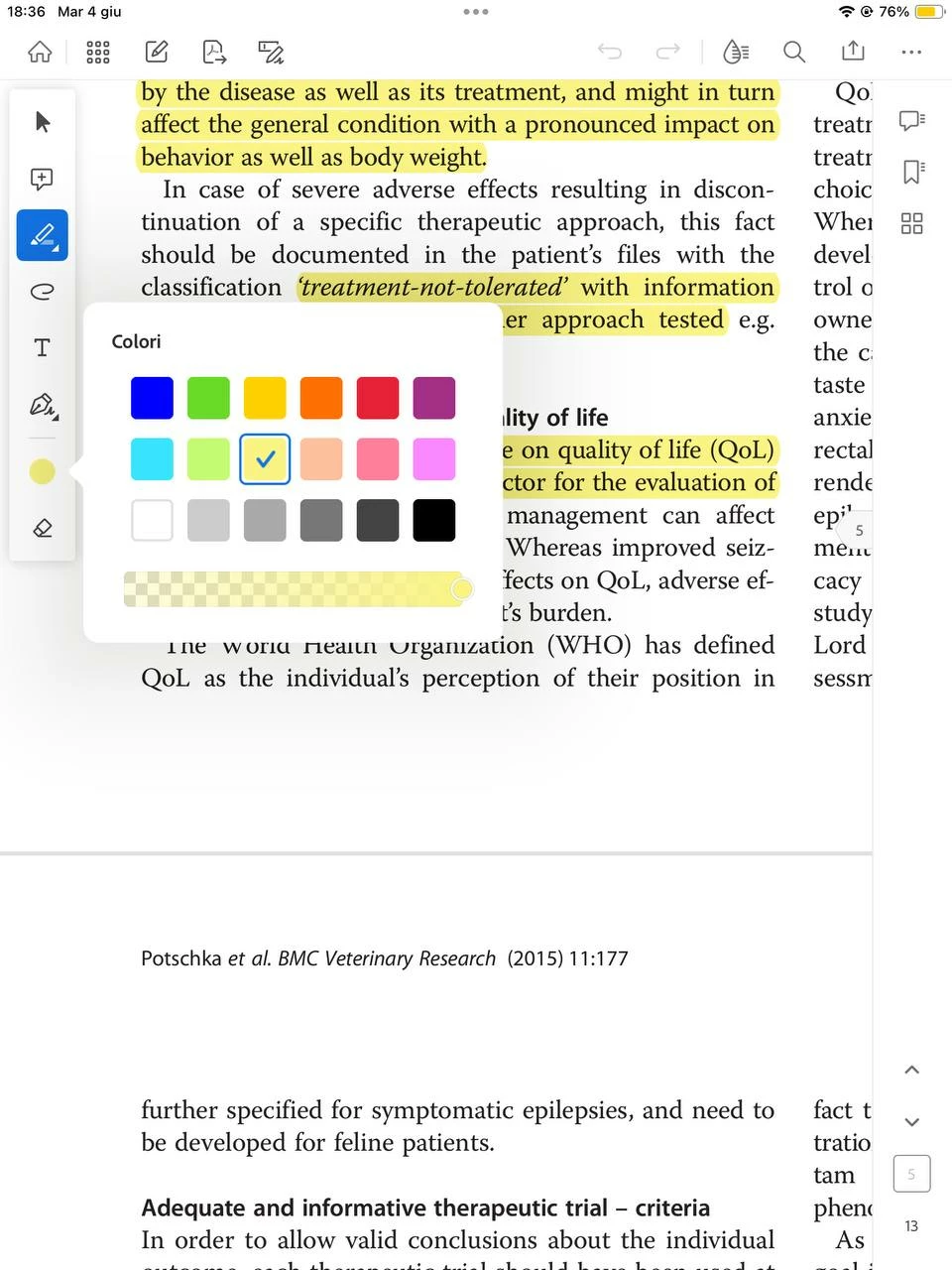
When the toolbar is on top I tried to reboot the app, go back to the app homepage and re-open the document, rotate the screen and similar actions, but none of them works. While I am browsing the document a random action, as one of those listed above, can trigger the switch of the tools from top to side (but never vice-versa, since the tools being on top only happens when I open a document after a while. But when the tool bar is on the side it stays there for all the editing time)
I would like some support about why and how this happens, and how I can avoid it, since I really prefer the tools being on the side and its highlight colors.
Thanks for the help


 AdChoices