


Answered
Acrobat Unable to Delete Odd/Even Pages on Windows 11
We have just upgraded a number of PC's to Windows 11. We have installed Acrobat DC Vers 2025.001.20693.
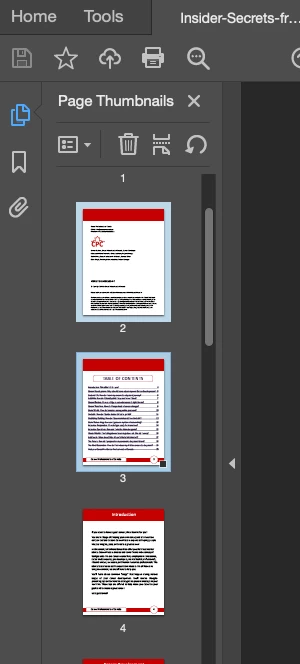
The users are reporting that if they combine a number of PDF pages and then try and delete the Odd Pages through the Organize PDF function, the pages don't delete. Nothing happens. The odd pages become highlighted when Odd Pages is selected but don't delete.
They have to manually select each page and then delete.
I have tried doing the same thing on a Mac running Acrobat DC Vers 2025.001.20693 and it works as intended.
I have looked around on the Web but can't find anything.
Has anybody else experienced this?

 AdChoices